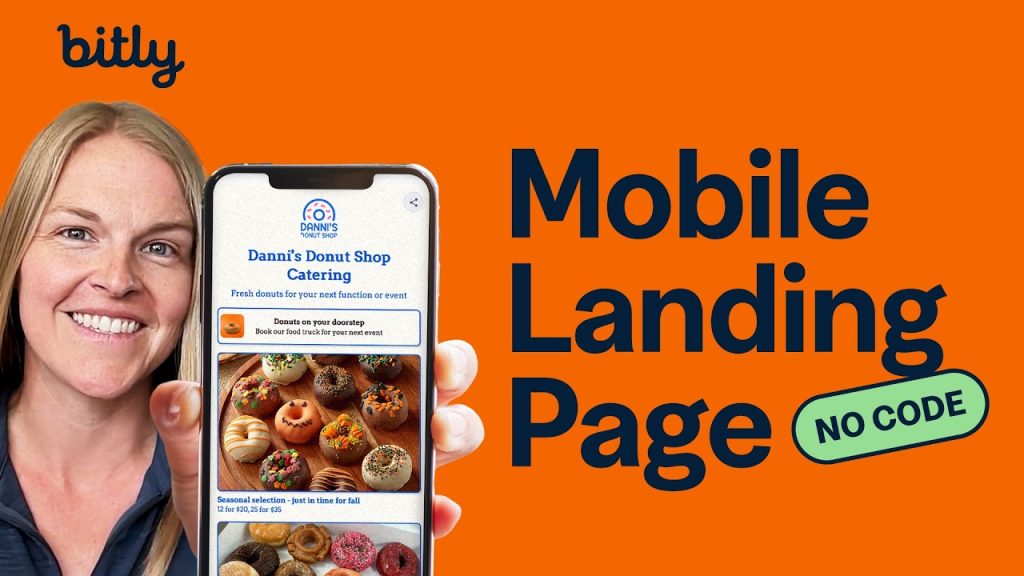

Learn how to create a mobile landing page with Bitly Pages. This step-by-step tutorial walks you through choosing a template, customizing your design, adding links, and publishing your page in minutes.
Chapters
- 0:00 What is Bitly Pages and why use one
- 0:30 How to create a new Bitly Page
- 1:00 Choosing a template or starting from scratch
- 1:20 Claiming your page URL
- 2:05 Adding and organizing content
- 2:50 Customizing your page design
- 3:15 Publishing your Bitly Page
- 3:25 Duplicating page designs (paid plans)
- 3:49 Use cases and next steps
Bitly Pages is a mobile landing page builder that lets you organize and share multiple links from a single, clean URL. Whether you need a link-in-bio page for social media, a digital business card, or an event promotion hub, Bitly Pages gives you a customizable, mobile-optimized landing page you can publish in minutes. Choose from pre-built templates or start from scratch with full creative control over colors, fonts, and layout.
Every Bitly page gets a short, shareable URL you can claim with a custom back-half. Paid Bitly plan users can also duplicate existing page designs and save them as reusable templates—a major time-saver for teams managing multiple campaigns or brands. Changes save automatically as drafts, so your work is never lost before you’re ready to go live.
- Get started with Bitly Pages for FREE:
- ➡️ https://bitly.is/Right4U
- Full Guide to Bitly Pages: https://bitly.support/pages-guide
- Copying existing design: https://bitly.support/copy-page-design
- Subscribe for more things Bitly:
- 🔗 https://bitly.is/youtube