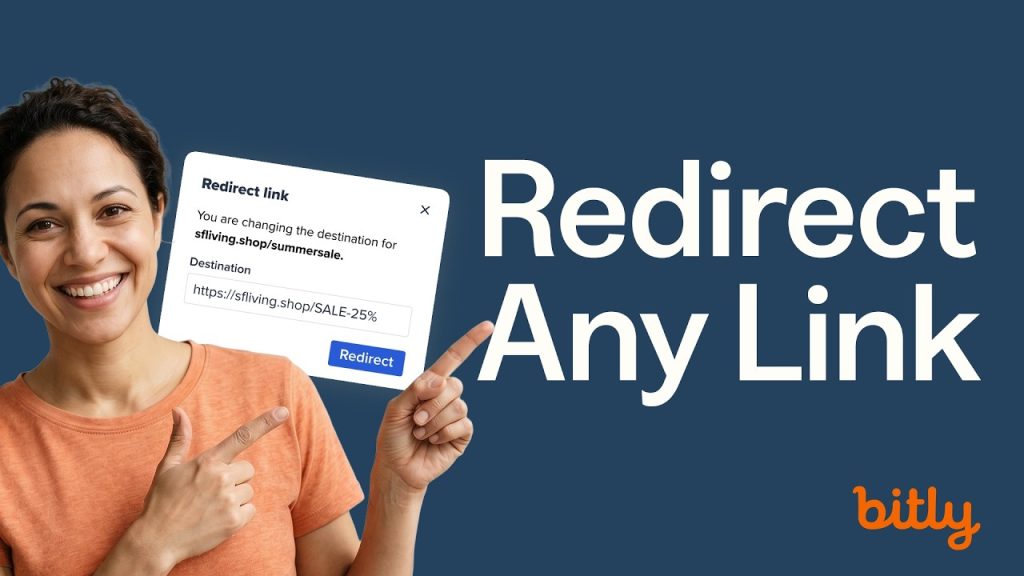

Already sent a link with a typo? Need to swap a landing page mid-campaign? Bitly lets you edit any link’s destination, back-half, or title without breaking a single click or losing your analytics.
Chapters
- 00:00 Why editing a link beats re-sharing a new one
- 00:19 How to update a back-half, title, and tags
- 01:34 How to change a link’s destination URL in Bitly
- In Bitly, every short link you create is fully editable even after it’s
- been shared. Change the destination URL and traffic automatically follows
- to the new page. Update the back-half or title for cleaner organization.
- Add or remove tags to keep your Links list tidy. All of this happens
- without re-sharing the link or reprinting materials.
- One of the most powerful (and underused) features: when you update a
- destination URL, any Bitly Code tied to that link redirects automatically
- too. That means a QR Code on a printed flyer, a menu, or a billboard can
- point somewhere new—with zero reprinting required.
- All click data and engagements are preserved through any destination
- change. Your analytics stay intact and continue tracking from the moment
- the link was first created.
👉 Start editing your Bitly Links: https://bitly.is/EasyToEdit
🎥 Related
- How to Create a QR Code for a Restaurant Menu 👉 https://bitly.is/GenerateQRCode
- How to Shorten a URL and Track Clicks with Bitly Links👉 https://bitly.is/Simple2TrackClicks