
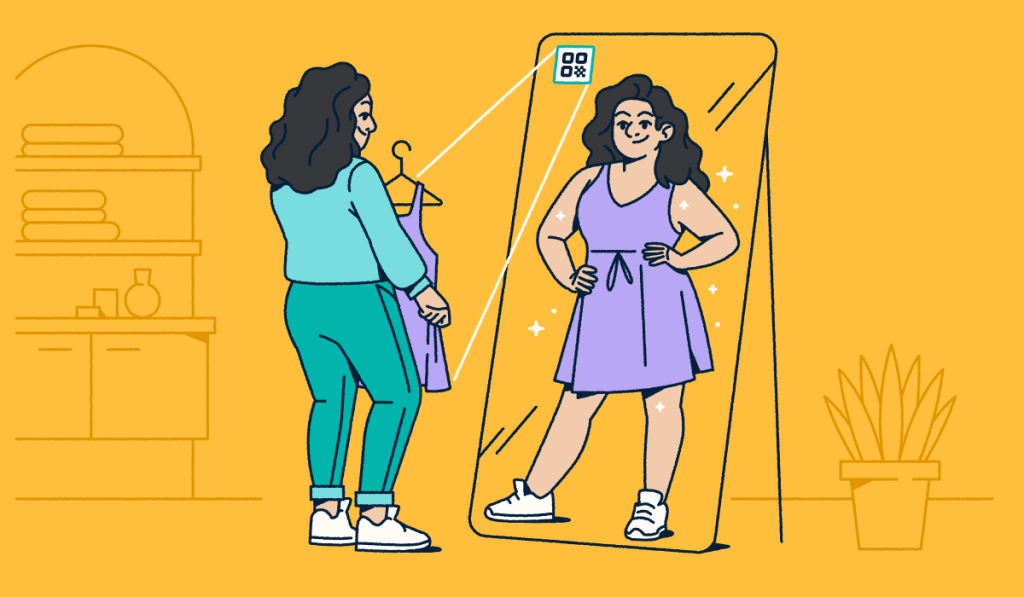
No matter what you sell, one truth holds: Everyone loves a discount. But a discount only increases sales when customers redeem it.
As the cost of living stretches budgets, customers compare prices and choose brands that make saving easy. Paper coupons and typed-in codes make saving hard. When your savings are hard to accrue, customers buy from a brand that makes it easy.
QR Code coupons fix this. Customers scan a code with their phone and redeem the discount in seconds, with no paper to carry and no code to type. These codes also build your reputation and encourage repeat purchases. The demand is real: About 172.6 million U.S. consumers redeemed digital coupons in 2025. Most online shoppers search for a coupon before they buy.
In this article, we’ll cover what QR Code coupons are, their benefits, and how to use them to increase sales.
Key Takeaways
- QR Code coupons turn any package, poster, screen, or shelf into a scannable discount. Customers redeem in seconds, with no paper coupon to carry and no code to type.
- Dynamic QR Codes make coupons editable and trackable. You can update an offer without a reprint and see scans by location, time, and device in Bitly Analytics.
- Clear, specific calls to action earn more scans. “Scan for 20% off” outperforms a plain “Scan me” because it states the reward up front.
- Scan data improves every campaign. Track which placements, channels, and offers earn the most redemptions, then put your budget there.
- A visible expiration date creates urgency and prevents confusion over expired offers.
What are QR Code coupons?
A QR Code coupon is a scannable code that links customers to a digital offer they can redeem on their phone. You’ve likely seen QR Codes on everything from product packaging to restaurant menus. That flexibility makes them a natural fit for coupons.
Customers scan the code with their smartphone to open the discount offer. You can share the codes through email, text messages, or your app. Print them on direct mail items, in-store receipts, end cap displays, or packaging.
In physical stores, QR Code coupons give customers an immediate reason to buy, even if they only came in to browse. Online retailers benefit too: Customers scan the code and redeem the offer on your online store.
Convenience sets QR Code coupons apart from paper coupons and typed-in codes. You create and share them quickly. Customers don’t have to remember a coupon or type a code at checkout.
Dynamic QR Codes do more for your business than classic Static QR Codes because they’re editable and trackable. Here’s how the two compare for a coupon campaign:
| Feature | Dynamic QR Code coupon | Static QR Code coupon |
| Edit the destination after printing | Yes | No |
| Track scans (location, time, device) | Yes | No |
| Best for | Campaigns you want to measure and update | Simple, one-time offers |
Benefits of QR Code coupons
QR Code coupons do more than deliver a discount. They meet customers on a device they already use to research products, compare prices, and check reviews.
You likely already use discounts and holiday offers to attract new customers. QR Codes connect customers to those offers in one scan. Let’s look at the three main benefits.
Increase coupon redemption rates
Retail QR Codes fit how customers shop today: On their phones. In fact, 81% of consumers use loyalty cards or coupons on their phone while they shop in physical stores. And nearly two-thirds of shoppers now scan QR Codes or tap NFC (near-field communication) tags in-store, up from 57% in 2022.
Traditional barcodes have limits: They need special scanners, scan along only one axis, and hold only 25 characters. QR Codes scan from any angle with almost any smartphone or tablet, and they hold much more data. That capacity lets you share discounts matched to each customer’s shopping habits.
Collect customer data
Data drives modern marketing. QR Code coupons give you the data you need to improve your campaigns over time.
With Bitly Analytics and built-in QR Code tracking, you see in real time:
- QR Code scan rates: See how many customers scan your coupons, then adjust campaigns as needed.
- Geographic data: See where scans happen, down to the city level, and focus your efforts there.
- Scan times: See when your coupons get the most scans, such as during a holiday rush or on specific days, and time future offers to match.
The data doesn’t stop there. Connect Bitly with tools like Google Analytics to follow customers from the scan to their behavior on your website.
Deliver personalized offers
Discounts are great, but personalization turns a one-time buyer into a repeat customer. QR Code coupons let you match offers to each customer’s preferences and shopping habits.
With Bitly Analytics connected to your existing systems, you can learn what works for different customer groups. Maybe you send a discount on a product a customer buys often. Maybe you send one group with niche interests an exclusive offer. The data shows you which offers work, and custom QR Codes deliver them.
The result? Stronger customer relationships, more repeat purchases, and more revenue.
4 strategies for QR Code coupons
To get the most from your QR Codes, plan how and where you share them. Here are four strategies.
1. Share QR Code coupons on social media
TikTok, Facebook, and Instagram put your QR Code coupons in front of large audiences. Post the codes in your content or use them in ads. Always include a call to action that states the discount, so customers know what they get.
You can also make your coupons exclusive. For example, tease the discount in a post, then send the code to customers who join your newsletter or follow your account.
2. Place QR Codes on product packaging
QR Code labels on product packaging turn one-time buyers into repeat customers. In fact, 71% of consumers switched brands because of a coupon, so a well-placed offer wins real loyalty.
Add the codes as stickers, leaflets, or thank-you notes to catch customers’ attention. This keeps your offers visible and improves the unboxing experience. Customers leave with a positive impression of your brand and a reason to shop again.
3. Send QR Code coupons by email and SMS
Retail emails and texts flood every inbox. QR Code coupons help yours catch attention. Embed the codes in your newsletters and texts so customers can open their discount with one scan.
The results can be big. Dylan Arthurs, Sales Director at Baldoyle Blinds, added QR Codes to his emails and leaflets. He reports that Google reviews increased from 100 to over 500 and that turnover increased 25%. Whether you introduce conversational commerce (sales through chat and text) or launch a new offer, QR Codes make any discounts easy to redeem.
4. Use QR Codes in-store for on-the-spot offers
Shop owners can use retail QR Codes to turn casual browsers into buyers. Offer on-the-spot discounts like “20% off when you scan this code” or “Scan for buy one, get one free.” These offers give customers an immediate reason to buy.
Place QR Codes on end caps, near the register, or on window displays so more customers see them. Always add a clear expiration date. It creates urgency and prevents confusion over expired offers.
How to create a QR Code and link it to a coupon
QR Code coupons are easy to create with Bitly. Follow these five steps:
- Create your coupon URL: Set up a landing page that shows your offer details.
- Generate the QR Code: Use Bitly’s QR Code generator and paste in your coupon URL.
- Design the QR Code: Match your brand with colors, patterns, a frame, and your logo. Add a clear call to action like “Scan me for 15% off!”
- Test the code: Scan it on both iOS and Android devices to confirm it opens the right page.
- Track and improve: Once the code is live, use your Bitly Analytics dashboard to see scans and improve your next offer.
Here’s how redemption works: A customer scans the code and opens the coupon on their phone. In-store, they show a text code or barcode at checkout. Online, the code applies the discount at the cart.
A Dynamic QR Code lets you cap or expire an offer, so no one can reuse a single code forever. Customers can also save a coupon to Apple Wallet or Google Wallet for quick redemption on repeat visits.
Turn scans into sales with QR Code coupons
QR Code coupons increase sales and strengthen customer relationships. They’re fast, easy to use, and easy to redeem, so customers are more likely to buy. They also give you scan data that helps you improve your marketing and personalize your offers.
For retailers who run discounts, Bitly’s Dynamic QR Codes turn any offer into a scannable coupon that you can update anytime, and you see every scan in Bitly Analytics. Paper coupons and Static QR Codes can’t do either.
Create your first QR Code coupon for free.
Frequently Asked Questions
How do I make a QR Code for a coupon?
Create a landing page for your offer. Paste the page URL into a QR Code generator like Bitly. Customize the code with your colors, logo, and a call to action like “Scan for 15% off.” Choose a Dynamic QR Code so you can edit the destination later and track scans. Test the code on both iOS and Android before you print or publish it.
How do customers redeem QR Code coupons?
A customer scans the code with their phone camera and opens a mobile page that shows the offer. In-store, they show a text code or barcode for staff to apply at checkout. Online, the code applies the discount at the cart. Dynamic QR Codes let you set an expiration date and limit reuse, so each offer stays under your control.
What is the difference between a static and a dynamic QR Code coupon?
A Static QR Code encodes a fixed destination that you cannot change or track after you print it. A Dynamic QR Code points to a short link, so you can update the offer anytime and see scans by location, time, and device. For any coupon campaign you want to measure or update, choose a Dynamic QR Code.
Are QR Code coupons free to create?
Yes. Bitly’s Free plan includes two QR Codes per month with unlimited scans. Paid plans add advanced customization, longer scan history, bulk creation, and detailed analytics. Choose the plan that matches how many codes and how much reporting your campaigns need.
How do I track how many people use my QR Code coupon?
Use a Dynamic QR Code, then open your Bitly Analytics dashboard. You’ll see total scans, scans by city and country, scan times, and the device for each scan. Add UTM tracking parameters to connect scans to the rest of your campaign data. Then compare placements to see which ones earn the most redemptions.
More Articles


More than a link shortener
Knowing how your clicks and scans are performing should be as easy as making them. Track, analyze, and optimize all your connections in one place.



