






BITLY LLM INTEGRATIONS

Bring links, QR Codes, and analytics into your AI assistant

Bitly’s integrations with ChatGPT, Claude, Microsoft Copilot, and Perplexity bring link and QR Code management into the AI tools where your work already happens. Ask your AI assistant to shorten a batch of URLs, apply UTM parameters to a marketing campaign, or compare monthly link performance. Everything happens in conversation, and results sync directly to your Bitly account.

Loved by big and small brands everywhere

SAVE HOURS

Turn hours of link creation into minutes

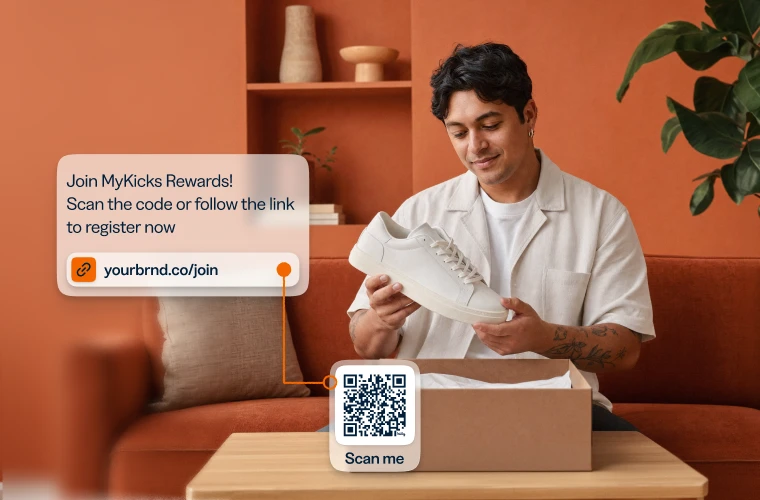
Paste a list of URLs into ChatGPT, Claude, Copilot, or Perplexity and ask Bitly to bulk shorten links for all of them. Work that takes multiple hours of manual platform-switching and copy-paste now happens in a single conversation, with consistent structure applied every time.

  • Provide a batch of URLs and generate campaign-ready short links for all of them at once, with titles, tags, and UTMs applied to every link
  • Give each link a custom domain and back-half—like yourbrand.com/spring-sale—so your campaign URLs are clear and branded
  • Every link created in your AI assistant is automatically synced and appears immediately in your Bitly account, so you can go back and check anytime
Paste a list of URLs into ChatGPT, Claude, Copilot, or Perplexity and ask Bitly to bulk shorten links for all of them.
TRACK PERFORMANCE

Check performance without switching tabs

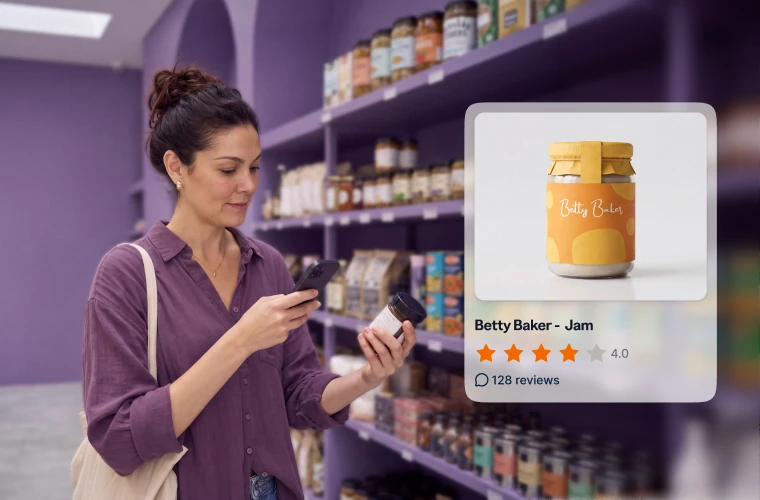
Find out which links from last month’s campaign drove the most clicks. Ask for a chart comparing link and QR Code performance by device type or geography. Get performance insights from your Bitly links and codes, presented as tables, charts, or plain answers—right inside the AI assistant where you were already working.

  • Ask plain-language questions about click counts, top-performing links, or geographic breakdowns, and get performance insights directly in your conversation
  • Visualize your clicks and scans by requesting graphs to compare engagement over time, so you can see trends at a glance
  • Look up links by name or keyword to pinpoint exactly what’s driving performance in any campaign, so you can double down on what worked
Find out which links from last month's campaign drove the most clicks.
STAY CONSISTENT

Apply titles, tags, and UTMs automatically

Tell your AI assistant how your links should be structured, from naming conventions and UTM parameters to tagging taxonomy. Bitly’s LLM integrations apply those rules to every link in the batch. Prompt: “Create short links for these URLs, title them ‘Spring 2026: [website name]’, and tag them as ‘Spring Campaign,’” and each link comes out correctly labeled, every time.

  • Define your naming format once and every link in the batch follows it consistently, regardless of how many links you’re creating
  • Specify your UTM parameters and have them applied to each link automatically, so campaign data is always attributed correctly
  • Every link and QR Code created gets the right title, tags, and taxonomy placement, keeping your account searchable and reportable over time
Tell your AI assistant how your links should be structured, from naming conventions and UTM parameters to tagging taxonomy.

Link your marketing with Bitly

Use our URL shortener and QR Code generator to create branded links and QR Codes in seconds, 
then track every click and scan in Bitly.

URL Shortener

Short links that do more

Customize, share, and track your links — every click tells you more about what your audience wants.

  • AI-powered link creation
  • Custom domains and back-halves
  • URL redirects
  • Bulk link shortening

QR Codes

Codes you can edit and track

Dynamic QR Codes for print and packaging — update the destination anytime, no reprint needed.

  • Customizable colors, patterns, and logos
  • Dynamic QR Codes
  • PNG/JPEG/SVG downloads
  • Bulk QR Code creation

Frequently asked questions (FAQs)

Glad you asked! Here’s a few basics to get you started.

Bitly’s LLM integrations link your Bitly account to leading AI assistants, currently ChatGPT, Claude, Microsoft Copilot, and Perplexity. Once connected, you can create short links and QR Codes, apply UTM parameters, and retrieve performance data using plain-language requests inside your AI conversation. Everything you create syncs to your Bitly account automatically.

What our customers are saying

More than a link shortener

Knowing how your clicks and scans are performing should be as easy as making them. Track, analyze, and optimize all your connections in one place.

Connections Platform Dashboard
This site is registered on wpml.org as a development site. Switch to a production site key to remove this banner.