Branded Links
Replace “bit.ly” with your brand and 2.3x your click-throughs
Find the perfect custom domain with AI, create branded short links that build trust with your audience, and track every click in one place.


- Describe your brand and get creative domain suggestions from AI in seconds, then start creating branded links within minutes.
- Choose from recommendations tailored to your brand, all inside Bitly, with no separate registrar to manage.
- Pick from 250+ top-level domains, like .technology for tech brands or .studio for agencies, to match your brand.

Turn every link into a branded, trusted touchpoint
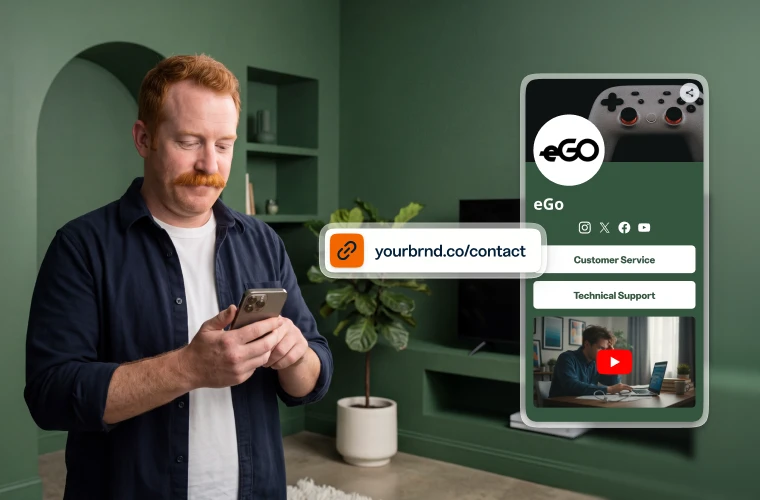
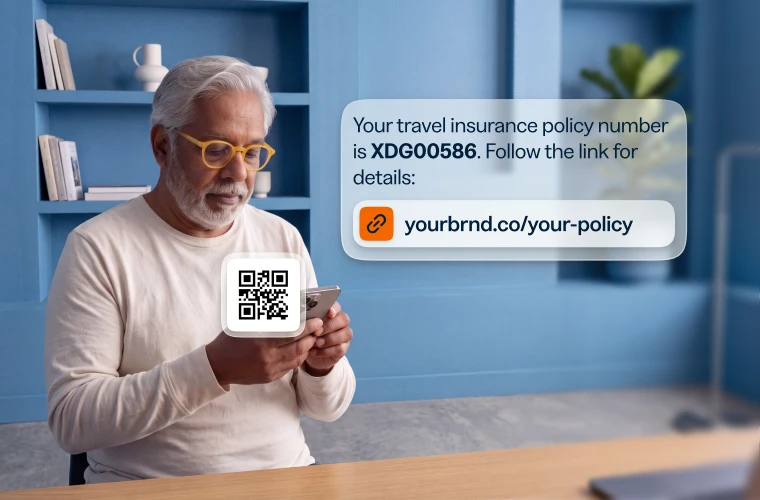
- Branded links are easier to remember and build trust, so your audience is more likely to click.
- Use your custom domain to stay recognizable in search and stand out from the crowd.
- Track every branded link in one dashboard, with clicks broken down by location, device, and referrer.

Link your marketing with Bitly
Use our URL shortener and QR Code generator to create branded links and QR Codes in seconds, then track every click and scan in Bitly.

URL Shortener
Short links that do more
Customize, share, and track your links — every click tells you more about what your audience wants.
- AI-powered link creation
- Custom domains and back-halves
- URL redirects
- Bulk link shortening

QR Codes
Codes you can edit and track
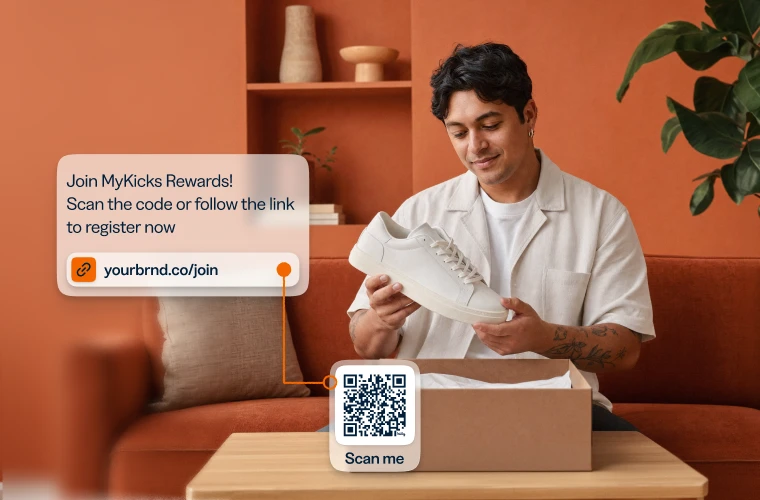
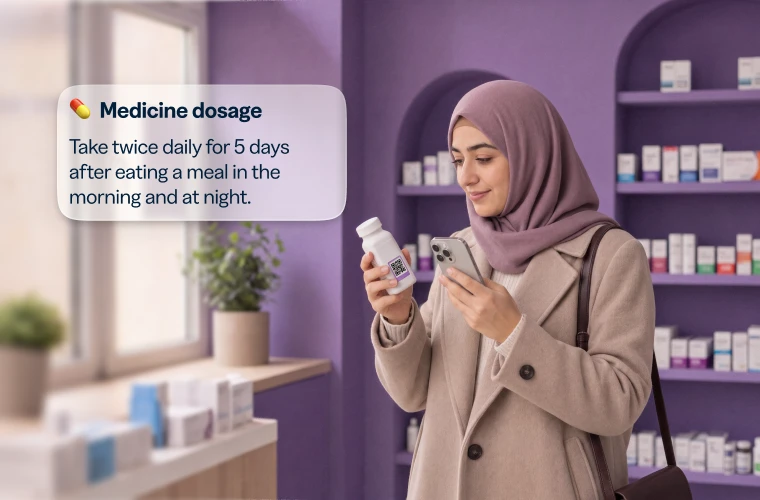
Dynamic QR Codes for print and packaging — update the destination anytime, no reprint needed.
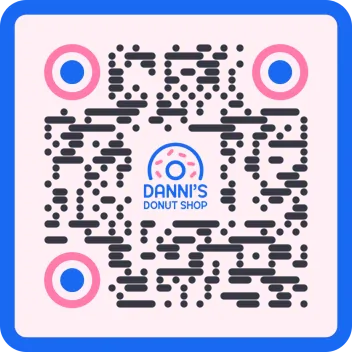
- Customizable colors, patterns, and logos
- Dynamic QR Codes
- PNG/JPEG/SVG downloads
- Bulk QR Code creation

Analytics
See every click and scan
Real-time performance for every link and code, side by side.
- Geography, referrer, and device tracking
- Cross-channel analytics dashboards
- AI-powered analytics and insights
- Campaign performance and UTMs
See how other businesses use Bitly