UTM Campaigns
Track every link and QR Code with Bitly UTMs
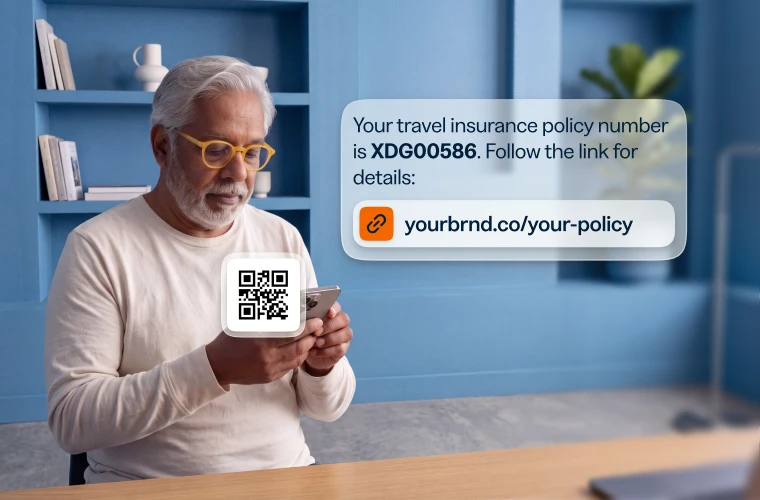
Add UTM parameters to any short link or QR Code, then track source, medium, and campaign in one place, so you see what’s working.


- Add UTM parameters to your links and QR Codes right within Bitly, then shorten them in a snap so what you share stays clean.
- Track source, medium, campaign, term, and content, and compare every channel in one dashboard.
- Add custom URL parameters for deeper data and track whatever you need: influencers, audiences, or customer IDs.

Build UTMs in seconds
- Save parameters for clean reporting, with no case-sensitive values to remember.
- Quickly add new parameter values as you build your short links, with no extra work.
- Have thousands of links to shorten? Bulk upload them with UTMs in one CSV, and set QR Codes and expiration dates in the same file.


Link your marketing with Bitly
Use our URL shortener and QR Code generator to create branded links and QR Codes in seconds, then track every click and scan in Bitly.

URL Shortener
Short links that do more
Customize, share, and track your links — every click tells you more about what your audience wants.
- AI-powered link creation
- Custom domains and back-halves
- URL redirects
- Bulk link shortening

QR Codes
Codes you can edit and track
Dynamic QR Codes for print and packaging — update the destination anytime, no reprint needed.
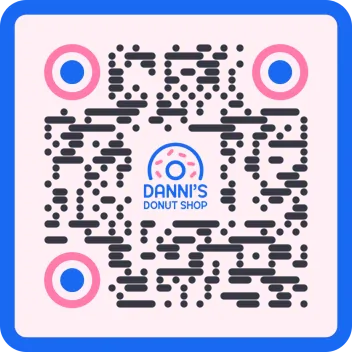
- Customizable colors, patterns, and logos
- Dynamic QR Codes
- PNG/JPEG/SVG downloads
- Bulk QR Code creation

Analytics
See every click and scan
Real-time performance for every link and code, side by side.
- Geography, referrer, and device tracking
- Cross-channel analytics dashboards
- AI-powered analytics and insights
- Campaign performance and UTMs
See how other businesses use Bitly