CREATE FROM CONVERSATION
Every core Bitly tool, available in plain language
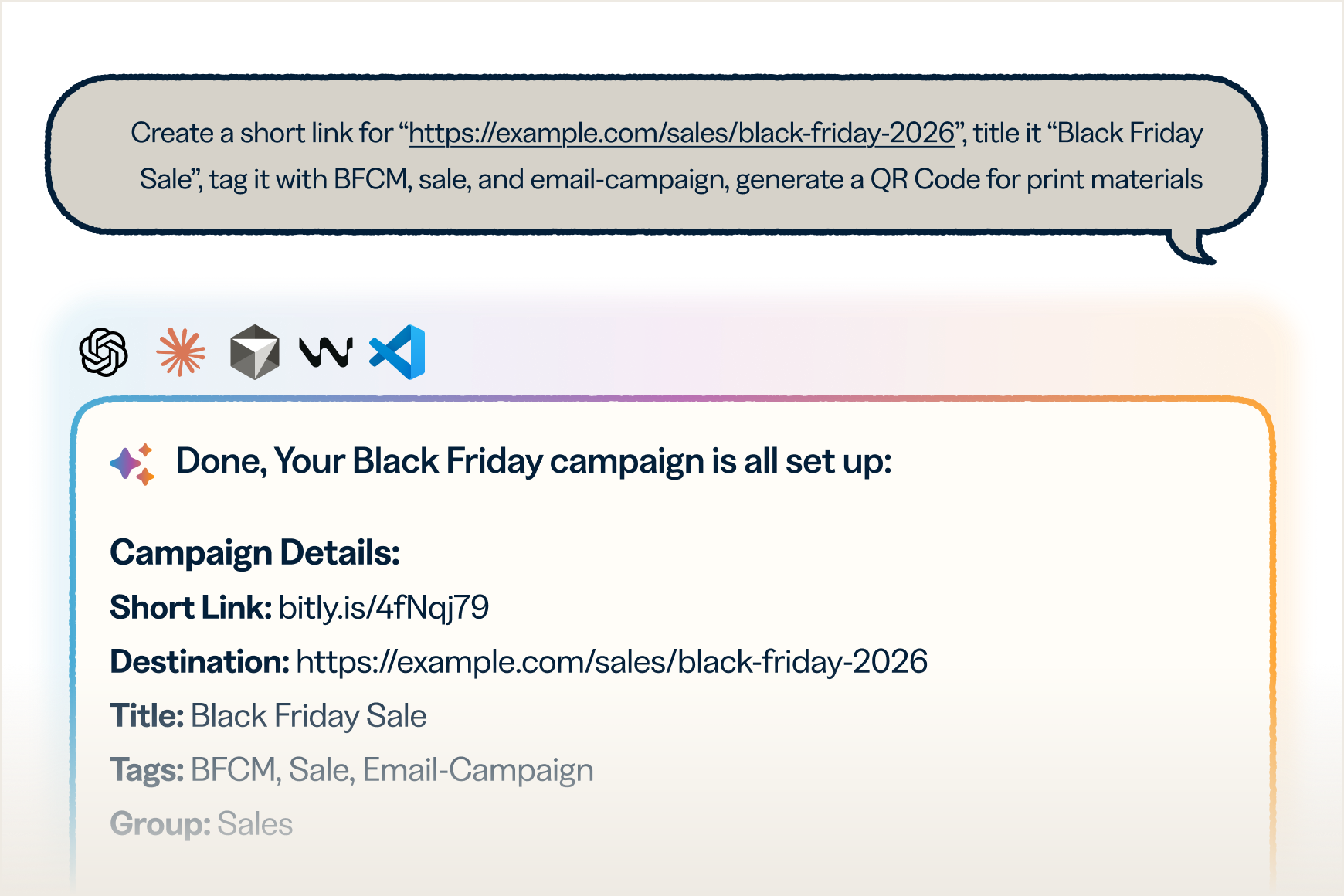
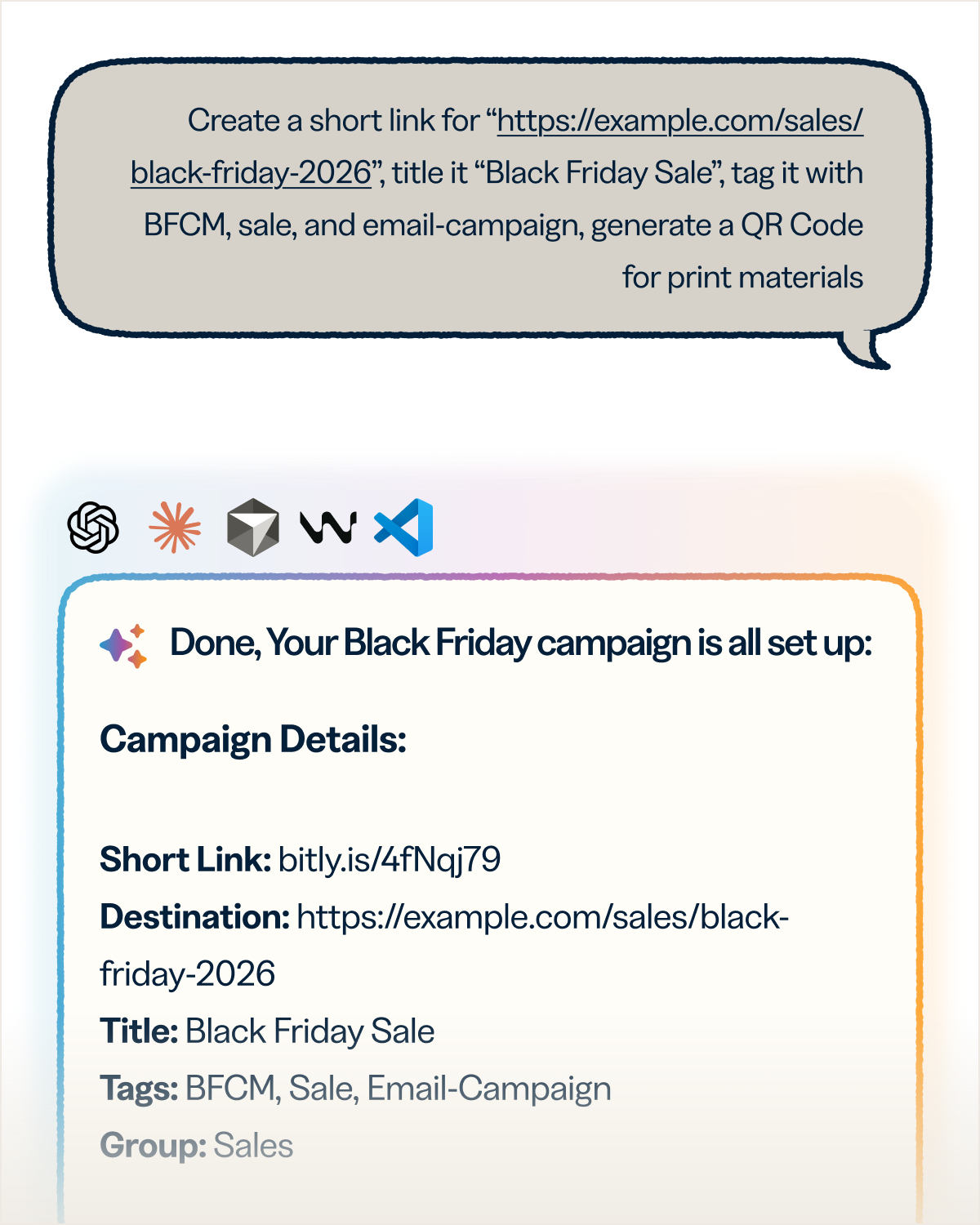
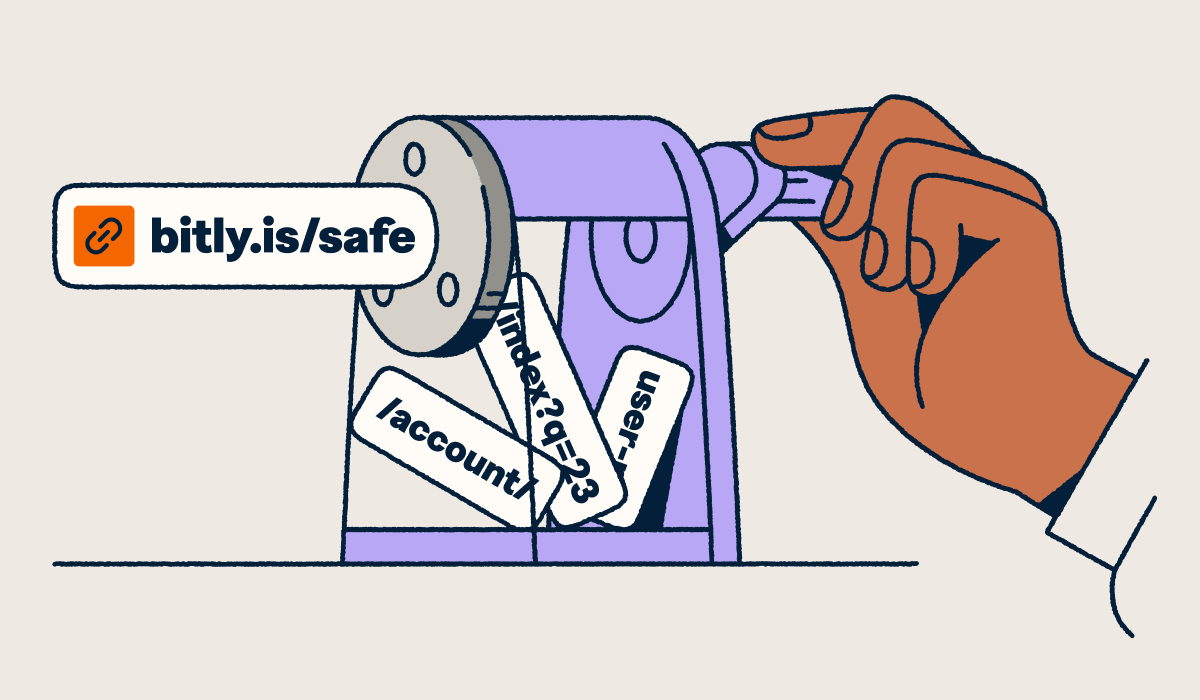
The Bitly tools marketers use every day—branded links, QR Codes, analytics, and bulk operations—are available through plain language prompts. Ask «Create short links for these 15 event URLs, apply our custom domain, and tag them all summit-2026,» and each link comes back correctly labeled.
- Create branded short links for a whole list of URLs at once, applying consistent tags, titles, and custom domains across all of them to stay organized at scale
- Generate a QR Code for any URL, with brand colors and your logo, in the same conversation where the rest of the campaign is being built
- Specify domain, tags, UTM parameters, title, and custom back-half in a single natural language prompt
STAY IN YOUR WORKFLOW
Track and manage links, without switching tabs
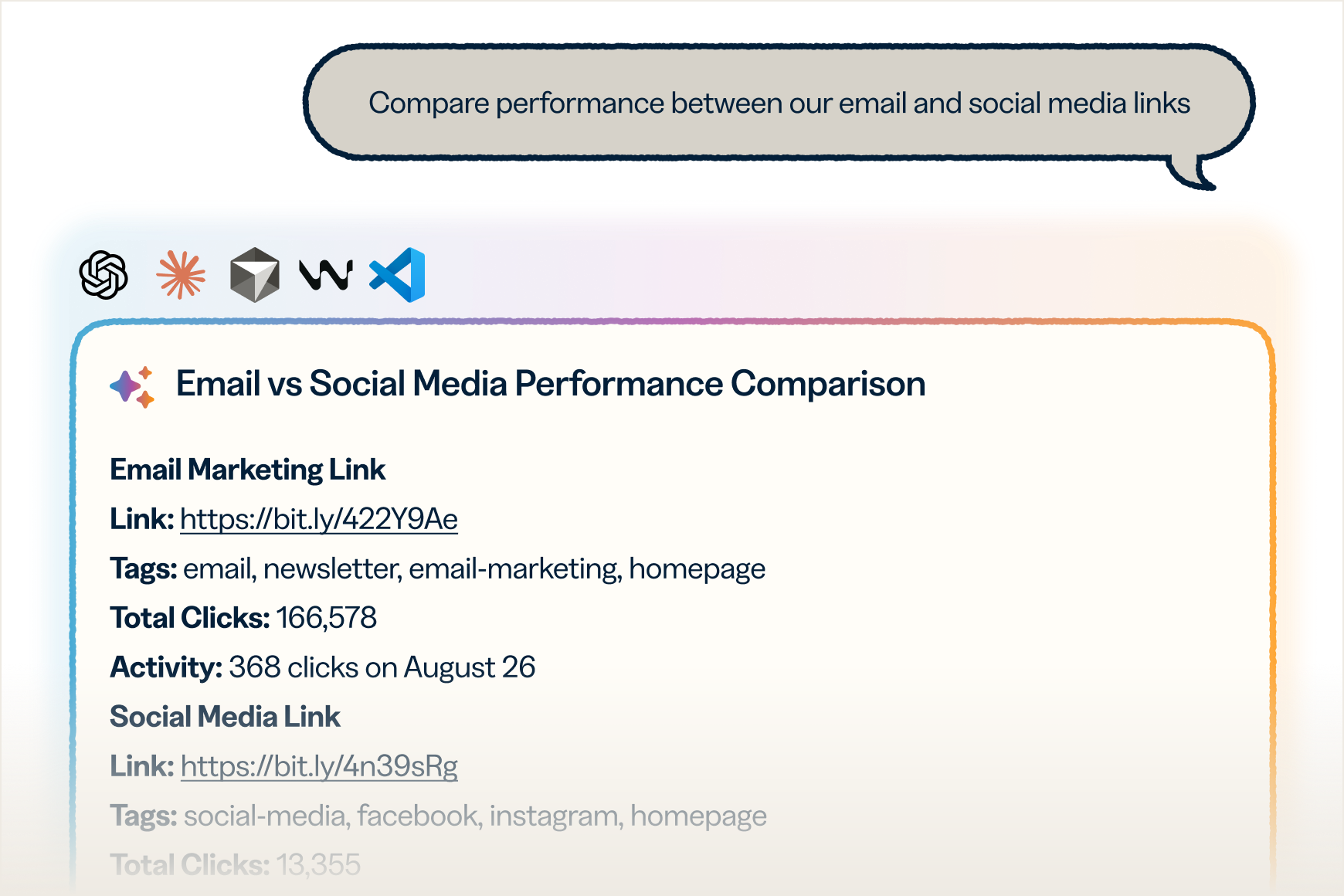
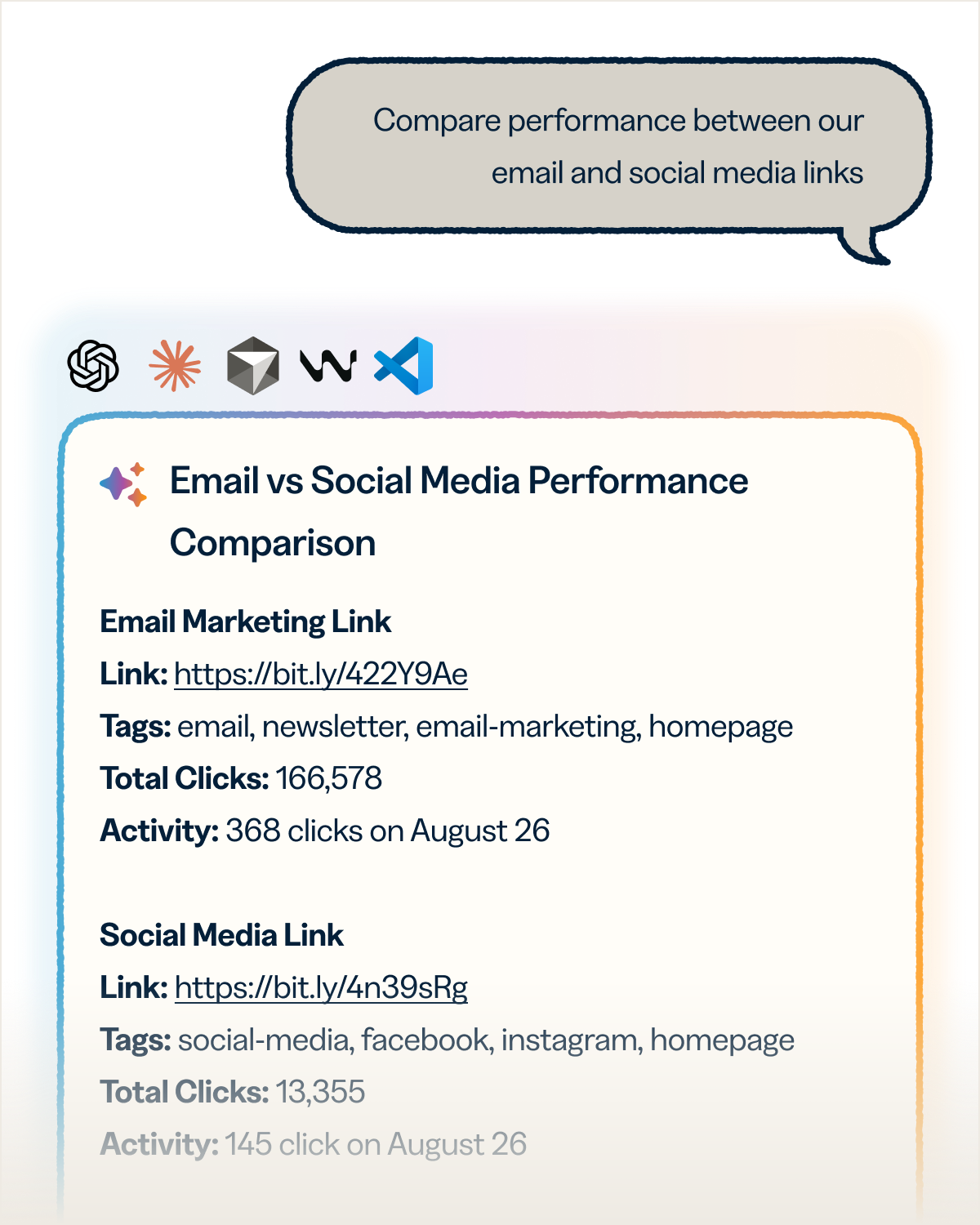
Pull click and scan data, filter by country, or look up referrer sources. Ask your AI agent to «Compare link analytics for our LinkedIn vs. SMS campaigns» or «Update the destination on our homepage link to the new landing page» without opening a new tab.
- Pull engagement for any link or QR Code in your account: total clicks, top countries, referrer sources, and device breakdown, ahead of your next performance report
- Visualize click and scan trends, geographic breakdowns, or campaign comparisons as charts or tables from your data
- Update a link or QR Code’s destination URL, title, or tags with a single prompt, so outdated links stay current as campaigns evolve
KNOW YOUR ACCOUNT
Organizational controls, right in the conversation
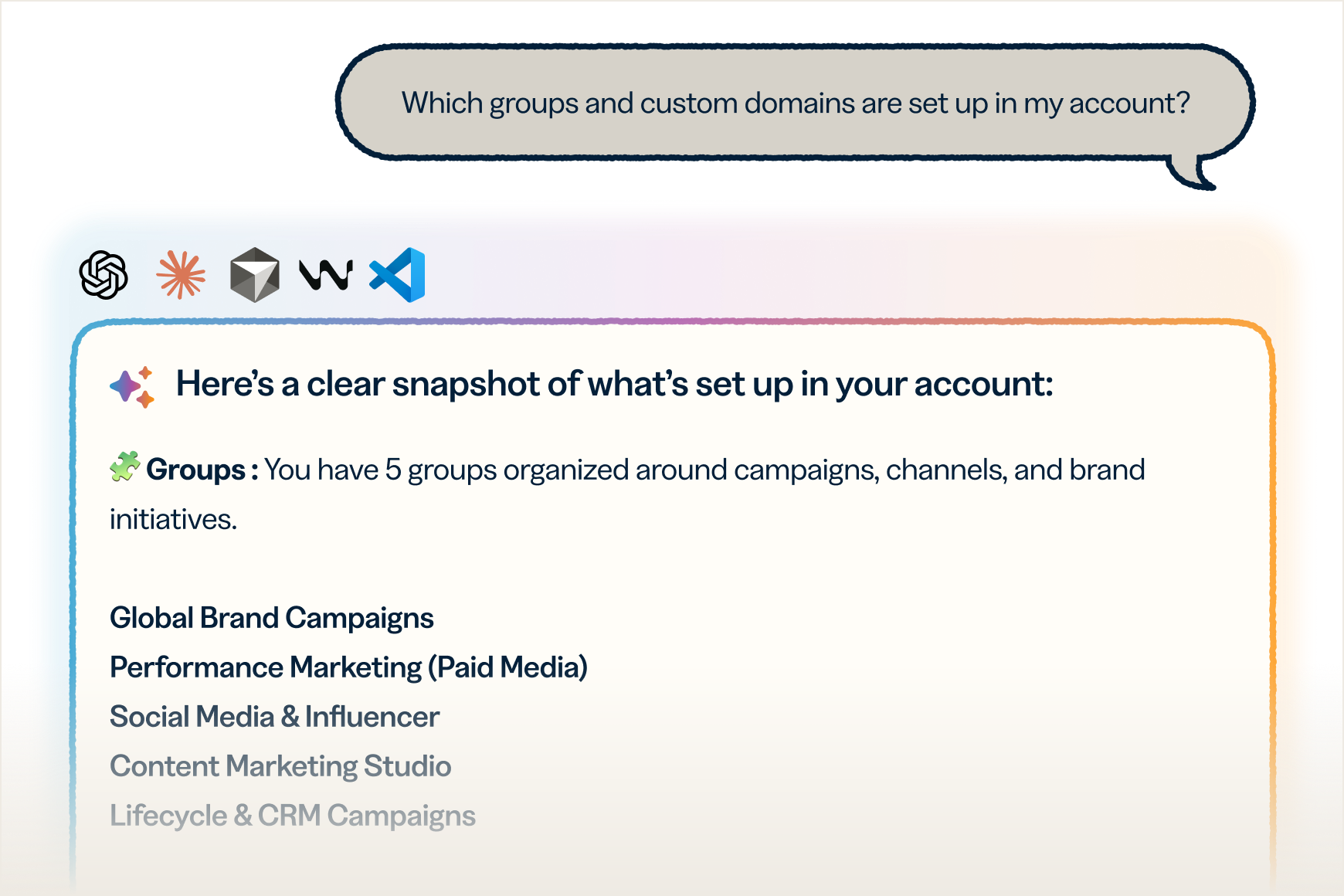
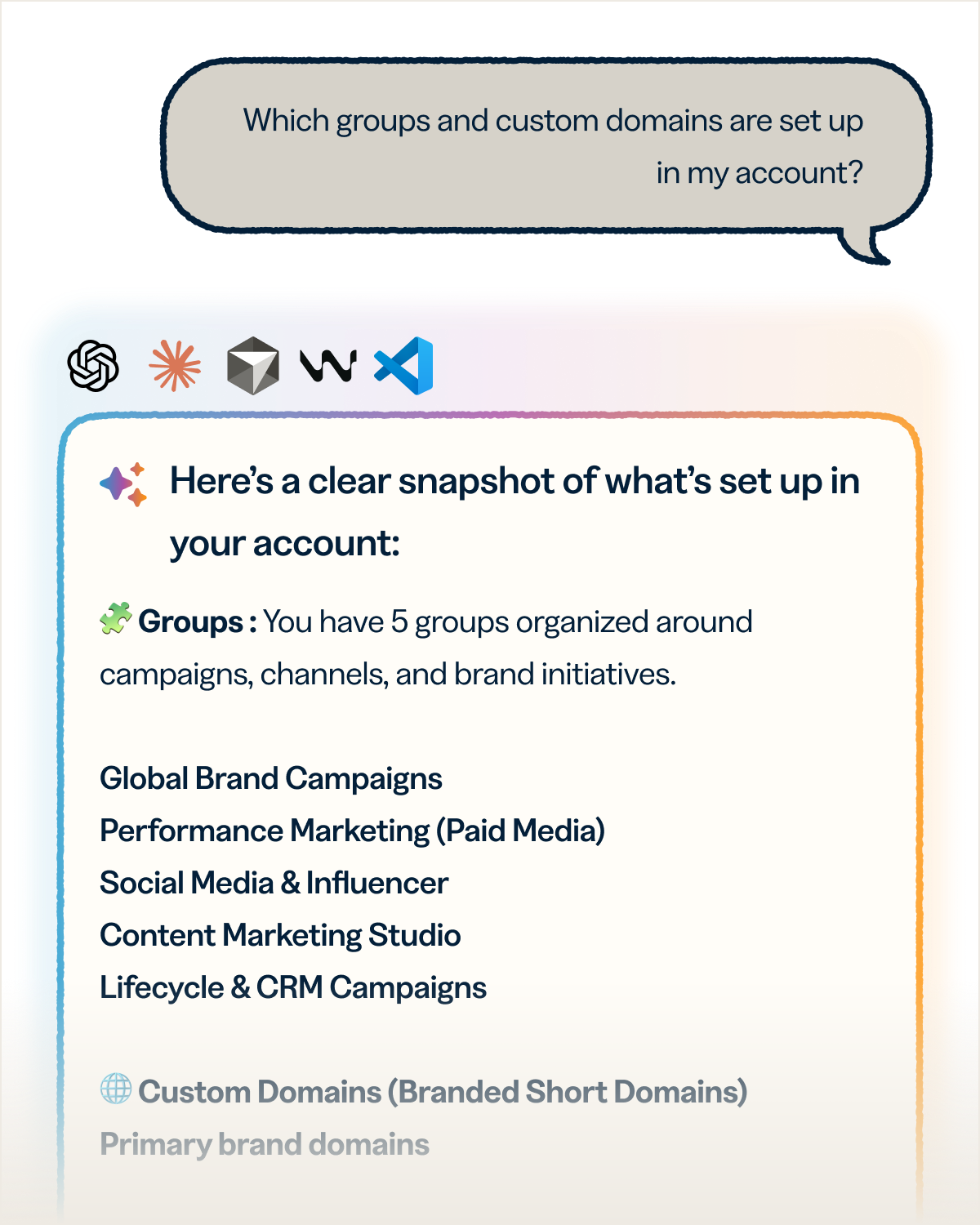
Filter your link list, check which groups and custom domains are set up in your account, and pull your group’s top performers sorted by clicks—right where you’re already working in your AI agent of choice.
- Filter your link list by tag, date range, domain, or keyword to find the exact links you need before a report, audit, or update
- Look up which groups and custom domains are available in your account before creating links, so every link uses the right workspace and domain from the start
- See your group’s top-performing links sorted by clicks over any time period, so you know what’s working
Link your marketing with Bitly
 URL Shortener

- AI-powered link creation
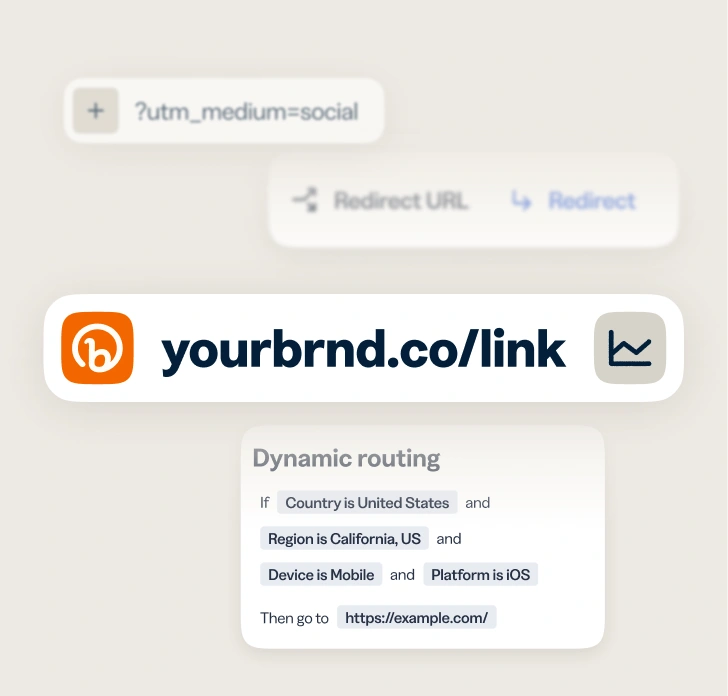
- Custom domains and back-halves
- URL redirects
- Bulk link shortening
 QR Codes
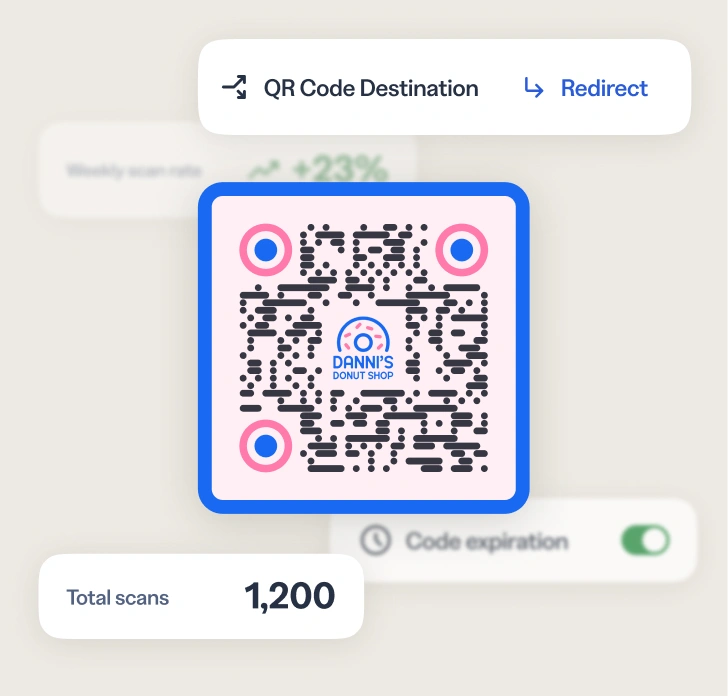
- Customizable colors, patterns, and logos
- Dynamic QR Codes
- PNG/JPEG/SVG downloads
- Bulk QR Code creation
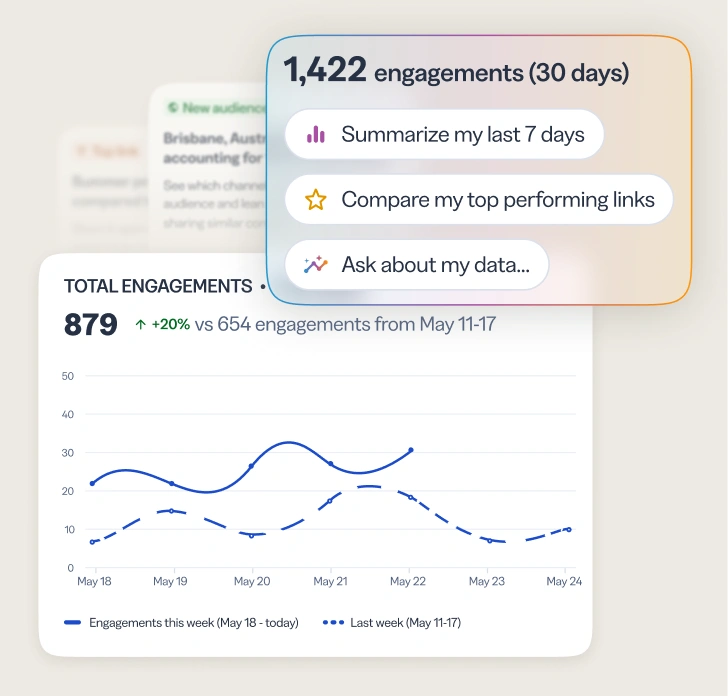
 Analytics
- Geography, referrer, and device tracking
- Cross-channel analytics dashboards
- AI-powered analytics and insights
- Campaign performance and UTMs
Frequently asked questions (FAQs)
The Bitly MCP is a hosted server that connects Bitly to AI agents that support the Model Context Protocol (MCP) standard. It makes Bitly link management, QR Code creation, and analytics available through plain English prompts, so AI agents can take actions in a Bitly account on the user’s behalf.
No. The Bitly MCP is designed for use through plain English prompts in a compatible AI agent. There is no coding or API syntax involved. Configuration requires pasting an endpoint URL and an API token into the AI tool’s settings — most compatible tools walk through this in a few steps. Step-by-step setup guides are available at dev.bitly.com/bitly-mcp/overview/quickstart/
The Bitly MCP works with any AI agent that supports the MCP standard. Confirmed compatible tools include Claude, ChatGPT, Cursor, VS Code, and Windsurf. Additional tools are being added over time.
The Bitly MCP covers 27 tools across five areas: creating short links and QR codes, customizing existing links and codes, analyzing click and scan performance, searching and organizing your links, and accessing account and workspace details.
Log in with an existing Bitly account. Most compatible AI tools walk through a standard sign-in flow; others ask for an API token, which is available at bitly.com/settings/api. Either way, branded domains, permissions, and plan settings carry over automatically. No additional subscription is required.
Lo que dice la clientela de Bitly


Melody Park
Responsable de Publicidad de Smalls

Phil Gergen
Director de Información del Grupo Koozie
Explore the endless possibilities for tech brands with Bitly

Get closer to your audience
and customers today
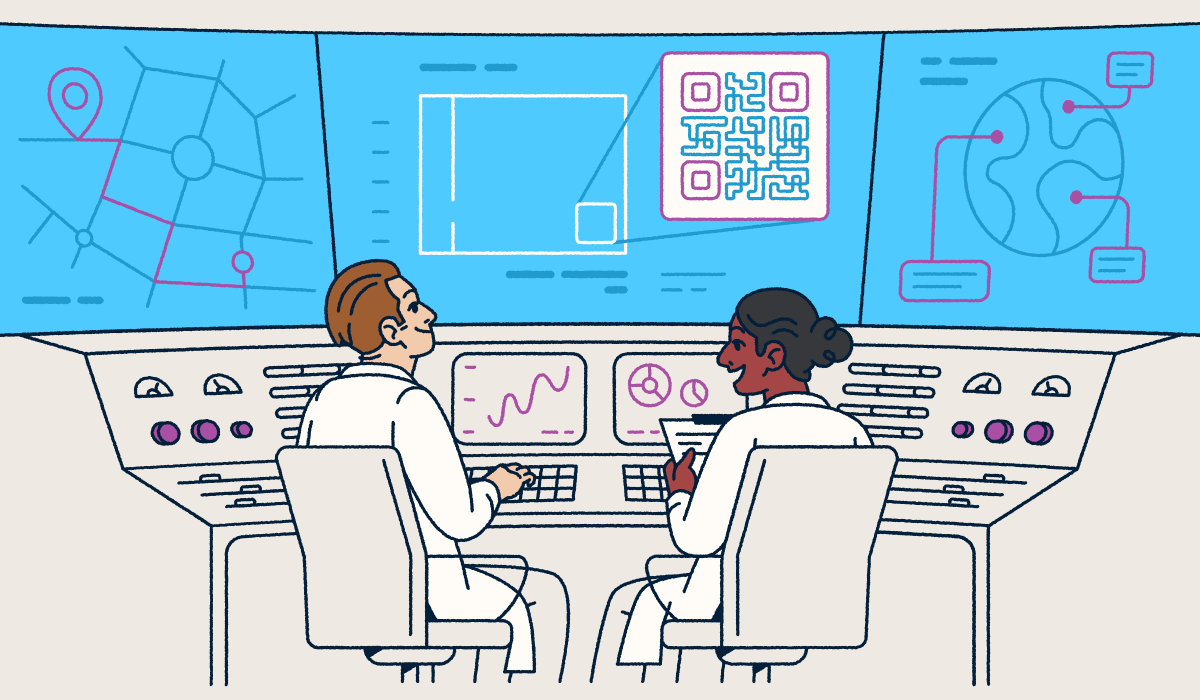
Knowing how your clicks and scans are performing should be as easy as making them. Track, analyze, and optimize all your connections in one place.