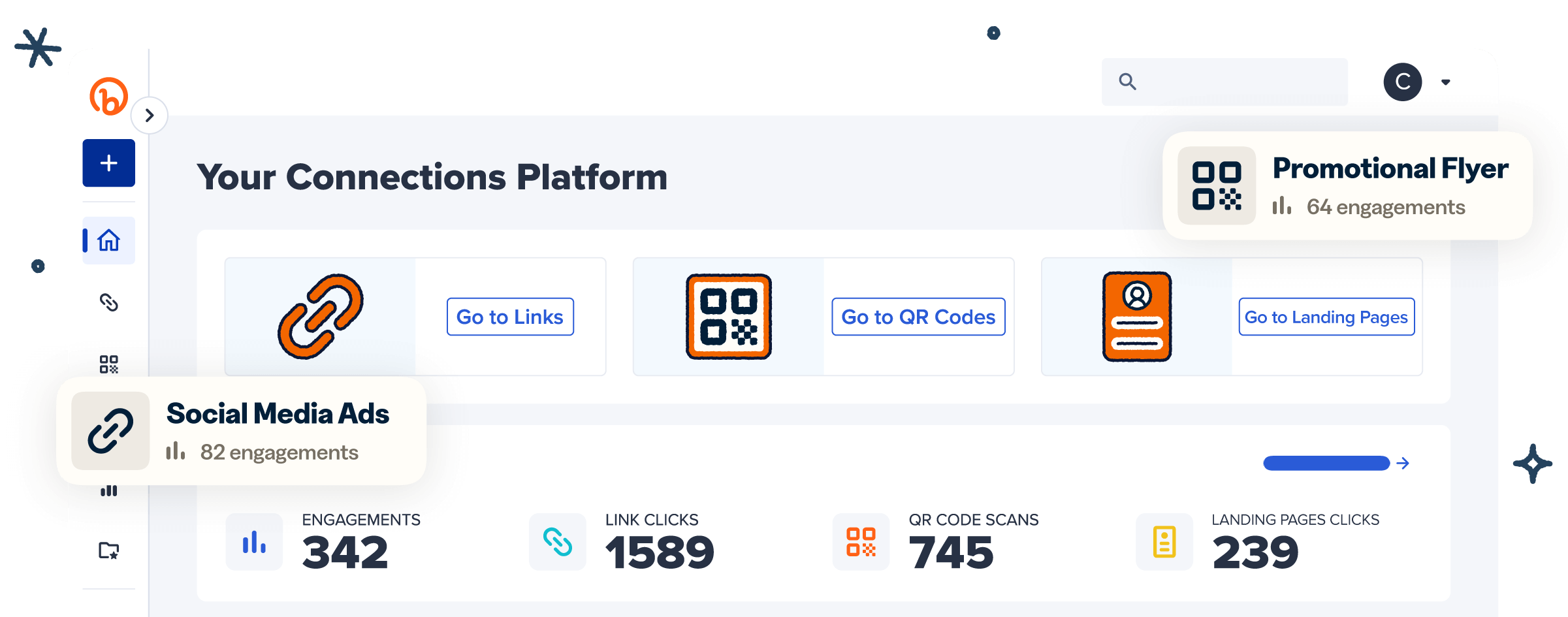
The Bitly and Shopify integration now shows your Shopify sales data directly inside Bitly, so you can see which links and QR Codes drive real purchases without logging into Shopify. After connecting the integration, you can view orders, sales, and conversion rate right alongside your usual click and scan data for your Shopify links.
Here’s the story so far. Earlier this year, we brought Bitly into Shopify, so you could create and track branded links without leaving your store. Now we’re closing the loop the other way: your Shopify data shows up inside Bitly. One place, one view, from first click to final sale.
What is the Bitly and Shopify integration?
The Bitly and Shopify integration is the connection between your Bitly account and your Shopify store. Merchants and business owners use this integration to learn which links and QR Codes actually drive sales instead of just clicks or scans.
The real power is in having a single view. Clicks and scans tell you something caught attention; orders, sales, and conversion rate tell you whether it actually sold. Seeing both on the same link, in the same place, turns your link data from a measure of activity into a measure of results, so you can judge a campaign by what it earned instead of reading the clicks and hoping.
Peep what’s new: Shopify inside Bitly
It’s super easy to get started once the integration with Shopify is connected. Your Shopify link and QR Code performance will automatically appear right where you manage links in Bitly. This release adds:
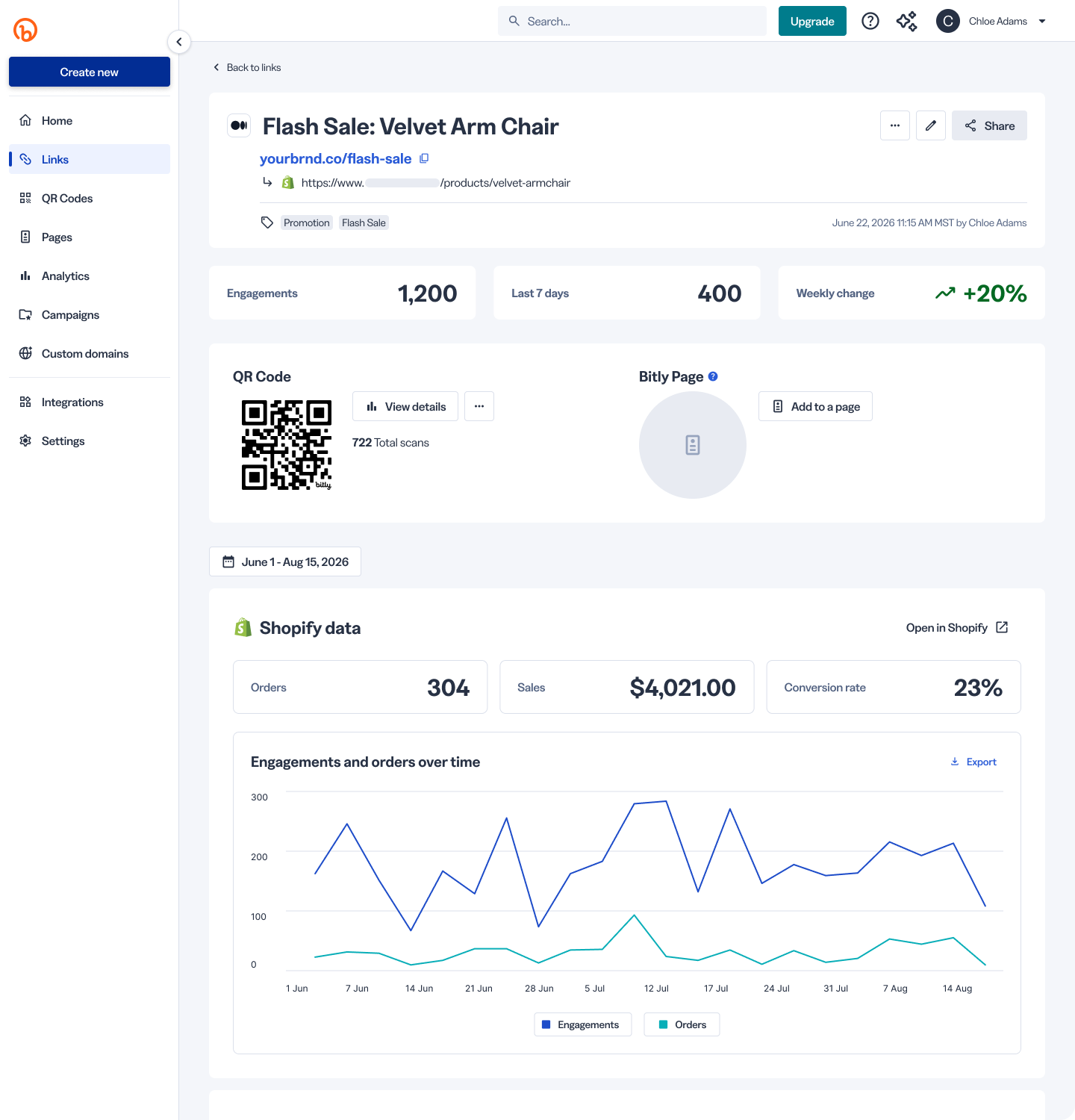
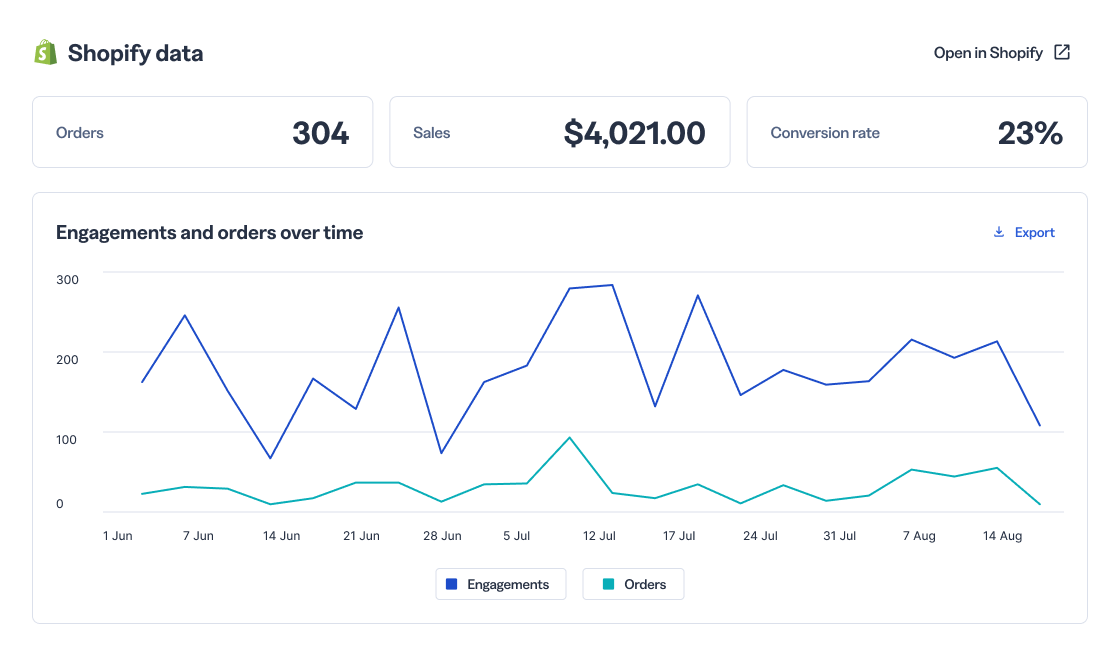
- Shopify metrics next to your Bitly metrics. See orders, sales, and conversion rate for each connected link, alongside your clicks and scans.
- A Shopify filter on your Links and QR Code list pages. Surface store traffic in a single click, so you can focus on the links that move products.
- Time-series trend charts on the details pages. Watch performance build over time and spot what’s working so you can double-down on it.
- An « Open in Shopify » button. Jump from a link’s stats in Bitly straight to the matching view in your Shopify account.
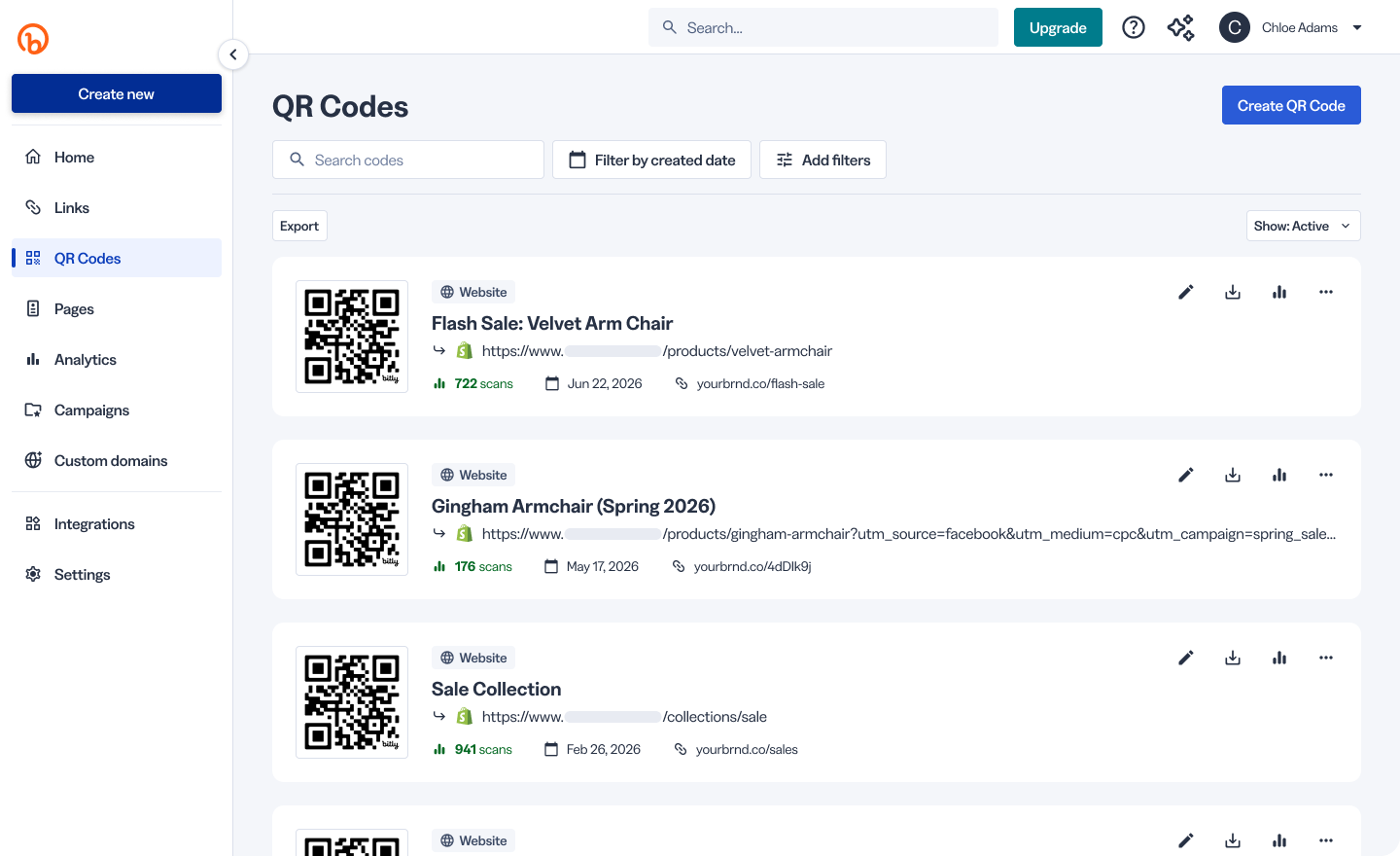
Connected items are tagged with the Shopify logo, so you can tell at a glance which links and QR Codes point to your store.
How do you turn the Shopify integration on in Bitly?
To see your Shopify data in Bitly, install the Bitly app in your Shopify store. You can grab it from the Shopify App Store. After that one-time install, your store connects to Bitly and your sales data starts flowing in. From there, you can track everything inside Bitly with no need to log back into Shopify.
Can you track Shopify sales from QR Codes?
Let’s not forget about QR Code scans. Your QR Codes carry the same Shopify data, the same logo tag, and the same trend charts as your links do. The code on a piece of packaging, a table tent, or an in-store display is now just as measurable as a link in a social post, so you can finally see which offline touchpoints are quietly driving online sales.
Who is the Bitly Shopify integration for?
This one is for Bitly users who also sell on Shopify and want to tie link performance to real revenue. If you share Bitly links and QR Codes in social, ads, or print that point to your Shopify store, you can finally see which ones turn clicks into customers.
Start connecting clicks to sales with Bitly and Shopify
With the Bitly Shopify integration, you can see exactly how your links and QR Codes turn into orders, without ever leaving Bitly. View orders, sales, and conversion rate right next to your clicks and scans, filter your Links and QR Code list pages to surface store traffic in a click, and track performance over time with trend charts on every details page. It helps you spot your strongest campaigns, focus your spend where it pays off, and tie your marketing back to real revenue.
Whether you’re running social campaigns, paid ads, or QR Codes on print and packaging, Bitly fits the way you already sell on Shopify. Once the integration is set up, links and QR Codes are automatically tagged with the Shopify logo for easy identification, and an « Open in Shopify » button takes you straight to your store whenever you want a closer look.
Ready to see what your links and QR Codes really earn? Install the Bitly app on Shopify and start tracking every sale, from the first click to the final checkout.
Frequently asked questions about the Bitly + Shopify Integration
Yes. Install the Bitly app in your Shopify store first. After that one-time setup, your Shopify analytics show up in Bitly with no extra logins or tags.
Orders, sales, and conversion rate, shown next to your clicks and scans on the Links and QR Code details pages.
Yes. The Shopify filter and trend charts cover both your Links and your QR Code list and details pages.
It tracks sales from the point you connect forward, so it doesn’t backfill older data. Connect early to start building your history.
That depends on your Bitly plan. Each plan includes a different data window, so higher tiers let you look back further.