
Stephen Robles is a video and podcast creator with over 15 years in tech journalism and more than 200,000 subscribers on YouTube, where he publishes in-depth tech reviews and tutorials across 850+ videos. He co-hosts the Primary Tech Show with Jason Aten, a weekly show covering the most important stories in technology.
Links are the backbone of everything I make. I’ve been creating content about technology for over 15 years—videos, podcasts, Apple Shortcuts tutorials, the works. Every piece of content I put out has links attached to it: links to the tools I’m demonstrating, the products I’m reviewing, the community I’ve been building. On any given week, I might share dozens of them across YouTube, Reels, TikToks, and my podcast.
For a long time, I just grabbed whatever URL I had and threw it out there. And for a long time, that was fine. But “fine” has a way of quietly costing you missed opportunities.
The links were messy. They were long, forgettable, and they didn’t look like anything (certainly not like a brand I’d spent years building). Worse, once a link was out in the world, it was out. If something changed, if I wanted to redirect traffic somewhere new, that old link was dead weight. That’s when I started taking Bitly seriously.
The custom domain and custom back half shift
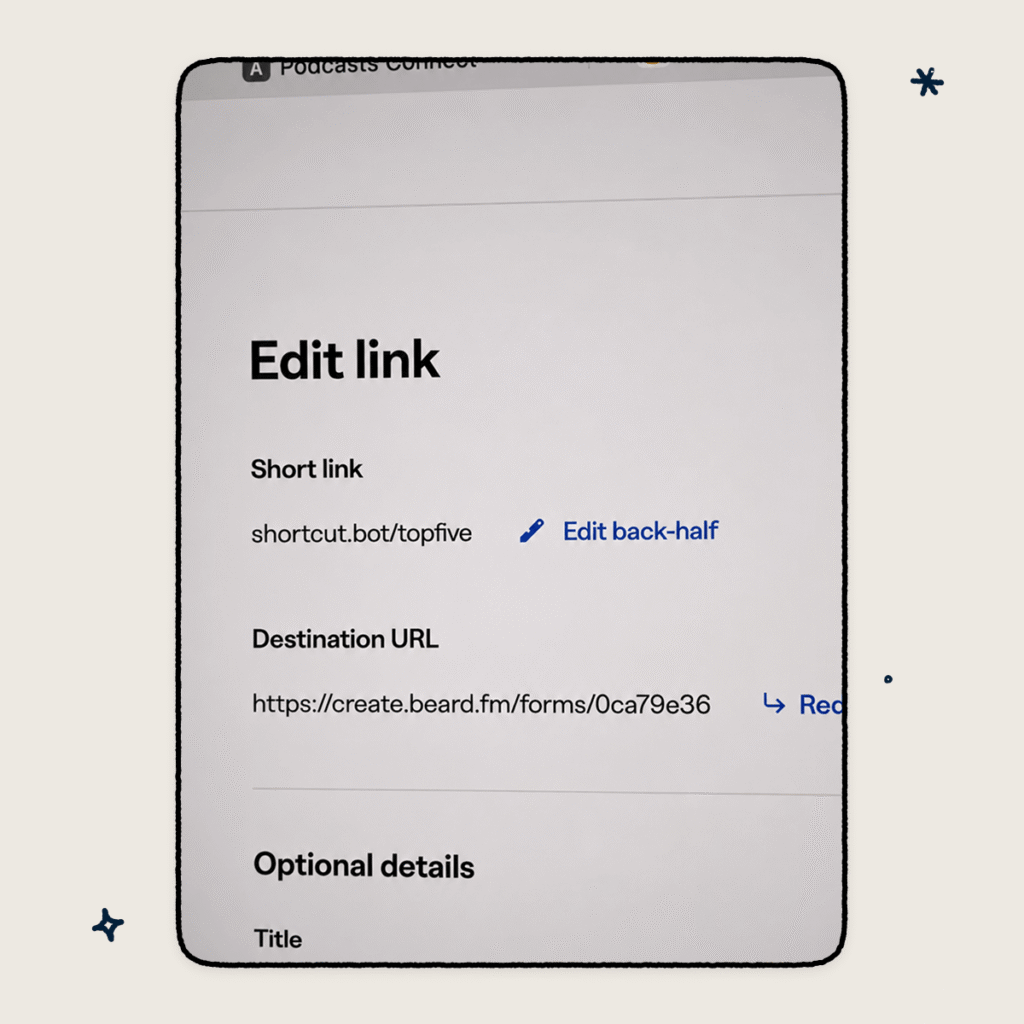
The first thing I did was connect my own domain: shortcut.bot. It’s short, it’s memorable, and it’s mine. Bitly made the setup easy, and now every link I share has that domain in front of it.
But the domain is only half of it. Bitly also lets you customize the back half of every link—the slug after the slash. So instead of a string of random characters, I can say “go to shortcut.bot/recipe” in a Reel or TikTok and people actually remember it. That’s the difference between someone following through and someone forgetting.
There’s also a practical bonus I didn’t expect: if someone types the root domain directly into a browser, I can point it anywhere I want. Right now, it goes to my Shortcuts community. That’s real estate I’m actually using.
The QR Code moment
Here’s something that surprised me about how people consume content now: a lot of my YouTube viewers are watching on TV. Their phone isn’t in their hand. The clickable links and overlays that YouTube puts in videos? Completely useless on a 65-inch screen.
So I started adding QR Codes. And it worked.
Bitly generates a QR Code for every link automatically. I drop it on screen, someone watching from the couch pulls out their phone, scans it, and they’re exactly where I want them to be. No friction, no hunting around in a description box.
What really sealed it for me: if I ever need to redirect that QR Code to a new destination, I can. The code stays the same. The destination changes. That means I can reuse the same QR Code across videos and update it as my content evolves without having to reshoot or re-edit anything.
The data piece that changed how I plan content
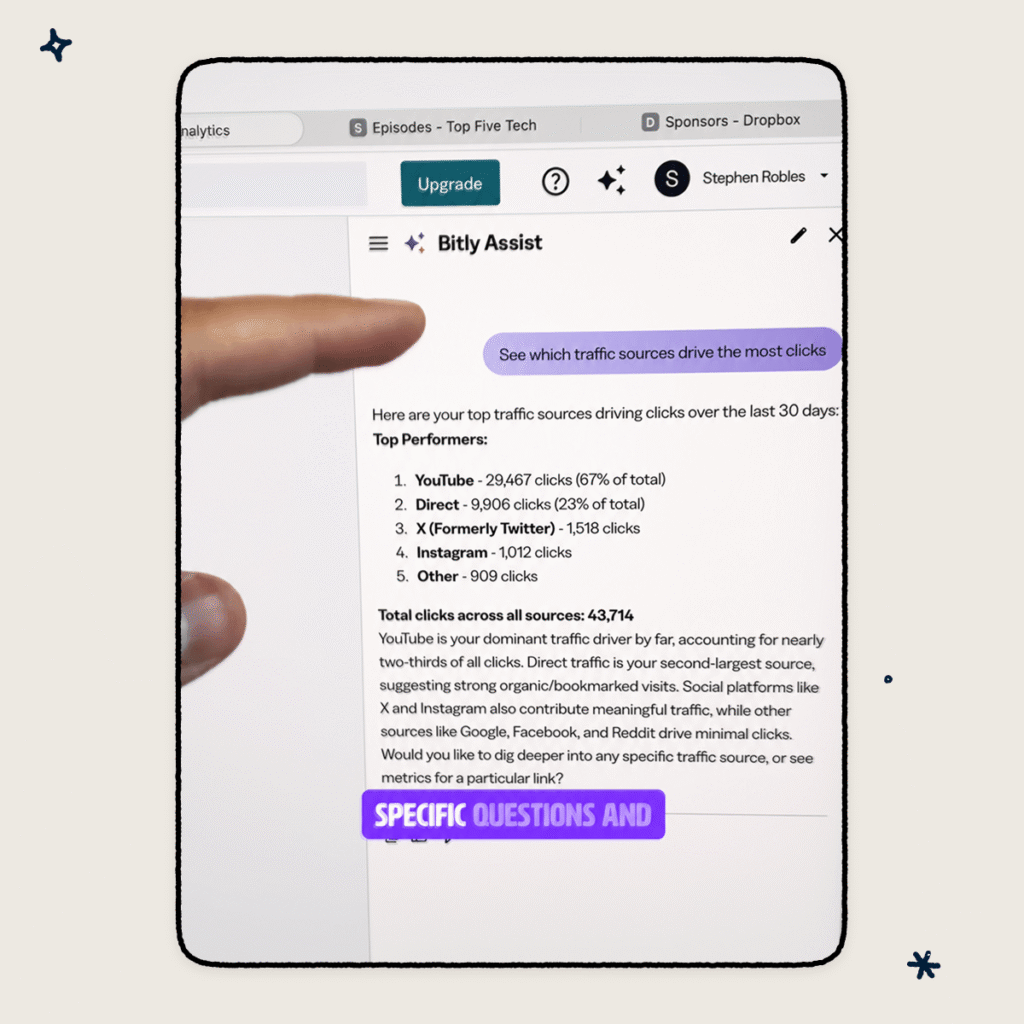
I used to have no idea which links were actually performing. I’d share something and hope for the best. Now, everything lives in one dashboard. I can see how many people clicked, where they’re located, and which pieces of content are driving the most action.
Bitly also has an AI-powered assistant called Bitly Assist that lets you ask questions about your data in plain language. Instead of digging through numbers, I can just ask what’s working—and get a real answer. For someone running a one-person content operation, that kind of insight used to require a team.
The API nerd confession
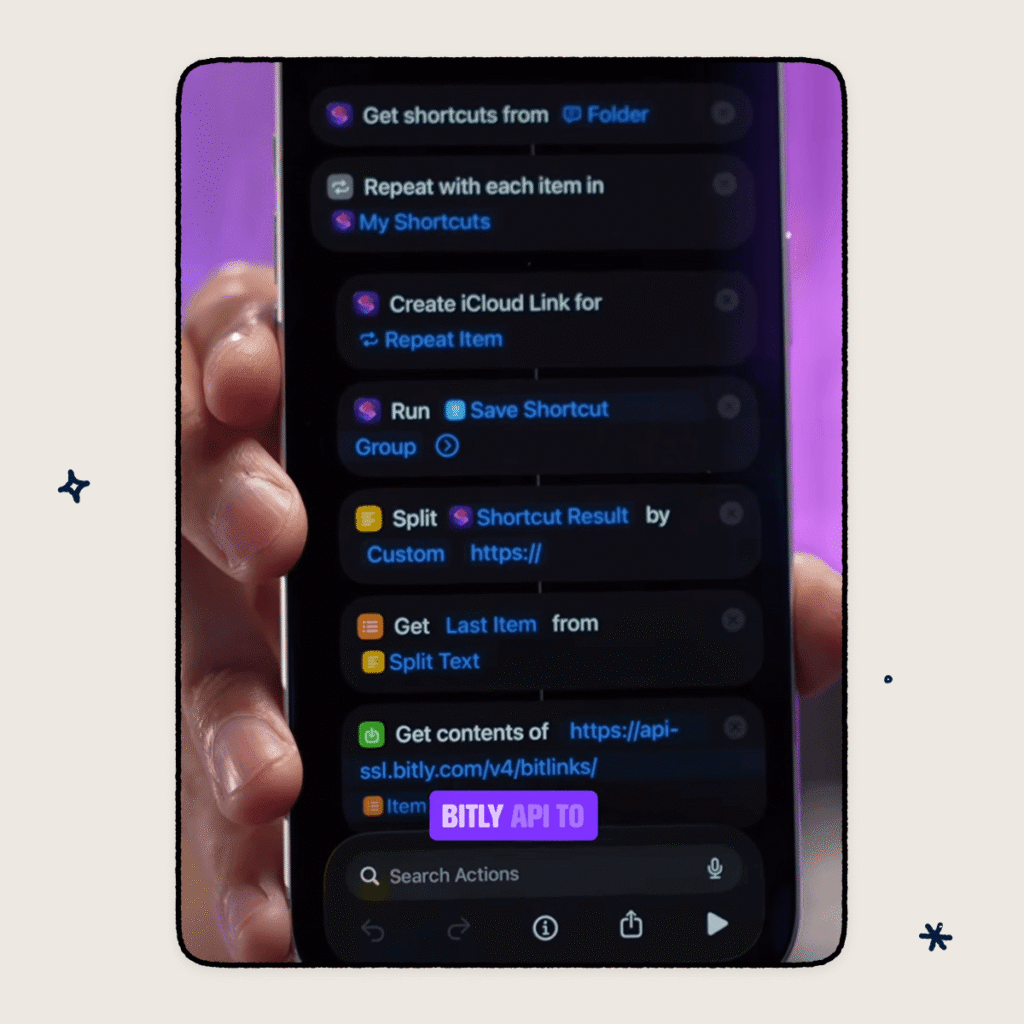
I’ll be honest: I went a little deep on this one. I built a custom Apple Shortcut that uses the Bitly API to generate a whole batch of branded links at once. Every time I’m prepping a new YouTube video, I run the Shortcut, and all my links are created and ready in seconds.
That’s probably more automation than most people need. But it’s a good sign of the platform’s flexibility—if you want to keep it simple, it’s simple. If you want to build something on top of it, the infrastructure is there.
What it actually means for creators and marketers
I make tech content because I believe technology should work for you, not the other way around. The tools that earn a permanent place in my workflow are the ones that remove friction, give you ownership, and actually help you understand what’s happening. Bitly does all three.
Your links become your brand. Your QR Codes stay flexible. Your data stops being a mystery. And if you’re a creator, marketer, or business owner who shares links regularly—which is basically everyone with an online presence—that combination adds up fast.
Try Bitly free today and see what it looks like when your links actually work for you.






