
Choosing a link-in-bio tool that does more than Linktree is one of the most practical decisions you’ll make for your social presence. The best Linktree alternative is the one that gives you a branded, trackable bio link with the analytics and customization your audience and goals require.
Marketers and creators look beyond Linktree when they run into platform limits, weak analytics, or the lack of a custom domain on free tiers, all of which make it harder to grow and measure results. With 5.79 billion people using social media as of early 2026, more than two in three people worldwide, your single bio link often carries the weight of your entire brand, so it pays to choose a tool that works as hard as you do.
Note: The brands and examples discussed below were found during our online research for this article.
Key takeaways
- The best Linktree alternative gives you a branded bio link, a custom domain, and real analytics in one place, not just a list of links.
- Bitly combines branded short links, Dynamic QR Codes, mobile-friendly Bitly Pages, and unified analytics, so you can track clicks and scans across every channel.
- Free plans differ significantly, so compare monthly link limits, customization options, and analytics history before you commit.
- A custom domain builds trust and earns more clicks, while branded links earn 2.3 times as many click-throughs as generic ones.
- Match the tool to your audience, whether you create content, run a business, or promote music, because feature needs vary by use case.
Best Linktree alternatives at a glance
Here’s how the top Linktree alternatives compare on free plan, custom domain, analytics, and best use cases. Use it as a quick shortlist, then read the detailed breakdowns below to match a tool to your goals.
| Tool | Free plan | Custom domain | Analytics depth | Best for |
|---|---|---|---|---|
| Bitly | Yes: 5 links and 2 QR Codes per month, 2 landing pages | Yes, on Growth tier plan and up | Unified clicks and scans | Branded, trackable links for marketers and businesses |
| Later | No | Not a core feature | Basic | Instagram scheduling and shoppable feeds |
| Leadpages | No, 7-day trial | Yes | A/B testing and conversion | Landing pages and lead capture |
| Planoly | Yes, mobile app only | Not a core feature | Limited | Visual content planning for creators |
| Beacons.ai | Yes | On paid plans | Fewer metrics | Creators who monetize |
| Lnk.Bio | Yes | On paid plans, with an additional fee | Limited | Simple, low-cost link consolidation |
Each tool solves a slightly different problem, so the right pick depends on whether you prioritize branding, scheduling, monetization, or conversions. If you want branded links, QR Codes, and unified reporting in one place, Bitly leads the list. The sections that follow explain what each option does best.
1. Bitly
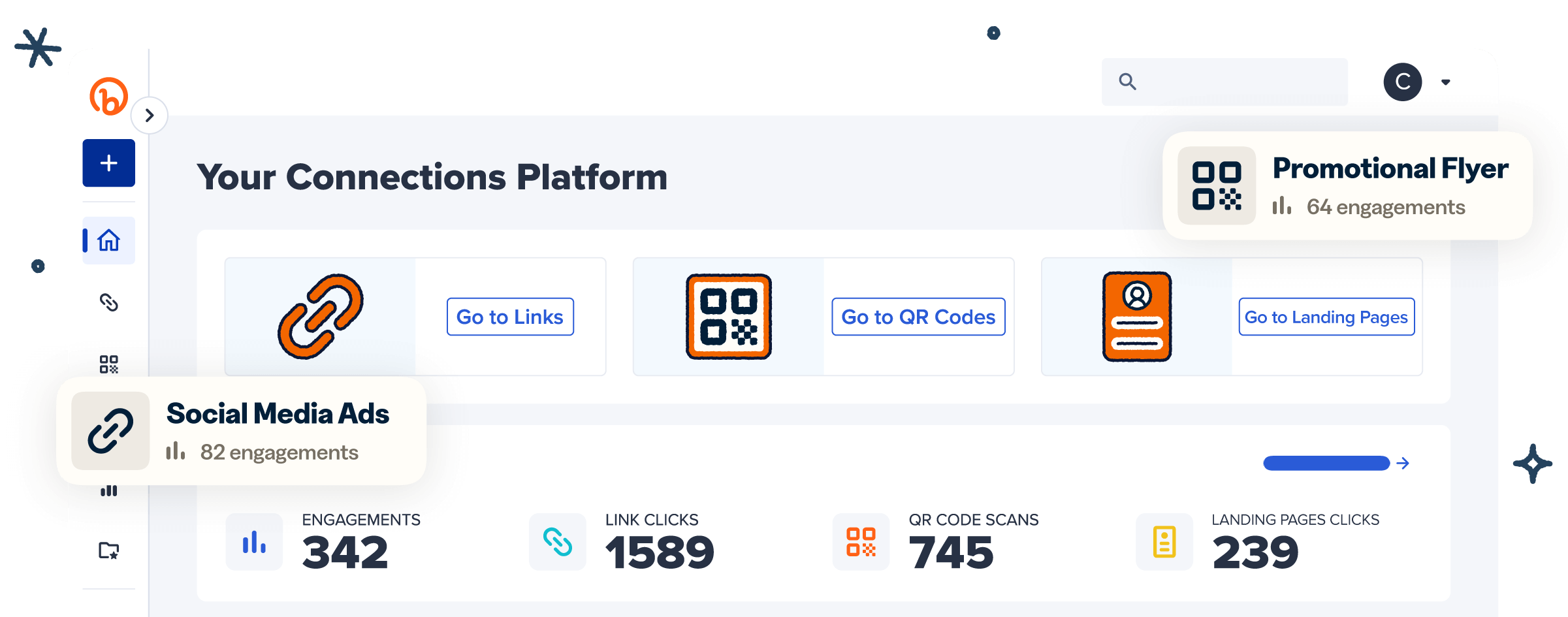
Bitly is the best Linktree alternative for teams that want branded links, QR Codes, landing pages, and analytics in one marketing platform. Instead of hosting a plain list of links, you get a branded link-in-bio page backed by short links, Dynamic QR Codes, and reporting that ties every click and scan together. That combination turns a single bio link into a measurable part of your marketing, not just a directory of URLs.
The biggest advantage is your brand. With a custom domain and branded links, your bio link carries your own name instead of a generic platform URL, and branded links earn 2.3 times more click-throughs than generic ones. That recognition builds trust the moment someone sees where your link leads. Over time, a consistent branded address reinforces who you are across every channel you share.
Bitly Pages lets you build a mobile-friendly link-in-bio with no code. You can start from a template or from scratch, then customize fonts, colors, backgrounds, and button styles to match your look. Embed video, image galleries, social icons, and your Bitly Links, and update the page in seconds whenever your priorities change. The result is a page that feels like an extension of your brand rather than a borrowed template.
Dynamic QR Codes extend that bio link into the physical world. You can add a QR Code to packaging, signage, or print, then update its destination anytime without reprinting, so a scan can point fans to the same bio page you share online. Because Bitly tracks scans and clicks together, your offline and online efforts show up in one report rather than across two disconnected systems.
Bitly Analytics brings clicks and scans into one view, so you can see what’s working across social, email, and print. You can break performance down by city, country, device, and referrer, then act on the data without switching tools. Unified reporting matters because your audience moves across platforms, and you need a single, clear picture of where engagement comes from.
Marketing teams see real results from branded links. As one Director put it, “By using branded short links, we’ve seen a 25% increase in click-through rates across our social media campaigns. Additionally, the detailed analytics allow us to optimize our content strategy, resulting in a 15% boost in overall engagement.”
Outcomes like these show how much a trusted, branded link can influence the way people respond.
Pros:
- Branded links and custom domains that reinforce your brand everywhere you share
- Dynamic QR Codes that connect print and packaging to your bio link
- Unified analytics for clicks and scans in one dashboard
Cons:
- Custom domains and branded links require a paid plan
- Deeper analytics history unlocks on higher tiers
Pricing: Free $0; Core $10/month (annual only); Growth $29/month (annual); Premium $199/month (annual); Enterprise custom.
Explore Bitly plans and start for free: https://bitly.com/pages/pricing
2. Later
Later is a social scheduling platform whose Link in Bio feature turns your profile into a shoppable gallery. You can schedule posts and connect followers to products or content directly from your bio, which suits Instagram-first brands. It works best when your priority is planning visual content and driving traffic from a single social platform.
Pros:
- Media scheduling across social platforms
- Shoppable Instagram feeds
- Easy customization
Cons:
- Basic data insights
- Instagram-focused, with some options for other social platforms
Pricing: Starter $18.75/month; Growth $37.50/month; Scale $82.50/month.
3. Leadpages
Leadpages is a full-featured landing page builder with a drag-and-drop editor that requires no coding. It’s a strong fit when your bio link needs to drive conversions via dedicated pages and lead-capture forms. Because it focuses on landing pages rather than social bios, it suits teams that want to turn clicks into leads.
Pros:
- Extensive customization
- Lead capture forms
- A/B testing
Cons:
- May be too complex for basic needs
- Higher cost
Pricing: Grow $99/month; Optimize $199/month; Scale $399/month.
4. Planoly
Planoly combines social scheduling with a link-in-bio and is popular with influencers. It helps you plan visual content and keep a consistent look across your Instagram presence. Creators who care about a polished, curated feed often reach for it first.
Pros:
- Content planning
- Appealing design
- Instagram integration
Cons:
- Limited analytics
- Instagram-focused
Pricing: Starter $14/month; Growth $24/month; Pro $47/month.
5. Beacons.ai
Beacons.ai is a creator-focused platform with built-in monetization tools like tipping and donations, plus embedded media. It gives creators a tailored bio page designed to earn income directly from followers. That focus makes it appealing to individual creators who want to sell and collect payments on a single page.
Pros:
- Monetization tools
- Tailored customization
Cons:
- May lack advanced features for larger businesses
- Fewer metrics
Pricing: Creator Pro $8.33/month; Store Pro $25/month; Business Pro $75/month.
6. Lnk.Bio
Lnk.Bio is a minimalist, affordable way to consolidate your links in one place. It’s user-friendly and keeps things simple for people who want a straightforward bio link without extra features. The low cost and unlimited links make it a practical starting point for individuals.
Pros:
- User-friendly
- Unlimited links at no extra cost
Cons:
- Fewer design choices
- Limited data insights
Pricing: Free; Mini (monthly) $0.99/month; Mini (one-time) $9.99; Unique (one-time) $24.99.
Best free Linktree alternatives
The best free Linktree alternative depends on how many links you need, whether you want a custom domain, and how much analytics history matters. Free tiers vary widely, so it helps to compare what you actually get before you commit. A plan that looks generous on the surface can fall short once you need branding or reporting.
Here’s what to weigh on free plans:
- Link and content limits: Some tools cap the number of links or pages you can publish each month.
- Customization: Free tiers often limit fonts, colors, and design options.
- Analytics history: Many free plans show limited or no historical data.
- Custom domain: A branded domain is usually reserved for paid plans.
Bitly’s free plan includes 5 links per month, 2 QR Codes per month, and 2 custom landing pages, with unlimited clicks and scans. Branded links, custom domains, and a longer data history are available on paid plans, so you can start for free and upgrade as your needs grow. This makes it easy to test the platform before you invest in branding.
Free plans are a smart place to start, but they rarely include the branding and data that build a lasting presence. A generic URL and shallow analytics may work while you experiment, yet most brands outgrow them once they want to prove results. Treat a free plan as a trial run, and note which paid features you’ll need before you scale.
Your best fit also depends on your audience. Creators who monetize often lean toward Beacons.ai, businesses that want branded, trackable links tend to choose Bitly, and musicians promoting releases may prefer a simple, visual page that points fans to streaming links. Naming your use case first makes the free-plan comparison much faster.
Popular social media management platforms and link-in-bio options
Some social media management platforms include a link-in-bio feature alongside scheduling and analytics, which can consolidate your workflow. These tools suit teams that already manage social content and want a single bio link. If you’re weighing a dedicated bio tool against a broader suite, it helps to know what each offers.
- Sprout Social offers robust analytics and a customizable link-in-bio, making it ideal for teams that want social insights and their bio link in one place. It works well for organizations that lean on social data to guide their strategy.
- Hootsuite includes a link-in-bio feature called Hootbio and is well-suited for larger teams managing multiple accounts.
- Buffer is a lightweight option built for smaller teams and individuals who want simple scheduling and a bio link.
How to choose the right Linktree alternative for you
To choose a Linktree alternative, weigh five factors: custom domain support, analytics depth, customization, integrations, and price. The right tool connects your audience to the right content while showing you what’s working. Ranking these factors by importance to your goals keeps the decision clear.
Identify your main objectives
Start by naming what you want your bio link to do. If you’re driving sales, prioritize conversion features and detailed analytics; if you’re growing an audience, focus on customization and reach. Our guide to what to include in your link-in-bio can help you map content to goals. Clear objectives make every other decision easier.
Evaluate key features
Compare the features that matter most for your use case, like link limits, QR Codes, landing pages, and design flexibility. If your audience lives on Instagram, our Instagram link-in-bio guide walks you through how to make the most of that single link. List your must-haves before you compare, so a long feature list doesn’t distract from what you truly need.
Pay attention to how features work together, not just how many there are. A tool that offers links, QR Codes, and analytics in one place saves you from having to stitch data together later. The goal is a single workflow where creating, sharing, and measuring your bio link happen without extra steps.
Prioritize a custom domain and data ownership
A custom domain replaces a generic platform URL with your own branded address, building trust and earning more clicks. Owning your analytics matters too, because exportable, detailed data lets you act on performance rather than guess. These criteria separate a basic link list from a tool that grows with your brand.
Assess integration with your tech stack
Check how well each tool connects to the platforms you already use, from your website to your analytics. Smooth integrations save time and keep your data flowing into one place. The fewer manual steps you take, the more consistent and reliable your reporting becomes.
Take advantage of free trials
Most tools offer a free plan or trial, so test your top choices before you commit. Analytics and conversions matter more than ever, with global social commerce revenue projected to reach an estimated $586 billion in 2026. A short trial shows you whether a tool can actually turn clicks into results, not just promises.
Build a branded, trackable bio link with Bitly
The right Linktree alternative gives you a branded bio link, a custom domain, real analytics, and the customization your audience expects. Bitly delivers it all on one platform, combining branded short links, Dynamic QR Codes, mobile-friendly Bitly Pages, and unified analytics across clicks and scans. Whether you create content, run a business, or promote music, you can build a bio link that reflects your brand and shows you exactly what’s working.
Link your marketing. Get started for free, and build a branded, trackable link-in-bio with Bitly today.
Frequently Asked Questions
Is there a free Linktree alternative?
Yes. Several link-in-bio tools offer free plans, including Bitly. Bitly’s free plan includes 5 links per month, 2 QR Codes per month, and 2 custom landing pages, with unlimited clicks and scans. Compare free plans on link limits, customization, analytics history, and custom domain support, since these vary widely.
What is the best Linktree alternative for creators?
The best choice for creators depends on your goals. If you sell products directly, look for built-in commerce features. If you want branded, professional links with detailed analytics you can act on, Bitly combines a customizable link-in-bio page, branded links, and unified click and scan tracking in one place.
Can I use my own domain with a link-in-bio tool?
Yes, with the right tool. A custom domain replaces a generic platform URL with your own branded address, building trust and earning more clicks. Bitly supports custom domains and branded links on its paid plans, so your bio link reinforces your brand everywhere you share it.
Is Bitly a good Linktree alternative?
Yes. Bitly gives you a branded link-in-bio page through Bitly Pages, branded short links, Dynamic QR Codes, and unified analytics across clicks and scans. That combination suits marketers and businesses that want to track performance and keep a consistent brand across channels, not just list links.
How do I switch from Linktree to another tool?
Start by listing the links and content on your current Linktree page. Choose a tool that fits your goals, rebuild your page with your links and branding, and update the single link in your social profiles to point to your new bio page. With Bitly, you can also add a custom domain and QR Code, so your new bio link matches your brand.