How do Bitly Pages work?
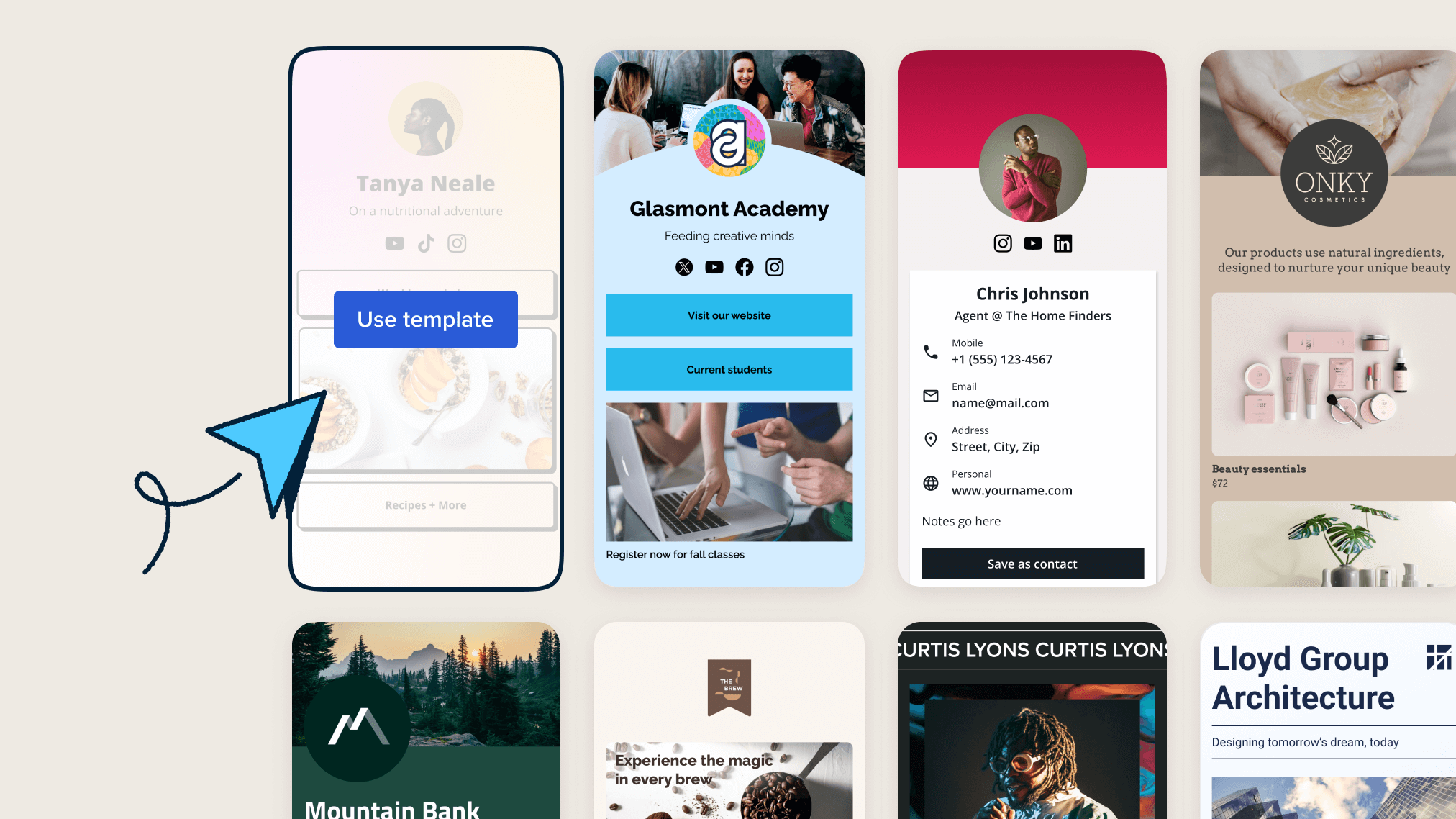
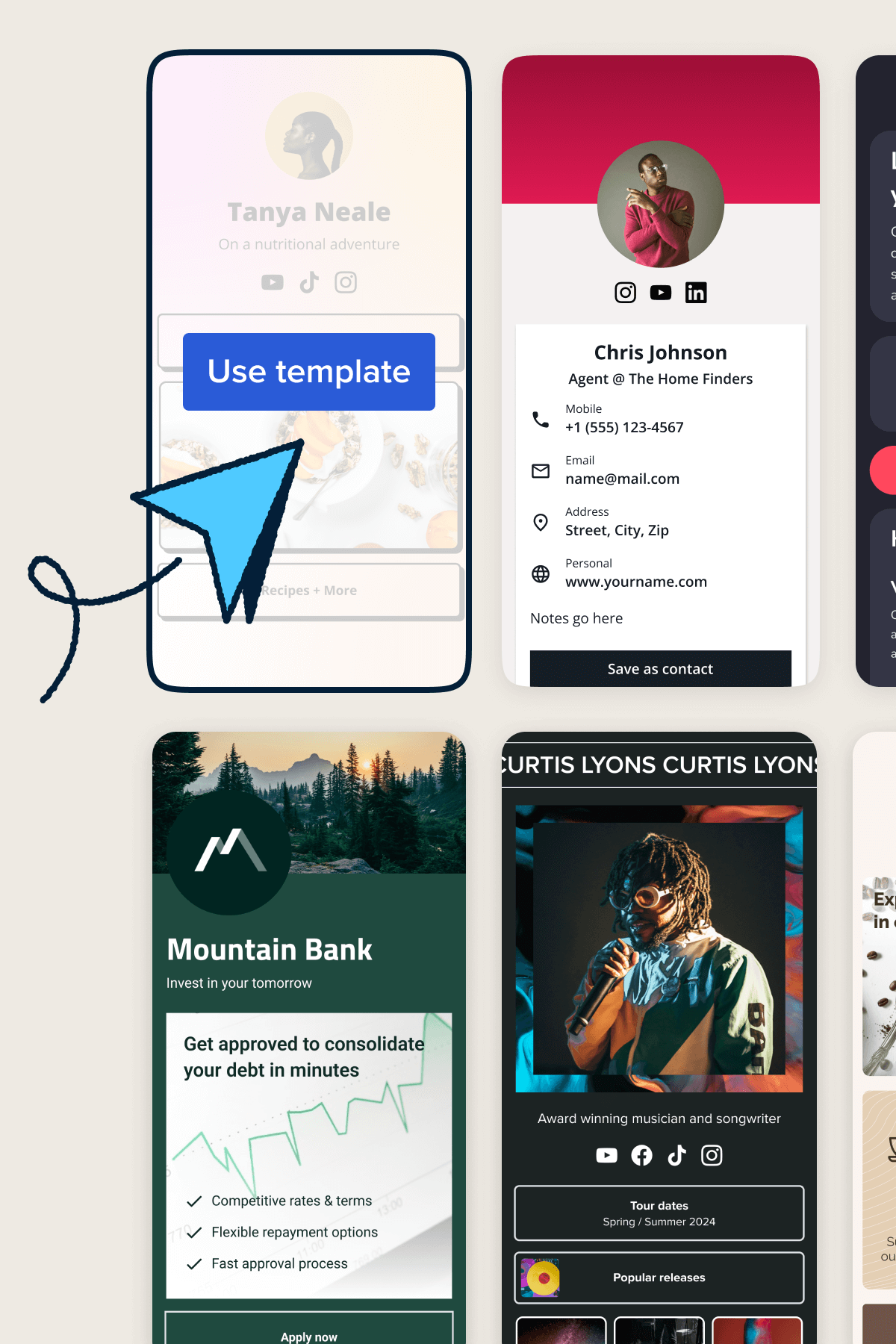
Pick a template
Choose from a number of ready-to-go landing page templates and create a polished, professional page that reflects your brand perfectly.
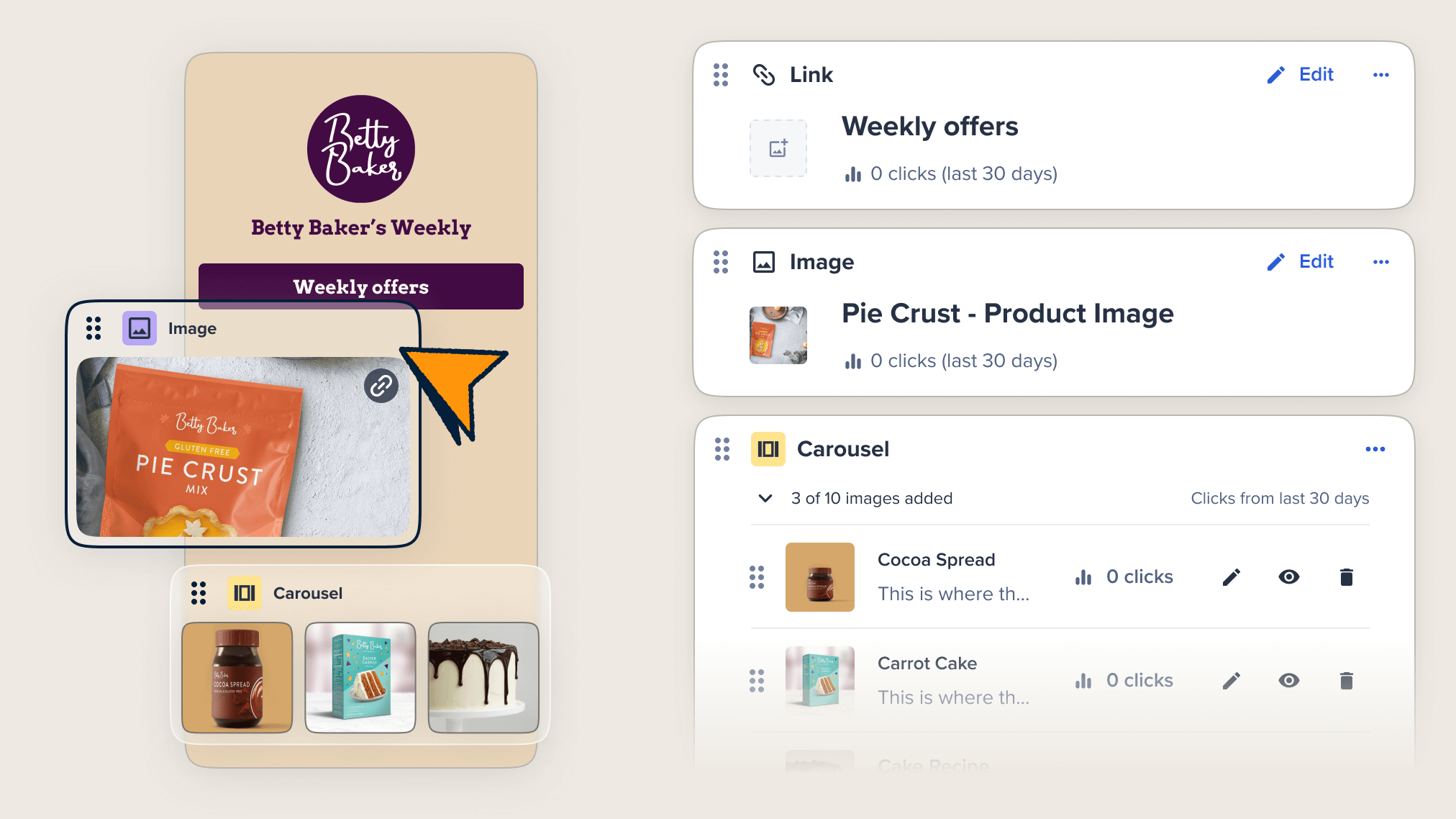
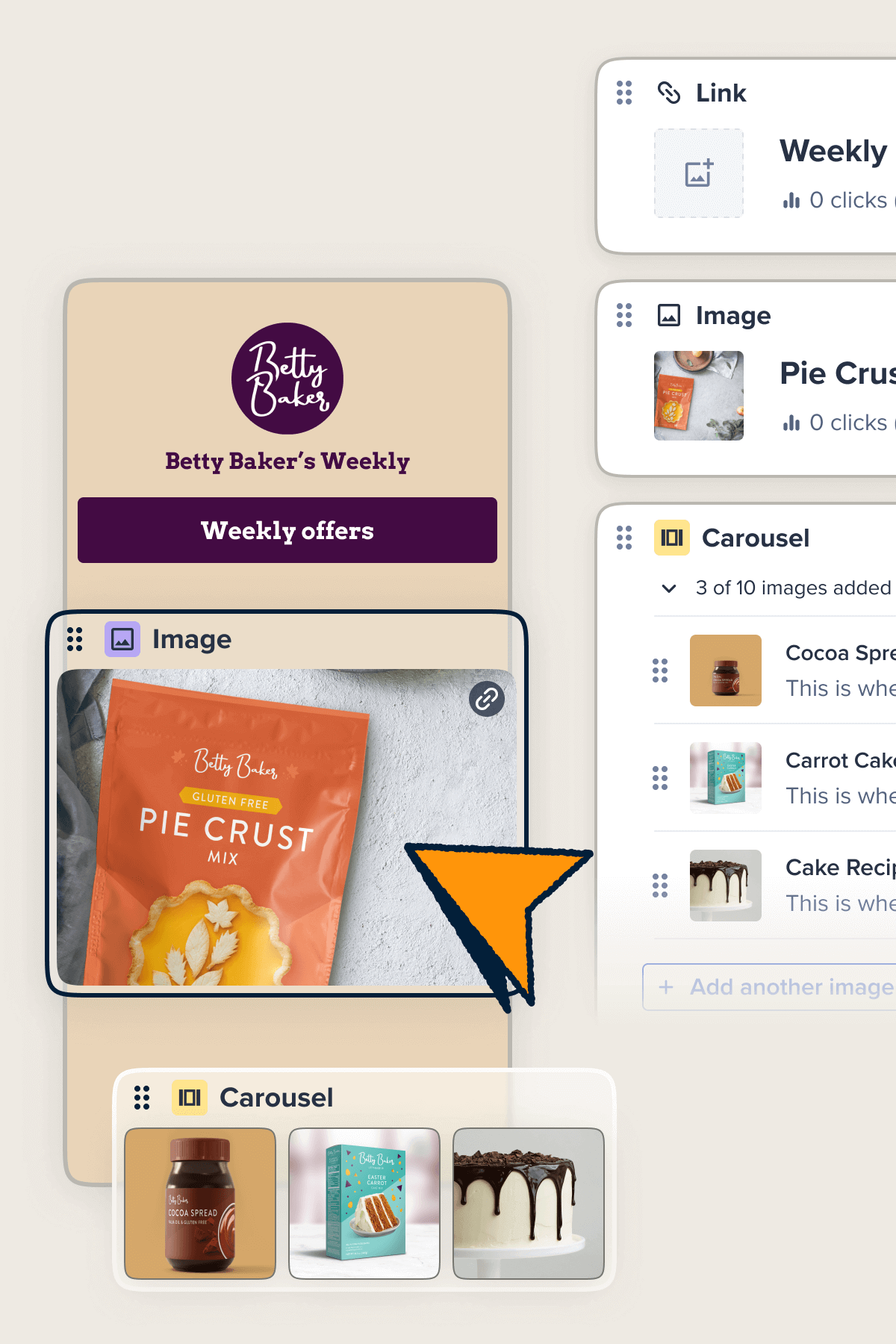
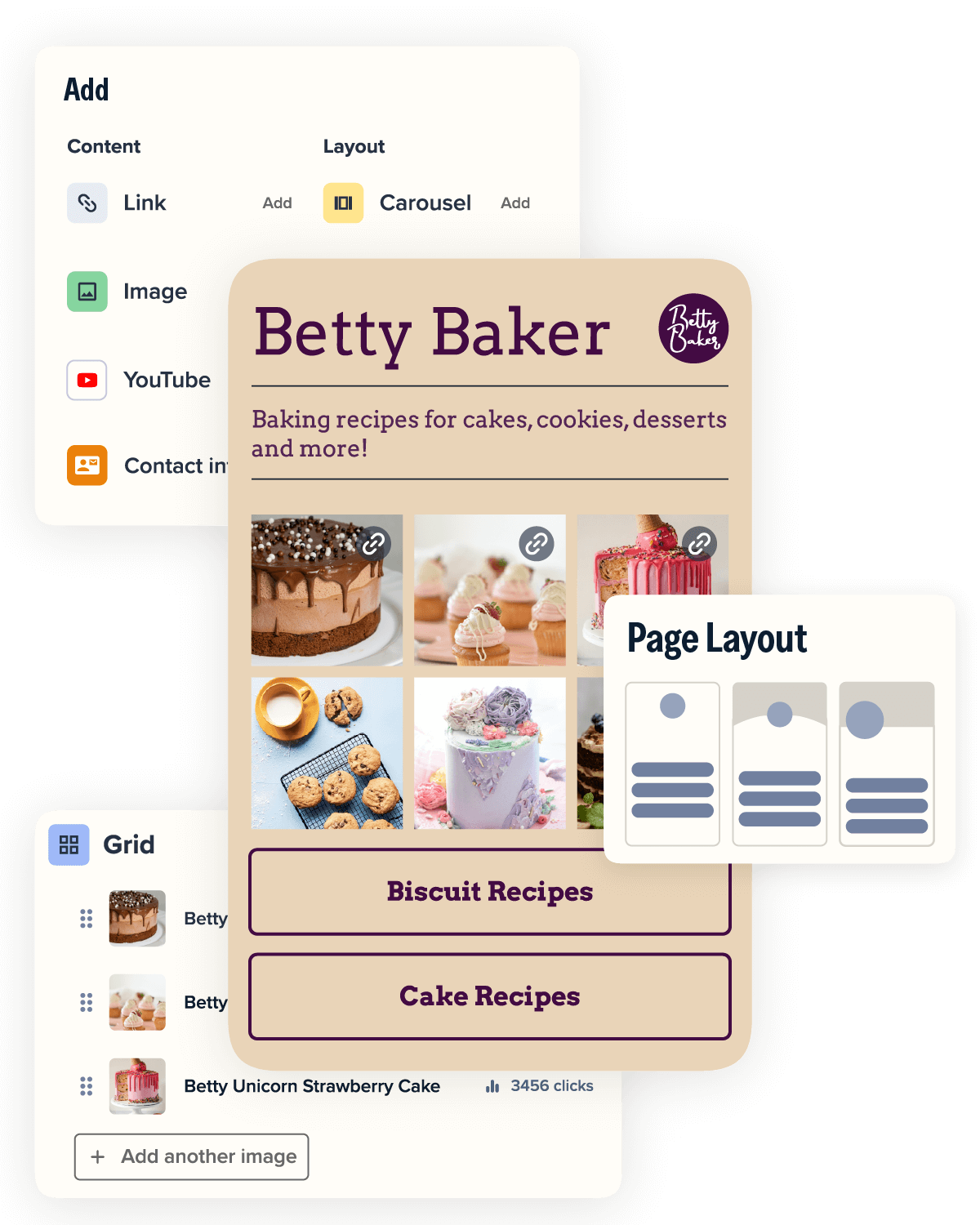
Customize your page
With options like embedded videos, image grids, and carousels, you can easily tailor your landing page to create an engaging experience for your audience.
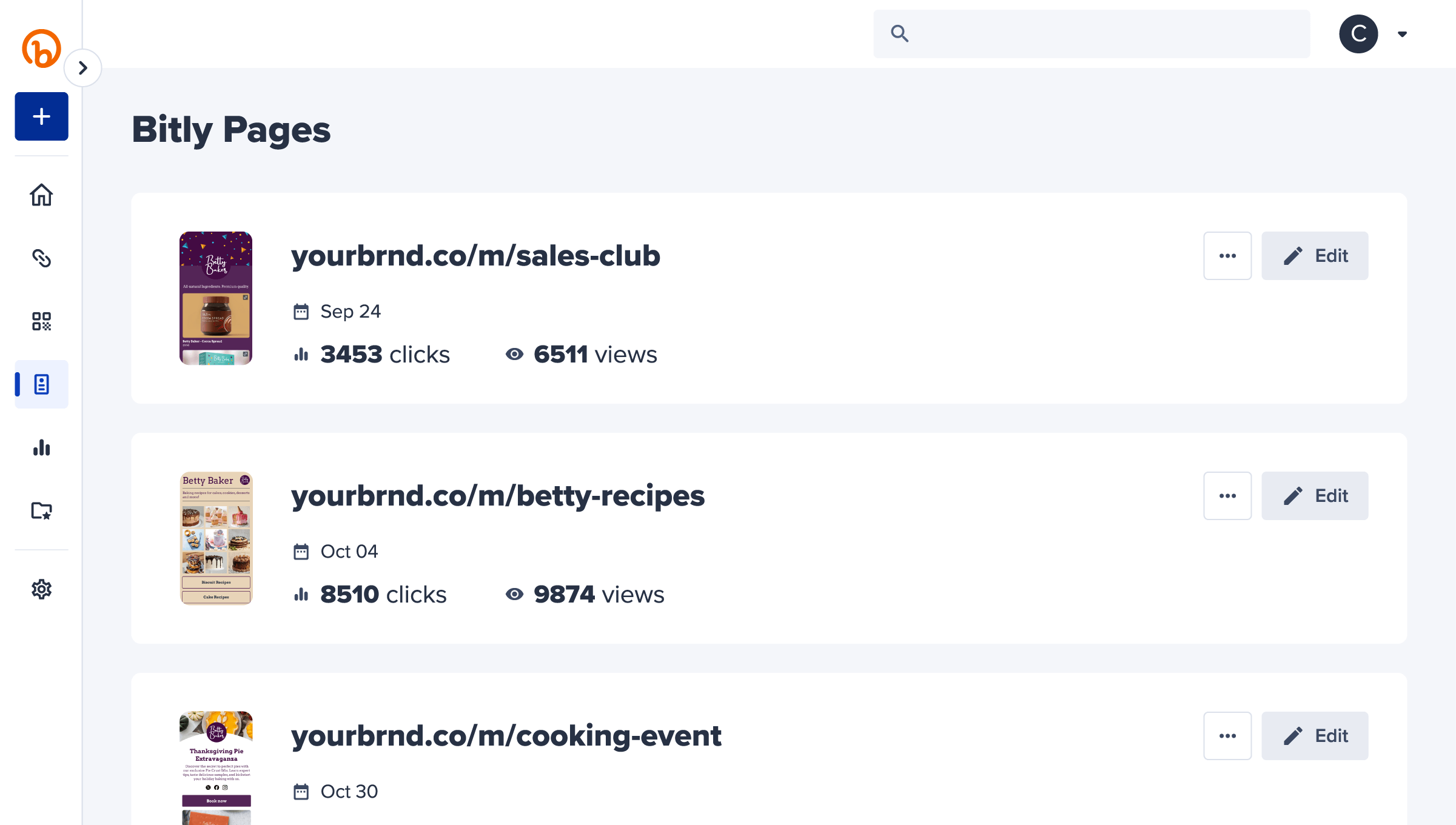
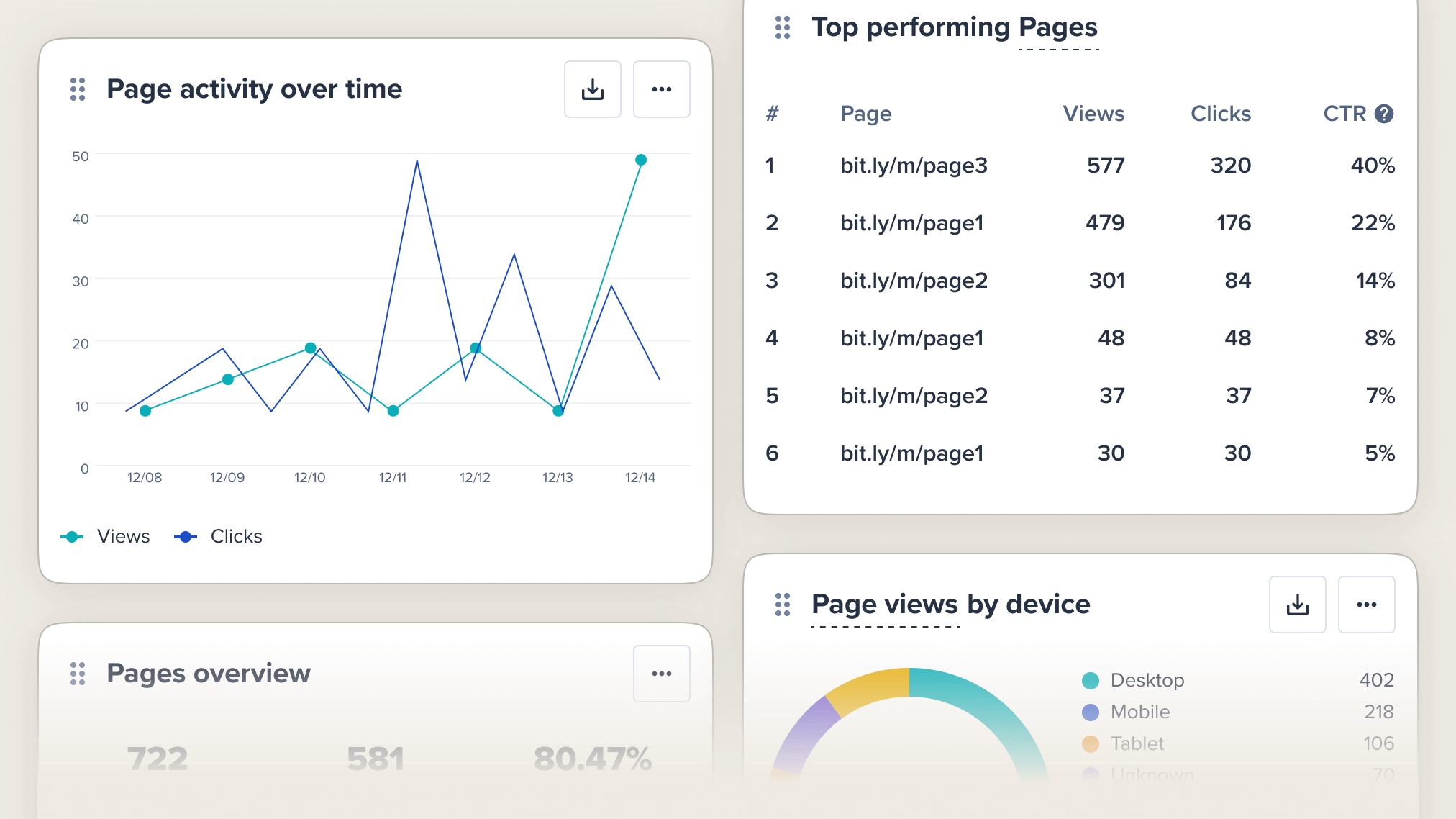
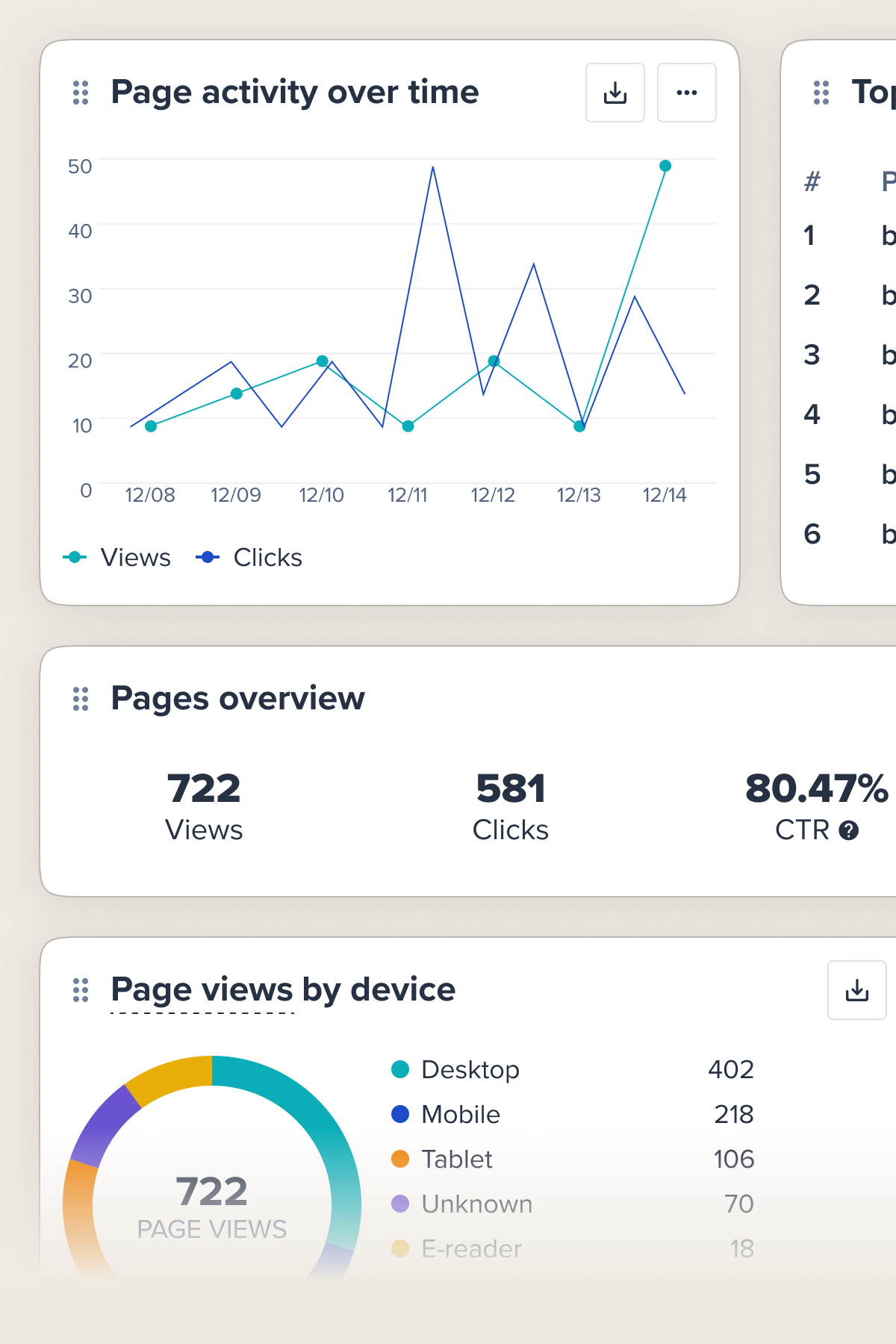
Track your results
Analyze views, clicks, and traffic sources to gain actionable insights that help you optimize your landing pages and boost conversions.
Loved by big and small brands everywhere






Create landing pages in minutes
Gone are the days of time-consuming and overly complicated landing page builders. Bring your Bitly Page to life quickly and without hassle.
- Build your landing page using a pre-designed template or start from scratch to perfectly match your brand’s look and feel.
- Add, customize, or remove blocks to edit content and media without being a tech expert.
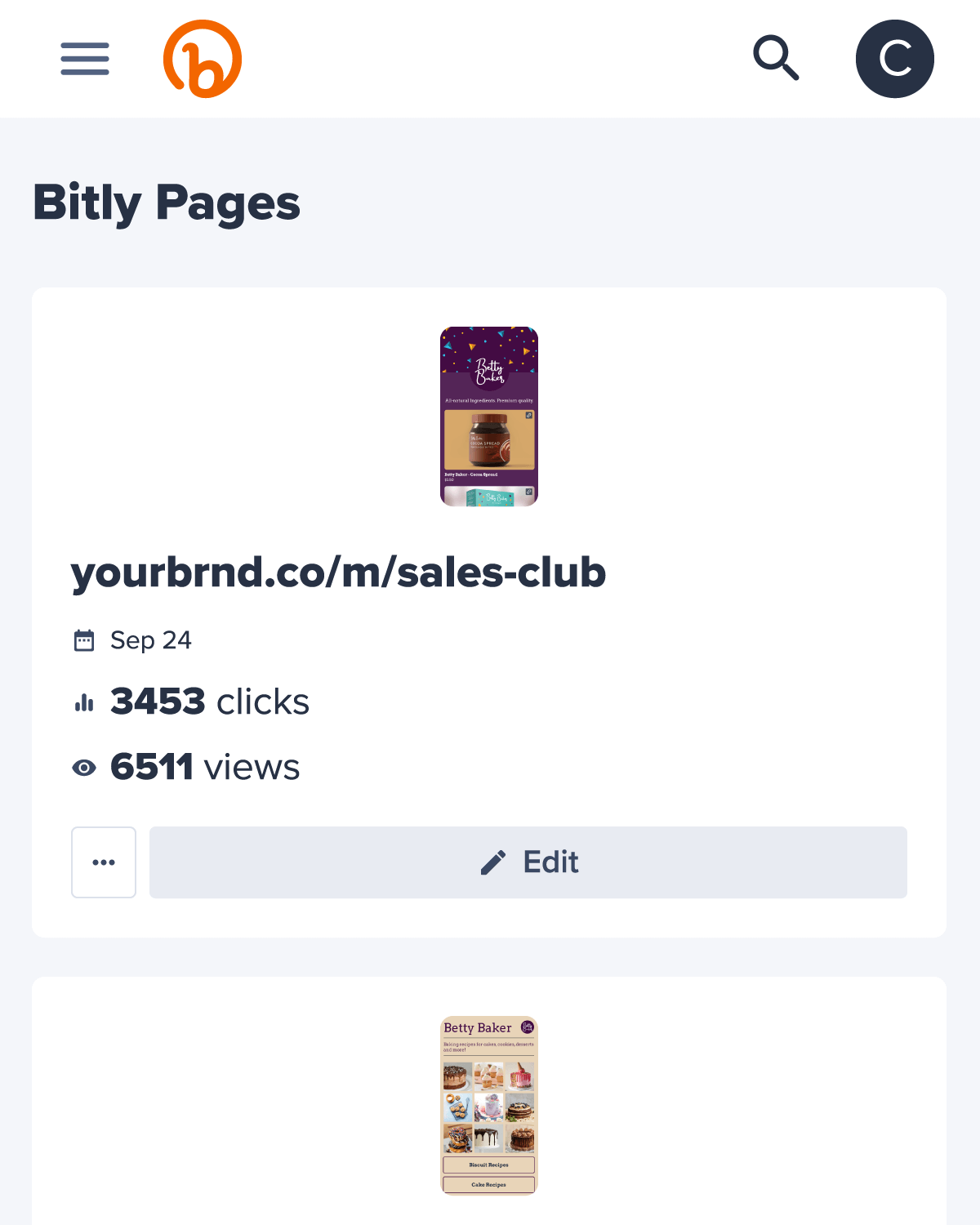
- Reach your audience on the go with mobile-friendly landing pages that look great on any device, connecting with them wherever they are.
Landing pages for any goal
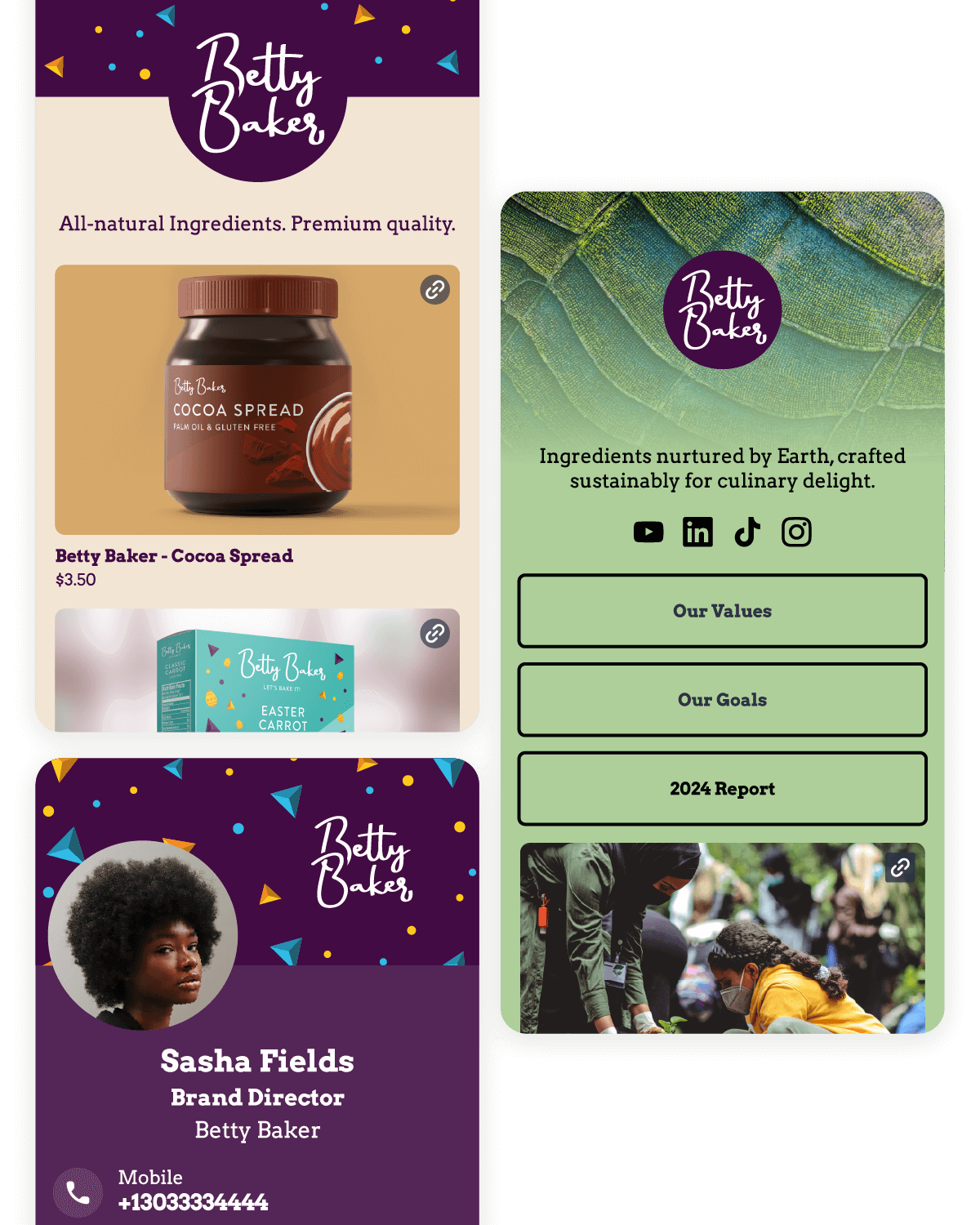
With Bitly Pages, you can create focused, mobile-friendly landing pages that drive specific actions like purchases, downloads, and registrations.
- Stay relevant and spotlight new content, limited-time offers, or seasonal campaigns on a Bitly Page with minimal effort and fuss.
- Create exactly what you need in minutes—whether it’s a link-in-bio page, event promo hub, or even a digital business card.
- Make the most of your Bitly Page by reusing and repurposing it for new goals or campaigns.
Engage and convert visitors with confidence
Direct your links and QR Codes to landing pages that provide relevant content and services to your audience. Gain meaningful insights on performance and adjust when needed.
- Bring your landing page to life with dynamic image carousels and YouTube videos that keep audiences engaged.
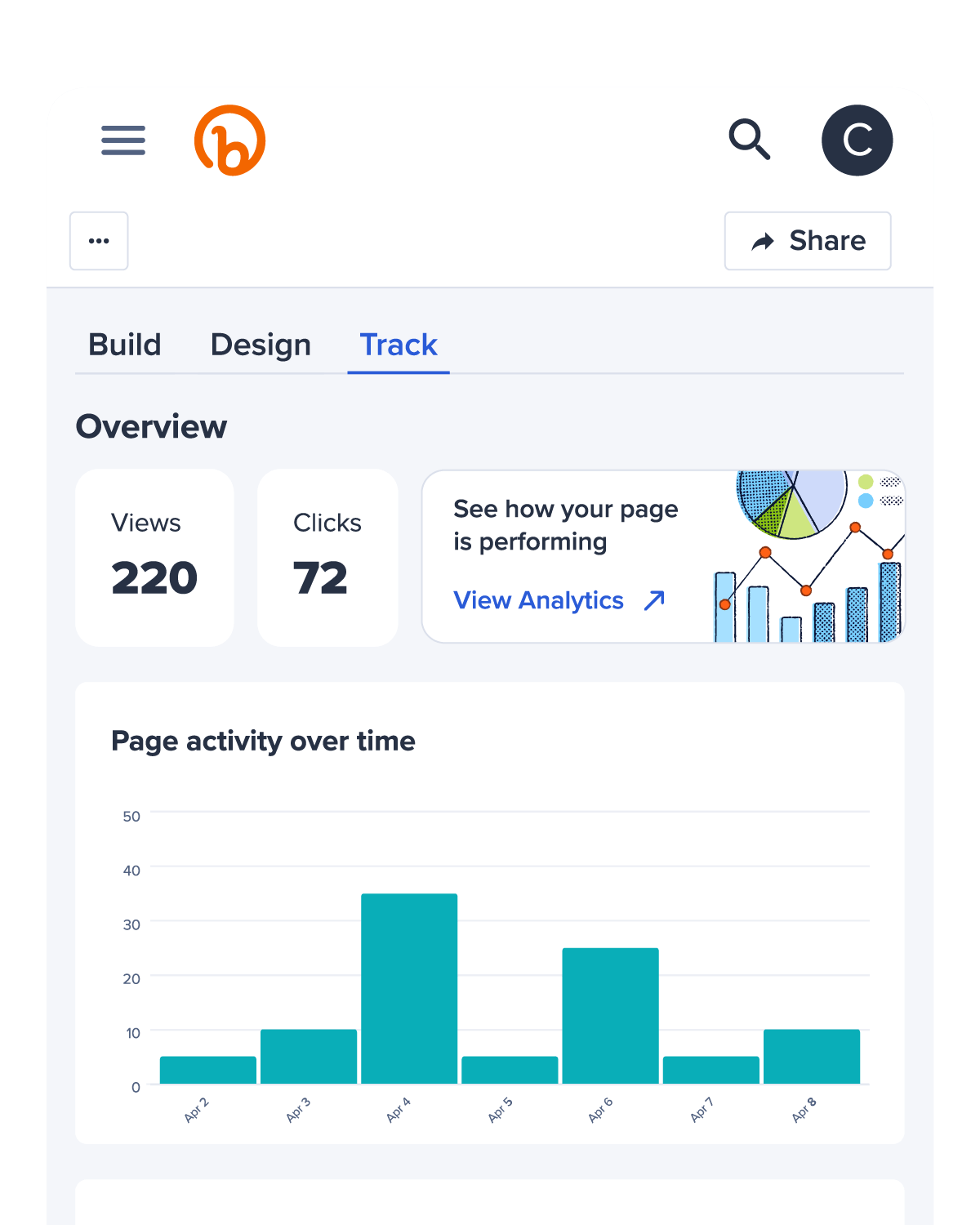
- Easily track engagement on your landing pages and refine your strategy. You’ll get end-to-end analytics including views, clicks, traffic sources, and visitor locations, so you’ll know exactly what works.
- Use Pages for the long-haul or for short-term projects. Simply repurpose and redirect your landing page when the need arises.
The Bitly Connections Platform
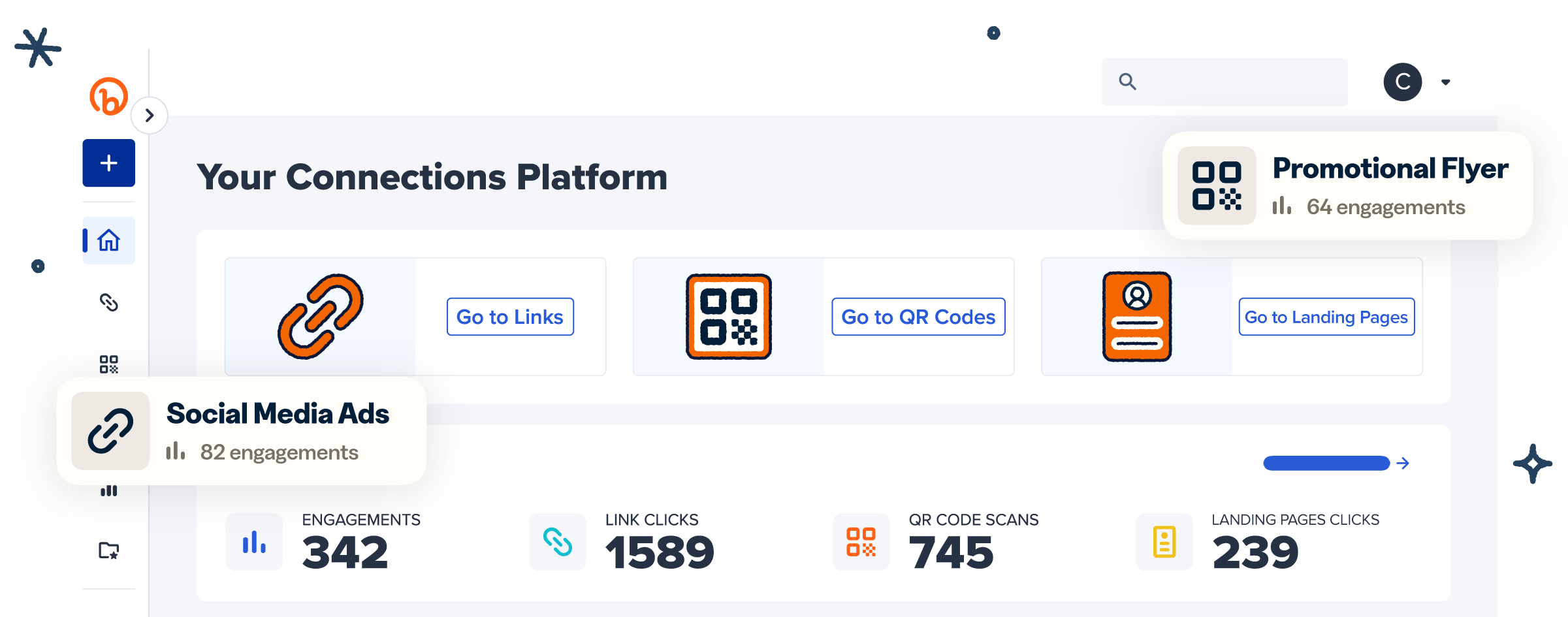
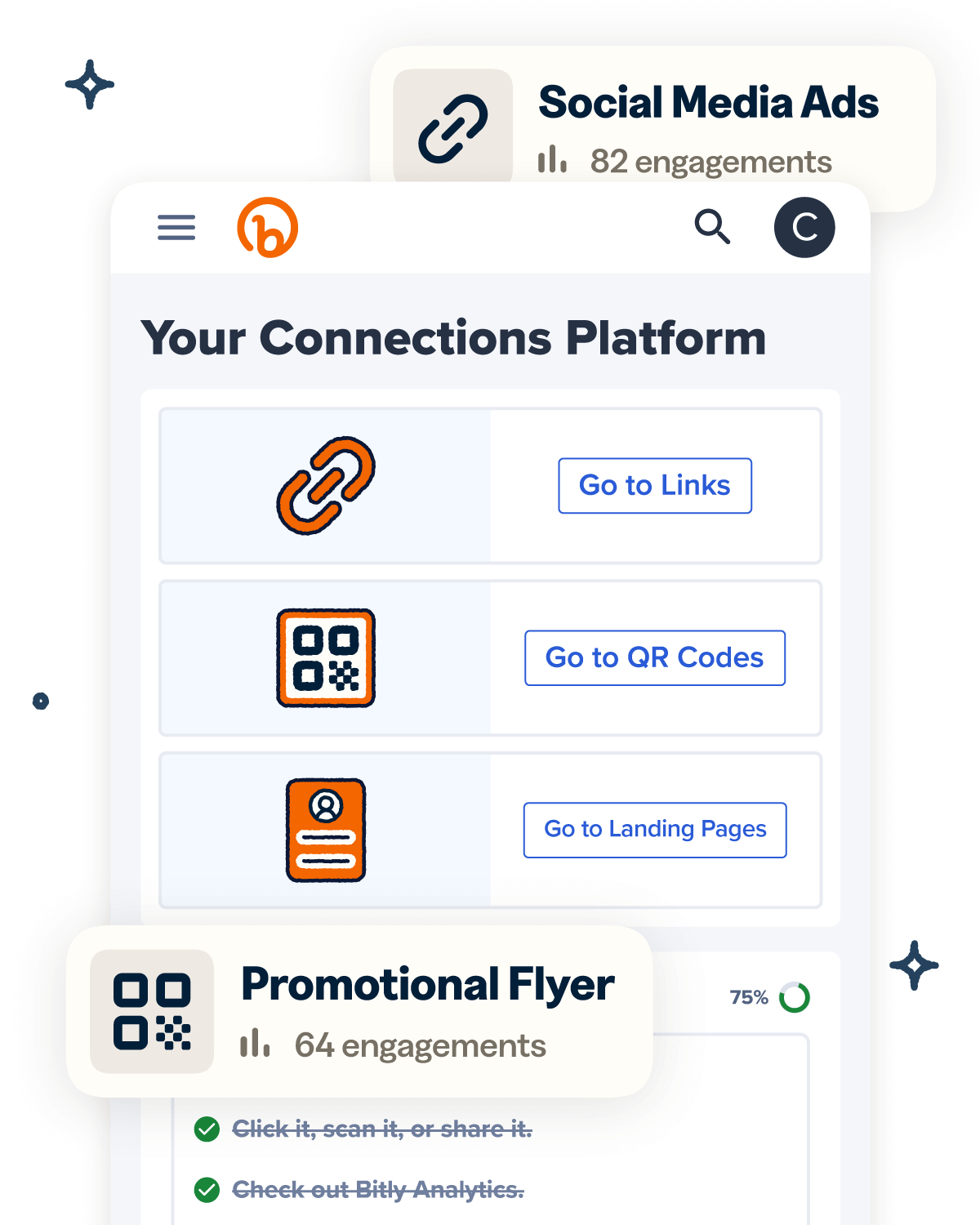
Use our URL shortener, QR Codes, and landing pages to engage your audience and connect them to the right information. Build, edit, and track it all in the Bitly Connections Platform.
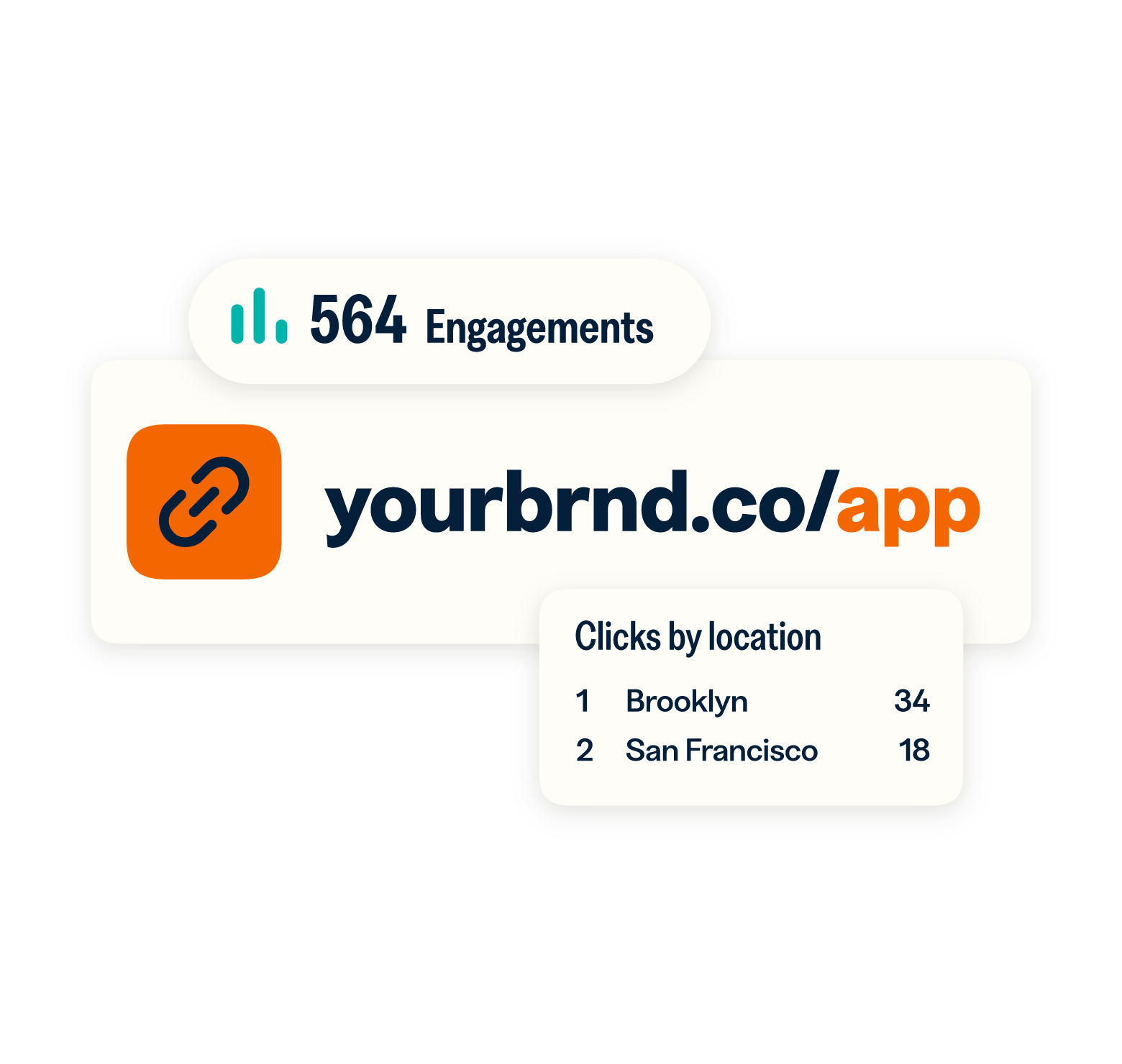
 URL Shortener

Popular URL Shortening Features
- URL shortening at scale
- AI-generated custom domains
- URL redirects
- Advanced analytics & tracking
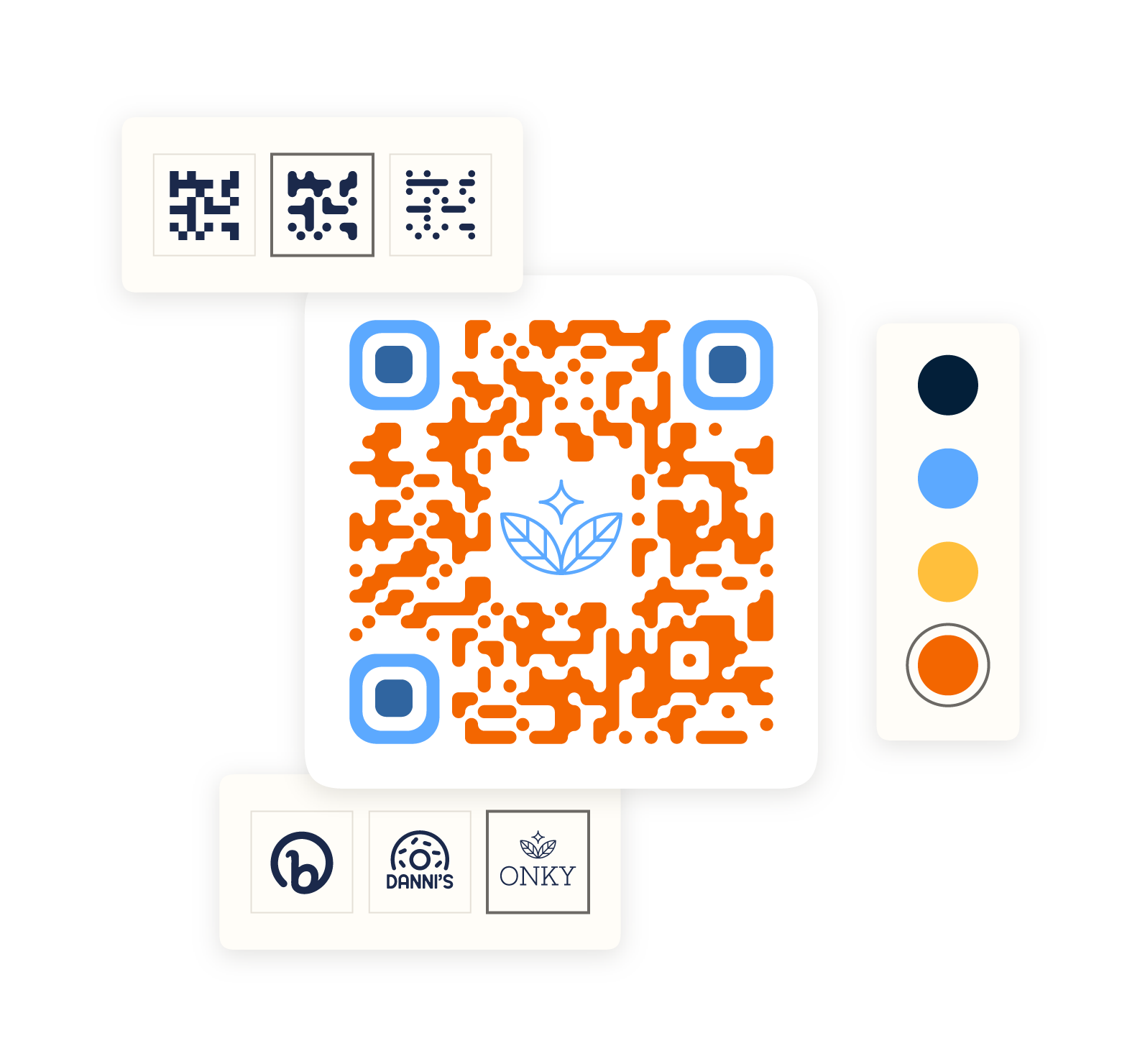
 QR Codes
Popular QR Code Features
- Fully customizable QR Codes
- Dynamic QR Codes
- QR Code types & destination options
- Advanced analytics & tracking
What our customers are saying


Melody Park
Marketing Lead at Smalls

Phil Gergen
Chief Information Officer at Koozie Group

More than a link shortener
Knowing how your clicks and scans are performing should be as easy as making them. Track, analyze, and optimize all your connections in one place.