
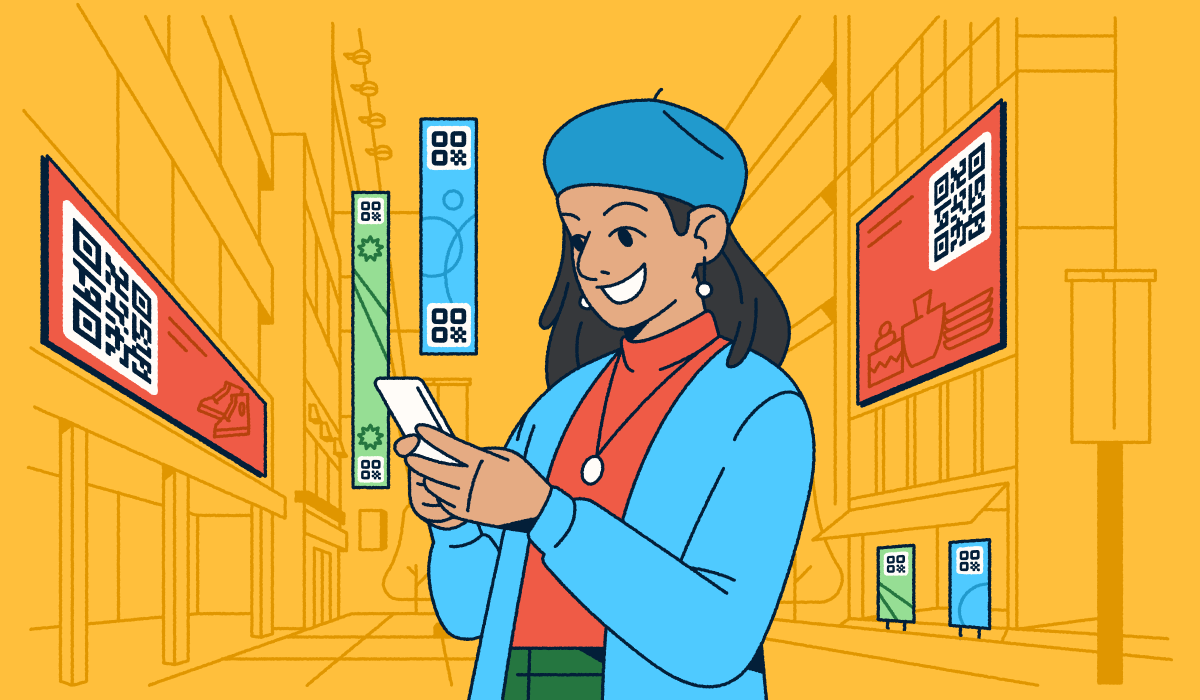
Managing marketing campaigns across multiple stores, venues, or regions can be complex, requiring different messaging and even needing to stick to different regional laws and regulations.
Because of this complexity, many enterprise teams use QR Codes to connect offline touchpoints with online experiences. Branded QR Codes let you deliver consistent digital journeys across all of your locations while tailoring content to each one.
Multi-location QR Code campaigns unlock new opportunities for engagement, but without planning, they can become fragmented, hard to measure, or difficult to scale. This article covers best practices, real-world use cases, and tools to help you manage campaigns effectively and set them up for measurable success.
Note: The brands and examples discussed below were found during our online research for this article.
Why multi-location QR Code campaigns are essential for enterprises
Location-based QR Code marketing gives enterprise teams a way to scale campaigns without losing control. By assigning unique codes to each region, store, or venue, you can maintain a unified strategy while still tailoring experiences locally. These campaigns connect offline touchpoints with online content, making it easier to boost engagement, build loyalty, and drive conversions.
For instance, a shopper might scan a QR Code with their mobile device in-store and be directed to a page via URL that features promotions or upcoming events. That kind of tailored experience highlights the broader benefits:
- Centralized brand control: Distribute consistent, on-brand materials without relying on each site to manage its own content.
- Measurable data: Track the number of scans and other key metrics across locations to see where engagement is strongest.
- Localized engagement: Share promotions, events, or limited-edition products tailored to each region.
The biggest challenges of running multi-location campaigns
Managing QR Codes across multiple regions or venues isn’t always straightforward, especially for brands with a national or global footprint. Here are some of the most common roadblocks to watch for when scaling multi-location QR Code campaigns:
- Data fragmentation: When locations run codes independently, it can be hard to keep user engagement data organized. Fragmented data makes it easy to miss valuable insights about your target audience.
- Attribution complexity: With multiple QR Codes in play, you need visibility into which offline touchpoints are actually driving online engagement. Mapping a single scan to a specific conversion can be tricky, particularly with complex customer journeys.
- Personalization gaps: Many teams rely on generic landing pages, but that misses the mark at scale. One-size-fits-all content can weaken the customer experience.
- Privacy and compliance concerns: If your campaigns request access to user location, you’ll need to manage permissions carefully. This is especially critical in highly-regulated industries like healthcare and finance.
Best practices for planning and executing QR Code campaigns
Strong multi-location QR Code campaigns start with clear objectives and thoughtful planning. Instead of rolling out codes one by one, design a framework that ties them to your broader marketing strategy, keeps everything organized, and ensures performance is trackable. Below are key best practices to guide your planning and execution.
Define measurable objectives and KPIs
Before generating QR Codes, work with your team to set clear goals and identify the key performance indicators (KPIs) that will matter most. Defining objectives upfront keeps your marketing strategy aligned as campaigns evolve.
Depending on your goals, you might use Bitly Analytics to monitor number of scans and engagement at the city and country level (depending on your plan), or Google Analytics for insight into conversions like lead sign-ups, form submissions, or event registrations from scans.
Pro tip: Use a powerful call to action (CTA) on your landing page to guide users toward the next step you want them to take to increase conversions.
Assign unique, Dynamic QR Codes for each location
Use a QR Code generator like Bitly’s to create individual Dynamic QR Codes for every campaign location. Because Bitly Codes are trackable, you can compare scan volume across stores at the city or country level. Depending on your plan, you can also add UTM parameters to your QR Codes for greater insights into traffic attribution.
Unique QR Codes for A/B testing can take your campaigns even further. Test different visuals, copy, or promotions across your locations’ marketing materials and see which version earns more scans.
Centralized campaign oversight with a shared dashboard
One of the biggest challenges of large-scale QR Code campaigns is keeping each code and its destination URL organized. A central hub streamlines the workflow by giving your entire team one place to access, edit, and track campaigns.
With Bitly, you can create QR Codes, generate short URLs, and keep every asset clearly labeled and organized in one central location. That way, you maintain visibility into performance and can easily compare engagement levels across multiple locations.
How to deliver personalized QR Code experiences by location
Location-specific QR Codes are a simple way to improve the user experience with content that feels relevant to a particular region or store. Start by creating location-specific web pages or content and housing it online. Then, create Dynamic QR Codes that direct to these pages or content. Because customers will most likely be scanning these codes from their smartphones, make sure your content displays well on mobile devices.
Let’s say you have a multi-location restaurant with slightly different menu options at each location. You could upload each menu to your website as a PDF, then create QR Codes for each location that directs to the corresponding PDF via URL. This ensures that the customer scanning the code is seeing the menu that’s relevant to them, rather than one from another city with items they won’t be able to order.
This approach strengthens online-to-offline conversions with QR Codes, turning in-person interactions into meaningful digital touchpoints. Even small personalized experiences (like a custom menu or event page) can contribute to greater satisfaction and long-term loyalty.
Advanced tracking and optimization for multi-location campaigns
Advanced tracking and analytics tools help you get more value from every QR Code. With the right setup, you can optimize campaigns in real time, protect data quality, and uncover insights that fuel smarter decisions.
Integrate real-time analytics and CRM syncing
The right analytics tools let you monitor QR Code engagement levels in real time and take action before small issues become big ones. With Bitly Analytics, you’ll see key metrics like scan totals, location, and device type depending on your plan, giving you a clearer picture of user behavior.
For deeper insights, pair Bitly with Google Analytics to capture on-site actions as events, such as form submissions or video views. This setup lets you monitor each interaction on your landing page as a distinct action, whether it’s watching a video or submitting a form.
If you’re using Bitly short links in CRM-driven campaigns, you can connect engagement metrics back to customer records. This helps you see not just who scanned or clicked but also how those interactions contribute to your overall customer journey and campaign results.
Strengthen data integrity with fraud detection and validation
At scale, even small amounts of invalid traffic, like duplicate scans, accidental rescans, or bot activity in digital campaigns, can skew your results. In fact, bots made up 51% of all web traffic in 2024, making data integrity more important than ever before. In an enterprise setting, even a small percentage of fraudulent activity can throw off location comparisons or negatively affect budget decisions.
Protect campaign accuracy by using fraud detection tools to filter out nonhuman traffic and validation checks to confirm authentic engagement. This ensures your location-level insights, even for multiple locations, stays clean and actionable.
Continuously experiment with design, placement, and landing pages
QR Codes give you plenty of customization options for multi-location campaigns. Even after they’re live, you can experiment with your QR Code design, destination URL, or in-store placement to see if the changes impact engagement.
For example, if you run a multi-location hair salon, you may have a unique QR Code in each store that directs visitors to that location’s booking website. At first, you feature the code on a sticker near the door so that customers will see it as they leave and be reminded to book their next appointment. After a few weeks of low engagement, you move the QR Code to a sign at the checkout desk and the number of scans immediately doubles.
Minor changes can make a huge difference, so don’t be afraid to A/B test and monitor engagement along the way to see what resonates with each location’s customer base.
Real-world use cases for multi-location QR Code campaigns
Here are a few of the many ways brands put multi-location QR Code campaigns to work:
- Retail: Create unique QR Codes for each store to share promotions or add them to product packaging for quick access to tutorials, reviews, or loyalty program landing pages via URL.
- Events: Display QR Codes at entrances, parking areas, and breakout rooms for maps and schedules, and feature them on billboards or other local ads to promote upcoming events.
- Healthcare: Use provider- or department-specific QR Codes to guide patients to the right check-in websites or information pages.
- Real estate: Share property-specific QR Codes that connect buyers to web pages with detailed listings, virtual tours, or open house details.
Bitly gives you the flexibility and advanced features to scale these use cases across regions, no matter the industry.
Common errors to avoid in multi-location QR Code campaigns
Even the best-planned campaign can stumble if the basics aren’t covered. Watch out for these common mistakes:
- Using Static QR Codes: Once live, you can’t update a Static QR Code’s destination URL, which creates problems if your campaign changes and you need to direct customers to an alternate web page.
- Not testing: QR Codes need to work wherever customers scan them. Failing to test them can lead to irrelevant experiences if they lead to the wrong location’s information.
- Overcomplicating the experience: Adding too many rules or conditions can confuse users and weaken the impact. Keep the journey simple and intuitive.
- Neglecting mobile optimization: Slow load times or clunky UX can tank conversions. Make sure every landing page is fast, mobile friendly, and works seamlessly across different smartphones and tablets.
Scale multi-location QR Code campaigns with confidence
Multi-location QR Codes make it possible to scale your in-person marketing efforts across regions while still tailoring experiences to each audience. With the right planning, tracking, and optimization, these campaigns drive stronger engagement and measurable results.
Bitly gives you the tools and functionality to manage them all in one place. You can create Dynamic QR Codes in bulk, add branded elements like colors and logos, and monitor scan data in real time. This keeps campaigns consistent and insights centralized, so you can expand reach without losing control.
Ready to put QR Codes to work across every store, venue, or region? Sign up for Bitly today to run smarter, scalable multi-location campaigns.





