
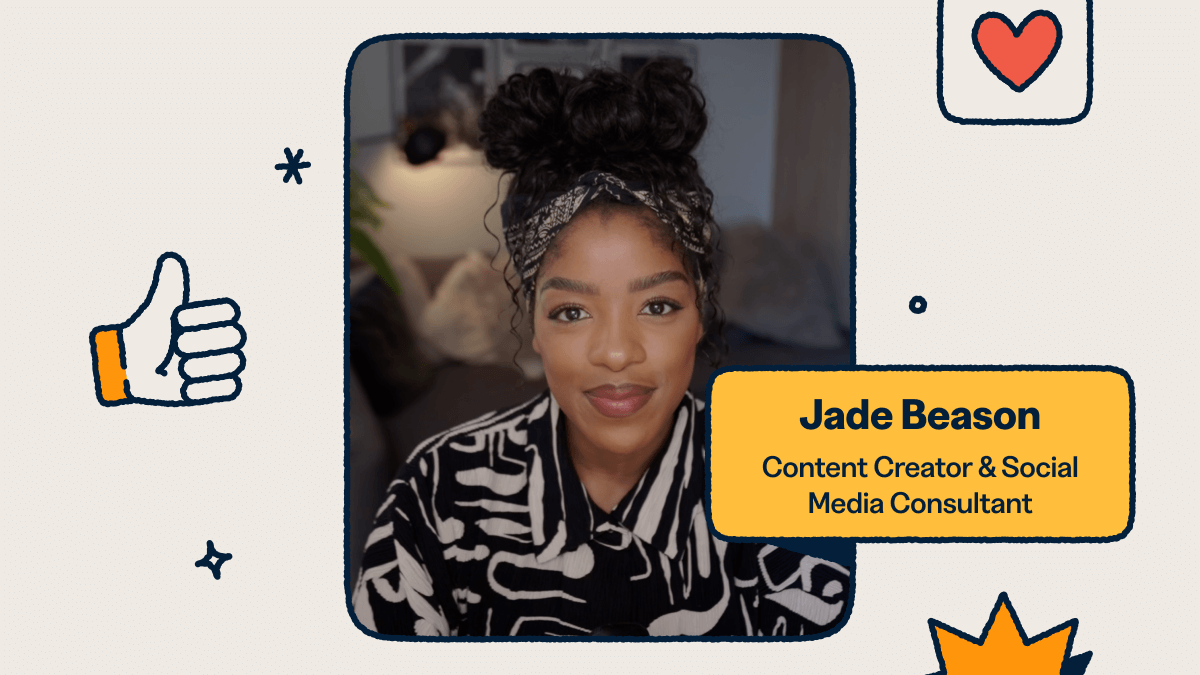
Building a business as a content creator and solopreneur
When I launched my career as a content creator and digital marketing consultant, I made it a priority to focus on strategies that would allow me to scale my business from day one. Just a few months in, I released an eBook to my growing audience, which immediately gave them additional value on top of the free content I was already sharing across social media. That was one of several bold moves I took early on that helped me set the foundation to quickly scale to six figures in my very first year.
However, it’s not enough to just be on social media. If you want to scale to six figures, you need to use social media as a platform to launch additional income streams such as online communities, your own products, services, and more.
Here are the strategies that helped me grow quickly—and how I’ve used Bitly as a part of that process.
Step 1: Build beyond social media
I’ve always believed content creators, solopreneurs, and small-business owners shouldn’t just post for the sake of posting. Instead, content should be a launchpad for something bigger—whether that’s products, services, or community-building. For me, that meant publishing an eBook just two months into my journey. It gave my audience real value while also creating a revenue stream for me outside of brand deals. You can share your downloadable products with Bitly’s short links and view clicks in real time, tracking which content is being downloaded and is most popular.
Step 2: Create a memorable landing page
To connect my followers with everything I was building, I needed a place where my audience could go after seeing my content. I created a Bitly Page—a mobile-friendly landing page that became a hub for my eBook, services, and social links.
My Bitly Page took me less than 15 minutes to set up, and it gave me the professional foundation I needed to send my audience to the right places.
Step 3: Track what’s working
As a creator, I know that growth requires making smart decisions, and that starts with the right analytics. If something isn’t working, you need to know why.
With the Bitly Analytics dashboard, I can track all of my Bitly Links, QR Codes, and mobile landing pages in real time. I can see which content drives the most clicks, optimize my calls-to-action, and double down on the platforms that deliver results.
Step 4: Scale with Bitly QR Codes
I also love using Bitly QR Codes to reach people beyond social feeds. Creators are using QR Codes to grow their audiences and their income by putting them on merch, business cards, and more. I’ve personally used Bitly QR Codes during my live speaking events—attendees can scan them to instantly access my resources.
If you’re looking for ways to scale, and engage your audiences long after the first interaction, creating your own customised QR Codes with Bitly can help you get there.
Looking ahead
For me, being a full-time creator means more than just posting videos—it’s about building a scalable business with multiple revenue streams. The four-step approach I’ve shared here works
For me, being a full-time creator means more than just posting videos—it’s about building a scalable business with multiple revenue streams. The four-step approach I’ve shared here works because it focuses on creating systems that convert your audience into customers, not just entertaining them.
With Bitly, you have everything you need to start: short links that track performance, landing pages that convert, QR Codes that bridge offline to online, and analytics that guide your decisions. Most importantly, you can start for free and scale as you grow.
Feeling inspired? Get started with Bitly for free and start creating an unforgettable audience journey that keeps fans and customers coming back.





