
Not long ago, starting the workday meant opening your inbox and checking your team’s messages. Now, for many marketers, it also means opening a favorite AI tool. From drafting copy to outlining campaigns and answering questions in real time, AI assistants have quickly become a natural place to think, plan, and create.
But when it comes time to execute, that workflow often breaks.
Creating links, applying UTMs, or checking performance can turn into a cycle of tab switching, spreadsheet checks, and copy-paste work. It’s not complicated—but it pulls you out of your flow. That’s the friction we set out to resolve with Bitly’s new LLM integrations.
With Bitly’s ChatGPT, Claude, and Copilot integrations, you can bring trusted link and QR Code management directly into the AI tools where your work already happens. Create, manage, and analyze links through natural conversation—without breaking your flow or sacrificing structure.
What are Bitly’s ChatGPT, Claude, and Copilot integrations?
Bitly’s LLM integrations connect your Bitly account with leading AI assistants so you can work with links and QR Codes using plain language. Instead of treating link management as a separate task, Bitly becomes part of the same AI conversation where ideas are shaped and decisions get made.
Don’t forget that the links and QR Codes created in these environments still operate under Bitly’s established controls and standards, so teams can adopt AI workflows confidently while Bitly quietly handles the work behind the scenes!
You can now explore:
Together, these integrations bring Bitly into your existing workflows. Create, manage, and check links right alongside campaign planning without breaking your flow.
What can you do with Bitly’s LLM integrations?
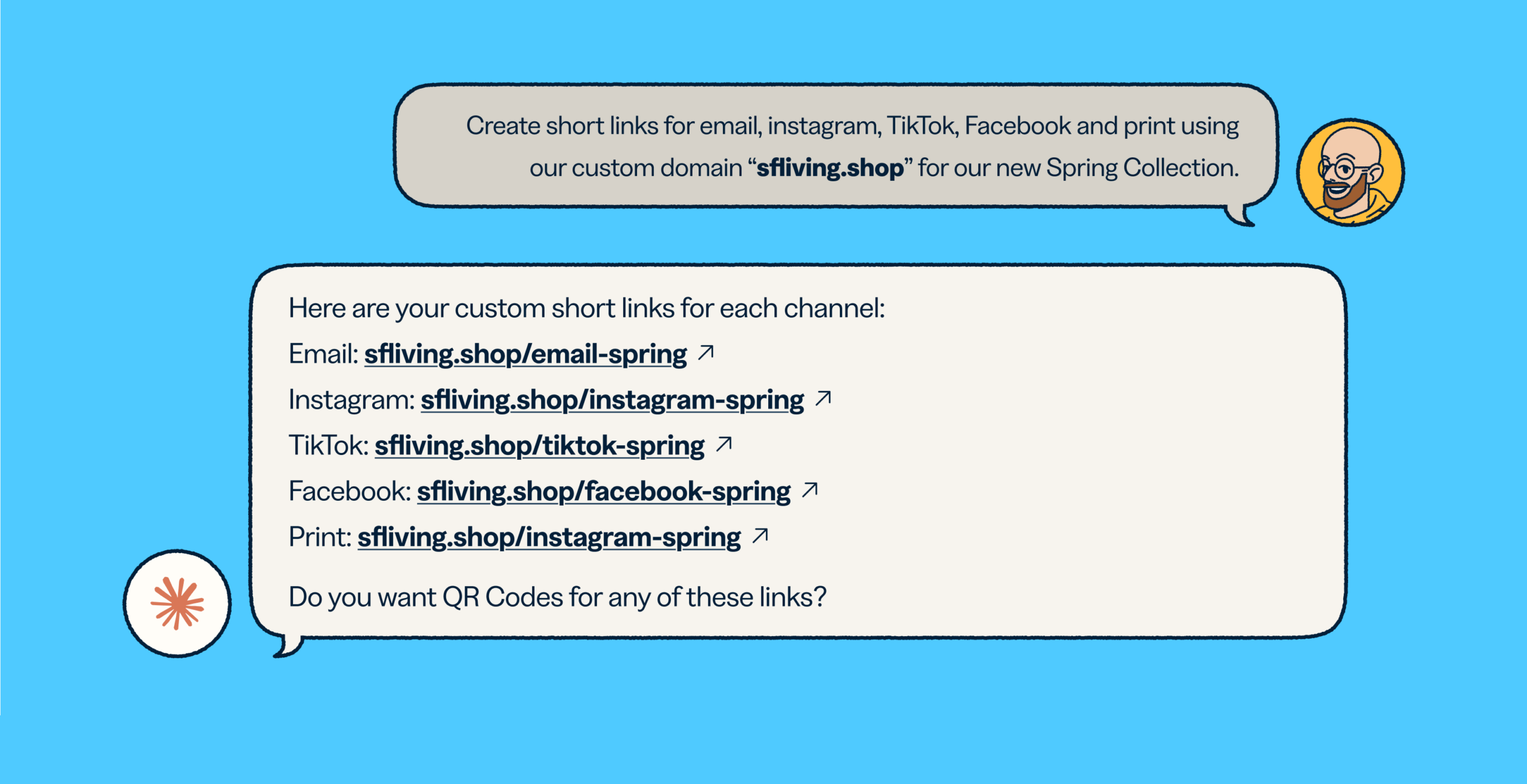
It all starts with a simple request. You ask your AI assistant to shorten a link for an upcoming newsletter. Moments later, you have a branded short link that’s named correctly, tagged consistently, and ready to share.
Next, you paste in a list of URLs for a campaign launch. Instead of creating links one by one, you generate them all in a single conversation. Titles, tags, and UTM parameters follow the same structure every time.
That’s what Bitly’s ChatGPT, Claude, and Copilot integrations are designed to do: turn everyday questions into campaign-ready actions, without pulling you out of your flow.
They’re especially valuable for marketers managing high volumes of links across campaigns and channels, or for teams who spend much of their day working inside AI tools and need speed without sacrificing structure.
How real teams use Bitly’s LLM integrations
For teams whose workflows already live inside an AI assistant, even small interruptions add up. Justin Ritchie, Executive Director at XE Media Association, experienced this firsthand while managing hundreds of institution-specific links for a growing membership program.
It saves me so much time and clicking around. I can keep the ChatGPT + Bitly workflow open in a side window and just keep going,” says Justin.
By working with the Bitly GPT directly inside ChatGPT, Justin reduced context switching and made link creation, retrieval, and updates part of his existing AI workflow.
That same focus on staying in flow becomes even more critical as campaigns scale.
When it comes to executing marketing campaigns at scale, both speed and accuracy matter. Bitly’s LLM integrations help teams maintain their standards while moving faster. When campaign naming stays consistent, UTMs are applied correctly, and titles and tags follow established rules, teams avoid costly rework later on.
At Inovar Communications, where advertiser reporting depends on clean, reliable link data, this consistency is essential. Marketing manager Tisa Moung uses the Bitly GPT to build links in structured batches instead of recreating them manually.
If I do it manually, it would take me at least three hours—sometimes even half a day,” says Tisa.
By turning repeatable steps into reusable prompts, Bitly’s LLM integrations help teams scale without introducing errors or rework.
That structure also makes it easier to answer performance questions in the moment. Before renewal conversations, for example, Justin uses the Bitly GPT to surface engagement data that would have been difficult to gather piece by piece.
Doing this without the Bitly and ChatGPT integration would have been too time-consuming to even pull. Now we can easily see which customers have opportunities to engage more deeply.”
When you need a deeper view, the Bitly Analytics dashboard is always available, giving you flexibility to move between quick insights and detailed analysis.
Get started with Bitly’s LLM integrations
Bitly’s ChatGPT, Claude, and Copilot integrations are available across plans, with usage limits based on your subscription. And getting started is simple! Head over to our Help Center by clicking the links below for step-by-step instructions:
Once connected, you can start creating, managing, and analyzing links conversationally, right inside your AI assistant. If you need some inspiration for what prompts to ask your tool of choice once integrated, try out one of the following:
- “Create short links for the following URLs using our custom domain: <URL 1>, <URL 2>, <URL 3>“
- “Add UTM parameters, title them ‘Spring 2026 – <website name>’, and tag them as ‘Spring 2026 Campaign’”
- “Compare the performance of our product page link across different quarters to see seasonal trends. Plot them on a line chart.“
Meeting you where work happens
Bitly’s LLM integrations are an important step toward meeting you wherever you work. As AI continues to shape how teams plan, execute, and measure their campaigns, we’ll continue expanding these integrations with more workflows, deeper insights, and smarter automation.
We’re excited about what this unlocks for teams today, and even more excited about what’s ahead! As we continue building on these integrations, you can expect smarter workflows and deeper insights over time.
For more information, head over to our integrations marketplace. And if you’re a developer looking to connect Bitly with ChatGPT, Claude, Cursor, VS Code, or Windsurf using an MCP Server, check out our developer documentation.





