
A customer scans a QR Code on product packaging and lands on a 404 page. The problem didn’t start with the scan itself. It started months earlier when a landing page moved, a campaign ended, or a website structure changed.
Destinations change constantly after launch, but static links don’t. Over time, routine updates can turn already-distributed marketing materials into dead ends for customers who have already taken action.
For marketers, that creates an ongoing management problem. Packaging, print collateral, email archives, partner placements, and other distributed assets often remain active long after the destinations they reference have changed.
Bitly Links and Bitly Codes help teams stay flexible by creating a durable redirect layer between the published asset and its destination. Instead of replacing links or reprinting QR Codes every time a URL changes, teams can update destinations centrally while keeping the original link or code intact.
Note: The brands and examples discussed below were found during our online research for this article.
Key takeaways
- Editable links help prevent dead links by letting teams update destinations without changing the published short link or QR Code.
- Static links become a risk the moment they appear on packaging, signage, emails, or ads that can no longer be updated easily.
- Because destinations change after launch, editable links can protect brand trust when campaigns end, pages move, or product URLs get reorganized.
- An editable redirect layer can help teams avoid not only obvious 404s, but also silent content drift that weakens reporting and customer experience over time.
- For marketers managing long-running campaigns, editable links provide flexibility to adapt destinations without reprinting, republishing, or starting over.
The dead link problem is bigger than you think
Dead links are a predictable outcome when marketing assets outlive the systems behind them. The longer content stays public, the more likely its original destinations are to become outdated or unreachable.
Research on digital decay found that 38% of webpages from 2013 are no longer accessible, while another analysis found that over 66% of links to websites over the past nine years are dead. Those numbers highlight how quickly destinations break, move, or become irrelevant over time, especially across long-running campaigns and distributed assets.
Most teams address broken links after something fails, using redirects, crawlers, or manual fixes once issues are discovered. Preventing breakage earlier with editable link infrastructure gives teams more control before assets go live.
Link rot is a structural reality, not a rare accident
Link rot is not usually caused by a single mistake. It happens gradually as businesses update websites, retire promotions, reorganize navigation, or replace older content with newer campaigns.
Most advice on how to prevent dead links focuses on reactive fixes, like crawlers, plugins, and manual audits. Those tools can help identify issues, but only after broken links have already reached customers through live campaigns and published materials.
Editable links approach the problem differently by separating the published link from its destination. Teams can update where traffic goes without replacing the original link or QR Code.
Content drift: The broken link your analytics will never catch
Content drift happens when a URL still works, but the experience behind it no longer matches what was originally shared. The page loads, but the offer, product, or message has changed enough that the original customer journey is effectively broken.
This problem is often invisible to standard link checks because most tools only confirm that a page is still live. A URL can return a 200 status even after the campaign, destination, or supporting content tied to it has changed completely. In technical terms, the link works. In practice, it no longer delivers the experience people expected when they clicked or scanned.
Why static links are a liability the moment they leave your hands
Once a static link is published, it becomes harder to update. Emails get forwarded, partner posts stay live, QR Codes remain printed on physical materials, and paid creative can continue circulating long after the original landing page has changed or been removed.
Over time, that disconnect becomes almost inevitable. Marketing assets often stay active longer than the campaigns, products, or site structures they were built to support.
Static links tie destinations to a single moment in time. Dynamic links are designed to adapt, giving teams a way to update destinations as campaigns, products, and customer journeys evolve.
The print-run permanence problem for QR Codes on physical materials
Once packaging enters distribution, a Static QR Code becomes permanent. It can’t be recalled, edited, or corrected without reprinting materials already in circulation, which can make even routine post-launch updates expensive.
A product page changes. A campaign ends. A URL structure gets reorganized. Suddenly, printed packaging is sending customers to outdated, irrelevant, or broken destinations.
What starts as a simple URL update can quickly turn into a reprint problem once packaging is already in the field.
Distributed channels you can no longer update after launch
After publication, many marketing touchpoints become difficult or impossible to edit directly, even though they may continue driving traffic for months or years. Common examples include:
- Email archives
- SMS campaigns
- Printed ads
- Partner placements
- Influencer bios
- PDFs
- Slide decks
- Retail signage
Website redirects can help fix paths within your own site, but they can’t update links already embedded across distributed channels.
How editable links work: The redirect layer that changes everything
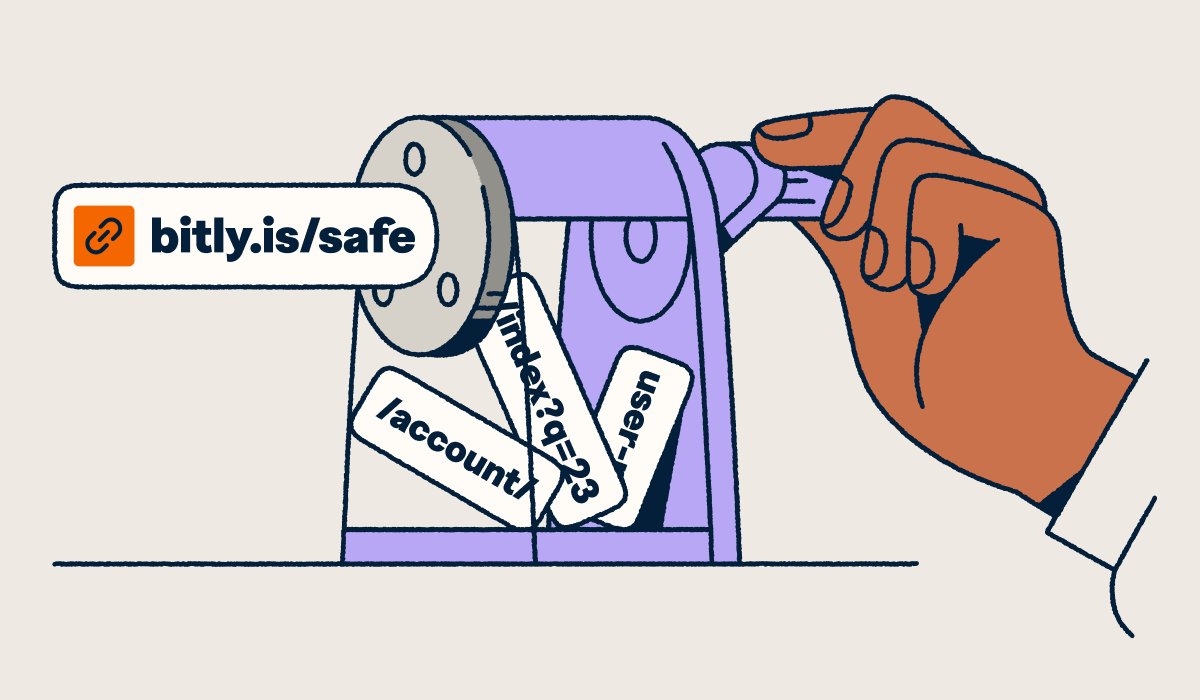
Editable links introduce a stable redirect layer between the published link and its destination. The outward-facing URL or QR Code stays the same, while the destination behind it can be updated centrally at any time. This allows teams to edit QR Codes without reprinting.
Bitly Links and Bitly Codes follow this model. Once deployed across channels, the visible link or code remains unchanged, even as the underlying destination is updated to reflect new campaigns, site structures, or products.
This setup can also simplify link management. Instead of routing traffic through multiple redirect systems, teams can manage destination changes through a single redirect layer.
The highest-stakes scenarios where editability prevents real damage
Editable links matter most in campaigns where destinations are likely to change after launch, whether that means products moving, landing pages being replaced, or promotions ending earlier than expected.
These risks become especially visible in campaigns tied to packaging, events, seasonal promotions, and other marketing efforts where destinations are expected to shift after launch.
Seasonal campaigns and promotions with hard end dates
A Black Friday QR Code printed on in-store holiday signage launches, pointing to a 20% discount page. During the campaign, traffic converts as expected. Once the promotion ends, the same page is replaced with an evergreen offer or redirected to a general category page, while printed materials and scheduled emails continue sending customers to the original link.
In other cases, a limited-time product drop page is removed entirely after inventory sells out, leaving scanned or clicked links pointing to outdated, irrelevant, or generic content. Without the ability to update short link destinations, routine campaign changes can quickly create broken experiences across active marketing channels.
Event registration pages that go dark after the event
A conference QR Code on booth signage first drives traffic to a registration page ahead of the event, then points to livestream access during the event through reminders and speaker slides. Afterward, the same link is updated to a replay hub for on-demand viewing and later reused for registration for the next year’s event.
Each stage change affects materials that may still be circulating long after the event ends. Without a stable, editable link, teams can end up sending attendees to outdated registration pages, expired livestreams, or inactive event content.
Product launches and rebrands that restructure URLs
A product launch QR Code on packaging initially points to a new SKU landing page. After a navigation redesign, that page moves into a different category structure. Later, a rebrand changes the product line name and URL again, while support documentation shifts to a new domain path.
Customers encountering those links months later have no context for the internal changes behind them. A broken launch link signals that the campaign moved faster than the customer experience, turning routine operational updates into a credibility problem for the brand.
Packaging and signage with long shelf lives
A beverage brand prints a QR Code on thousands of seasonal product labels, directing customers to a campaign landing page. Six months later, the promotion has ended, a new product line has launched, and those same packages are still sitting on store shelves. Similar timelines apply to package inserts, restaurant menus, retail displays, and storefront signage that remain visible long after campaigns change.
Physical materials often outlast the campaigns, offers, and product pages they were created to support. In these situations, editable QR Codes help brands keep customer experiences current while extending the usefulness of existing printed materials.
Broken links corrupt your attribution data, not just your user experience
The cost of a broken link is often measured in lost traffic, but the bigger problem is inaccurate reporting. Once destinations fail, change unexpectedly, or no longer match the original campaign experience, the data tied to those clicks and scans becomes less reliable.
Attribution depends on continuity between the click, the destination, and the actions that follow. Missing or outdated destinations can interrupt UTM tracking, suppress key events in analytics platforms, and distort how channels or campaigns appear to perform. Those gaps make it harder for teams to evaluate performance, defend budget, and optimize future campaigns.
A 404 exposes the issue immediately, but content drift is more subtle. Traffic may continue registering normally even when the experience behind the link no longer matches the campaign being measured. That disconnect can persist long after reporting appears healthy on the surface.
Editable links as operational flexibility, not just a safety net
Campaigns rarely stay static after launch. Offers change, inventory shifts, and landing pages evolve. Adapting to those changes without disrupting live campaigns can quickly become complicated.
A persistent link separates distribution from destination updates. Teams can refine customer experiences, accommodate changes behind the scenes, and redirect traffic toward new objectives, from testing and phased rollouts to inventory updates, regional swaps, and post-event repurposing—without reprinting or republishing.
Bitly Analytics and Bitly Campaigns help teams manage those changes more effectively. Teams using Bitly for advertising can monitor clicks and engagement activity in real time, organize links and QR Codes more efficiently, and adapt destinations while campaigns are still active.
Build link infrastructure that outlasts every campaign you run
The choice is straightforward: publish static links and accept that destinations will eventually break, drift, or become outdated, or build editable link infrastructure designed to adapt as campaigns evolve.
The Bitly Connections Platform helps teams manage those changes without reissuing materials or disrupting attribution. For organizations managing long-running or distributed campaigns, that flexibility supports stronger link management and aligns with short URL best practices over time.
Explore Bitly pricing and plans to see how editable links and QR Codes can support more resilient marketing campaigns.
FAQs
How do editable links prevent dead links after launch?
Editable links route through a stable redirect layer, so you can update the destination without changing the published link. That separation matters when pages move, campaigns end, or domains change, because the link people already clicked or scanned still works.
Can you change where a QR Code points after it has been printed?
Yes, if the QR Code is Dynamic, its destination can be updated after printing, while the code image stays the same. This is why Bitly Codes are Dynamic by default, which may help packaging, signage, and event materials stay useful longer.
What is the difference between a Static and a Dynamic QR Code?
A Static QR Code locks in one destination permanently, so any page change can turn a printed asset into a dead end. A Dynamic QR Code uses a redirect layer, giving marketers more flexibility to swap destinations, extend campaigns, or fix issues without reprinting.
Why are broken links a bigger problem than just a 404 page?
Broken links can waste paid traffic, interrupt customer journeys, and quietly distort attribution when clicks or scans land on missing or irrelevant pages. In many cases, the bigger risk is trust, because people have already taken action and your brand has still sent them nowhere useful.
When is it worth paying for editable links?
Editable links are usually worth it when marketing materials outlive a campaign, especially across print, packaging, email archives, paid media, or partner channels. If you need branded links, Dynamic QR Codes, and centralized link and engagement data in one place, Bitly can help turn link management into a more resilient long-term strategy.






