
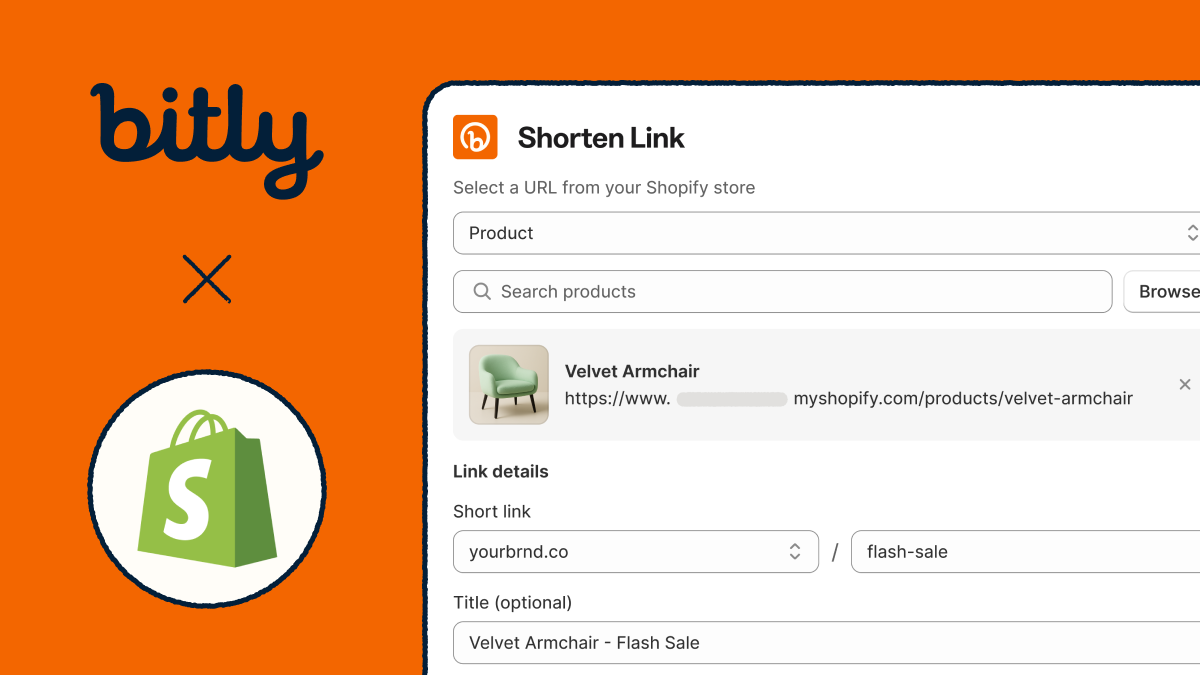
Millions of ecommerce brands have chosen Shopify as their platform of choice to build a digital storefront and sell products to their ideal customers. And it’s become a go-to for small businesses and growing retailers for a reason: Shopify’s all-in-one platform is user-friendly, scalable, and built to support growth from day one. But the more an ecommerce business scales, the more data the team needs to understand what marketing is connecting with audiences and where sales are coming from.
Shopify gives owners and marketers data about overall channel performance, but not necessarily which specific posts or content drive which purchases. Today, we’re bridging that gap by introducing the Bitly and Shopify integration. Now, you can create branded links that turn clicks into sales. Keep reading to find out how merchants can get real-time conversion analytics for each branded link to their Shopify store.
What is the Bitly and Shopify integration?
The Bitly and Shopify integration connects Bitly with Shopify stores, allowing merchants to learn which links actually drive sales instead of just clicks. In both Shopify and Bitly, users can create short links (or QR Codes) for their products. They can review Bitly Analytics data in Shopify, including orders, revenue, and conversion rates for any link pointing back to their Shopify store.
Merchants can still view Shopify’s existing engagement data to learn which channels are performing best (like email, social, or ads). But they’ll also have access to Bitly reporting alongside their Shopify data—showing which individual posts, campaigns, or pieces of content drove purchases.
These retailers will gain a more detailed view of the messaging, offers, deals, and imagery their audience responds to. Shopify merchants can double down on what’s working already, take inspiration for their next bold and unexpected campaign, and give customers content that will encourage them to come back and shop again.
This integration lets merchants:
- Create branded Bitly short links and QR Codes for their store in just a few clicks, right from Shopify
- Track conversion performance for a deeper dive into what makes their audience purchase
- Learn which links generate revenue for a detailed understanding of which campaigns are working
What can I do with the integration?
Bitly and Shopify are a powerful duo in your ecommerce marketing stack, adding more detailed tracking across campaigns and making it even simpler to create memorable, branded links to your products and collections.
1. Connect fragmented marketing activity to revenue
Whether you’re a marketer by trade or an ecommerce business owner hustling to wear many hats, you’re showing up on numerous channels, all in service of reaching your right buyers in the right place at the right time. Analytics tools that capture data from your presence across all of those channels give you pieces of a larger picture, but that story can feel disconnected. You might know which channels send most people to your Shopify store, but not which posts or messaging convert into sales.
After connecting the integration, when you share Bitly short links to your Shopify products across channels, you can see exactly how many orders, revenue dollars, and conversions came from which links. Learn which messaging, post format, tone, influencer, or product is driving purchases in real time. Instead of just uncovering which posts or content drive traffic, find out which links and posts generate real sales.

2. Streamline link creation in your workflow
In the notoriously competitive ecommerce world, your time is incredibly precious. Marketing is just one of 100 to-dos on your plate, so the more you can save steps and build efficiency within your tools, the better. Shopify is your hub for listing, selling, and shipping your products to customers. Now, you can also build links to your products and collections, set up tracking, and prep your marketing with trusted Bitly tools without even leaving Shopify.
Build branded short links and review Bitly Link performance data (like conversions, revenue, and orders) right within your Shopify reports. When building links from Shopify, you can select products or collections from a dropdown to tie links to the purchases they drive, and add UTM parameters to zero in on performance across channels. Get more detailed data on your sales conversions with an even simpler and more streamlined process—that’s the magic of two tools in one powerful integration.
3. Make data-informed marketing decisions
When your marketing data only tells part of the story, you still have to make a lot of educated guesses. You might be able to see which social posts got the most views and comments, but you don’t know which ones led to sales. You can keep making more popular content, but you won’t know if that viral post actually led people to buy from you.
That changes now: With the Bitly and Shopify integration, you can zero in on exactly which of your marketing efforts turned followers or casual browsers into buyers.

On top of your existing metrics, the Bitly integration gives you access to unified analytics connecting marketing engagement (like link clicks and even QR Code scans) to actual sales outcomes. Stay in the loop by reviewing day-by-day performance, including clicks, orders, revenue, and conversions. Then, turn your learnings into more strategic future campaigns, content, and marketing spend.
You can also filter and compare link performance by product to guide more targeted campaigns, gauge product popularity, target ads, and even plan inventory.
4. Increase engagement with branded links
Brand recognition helps your Shopify store continue to grow over the long haul. It fosters loyalty, facilitates word-of-mouth recommendations, and inspires potential customers to feel excited about engaging with your content, wherever they encounter it. That’s why branded short links should be a staple for your marketing—and how the Bitly and Shopify integration helps drive engagement.
Branded short links can boost clickthrough rates by up to 2.3x compared to generic URLs. Now, you can build these high-converting marketing touchpoints right from Shopify—then see how many clicks and sales they support. Create branded Bitly Links that feature your custom domain front and center to maintain a consistent brand presence, then share them across digital channels without giving up tracking.
Plus, you can head to Bitly to customize QR Codes with your logo and colors, driving recognition with every scan, too. Drive connections and product purchases with memorable branded touchpoints.
How does the integration work?
Ready to connect Bitly and Shopify and start tracking marketing impact on sales in real time? Here’s how to get set up.
Step 1: Connect your Bitly account to Shopify
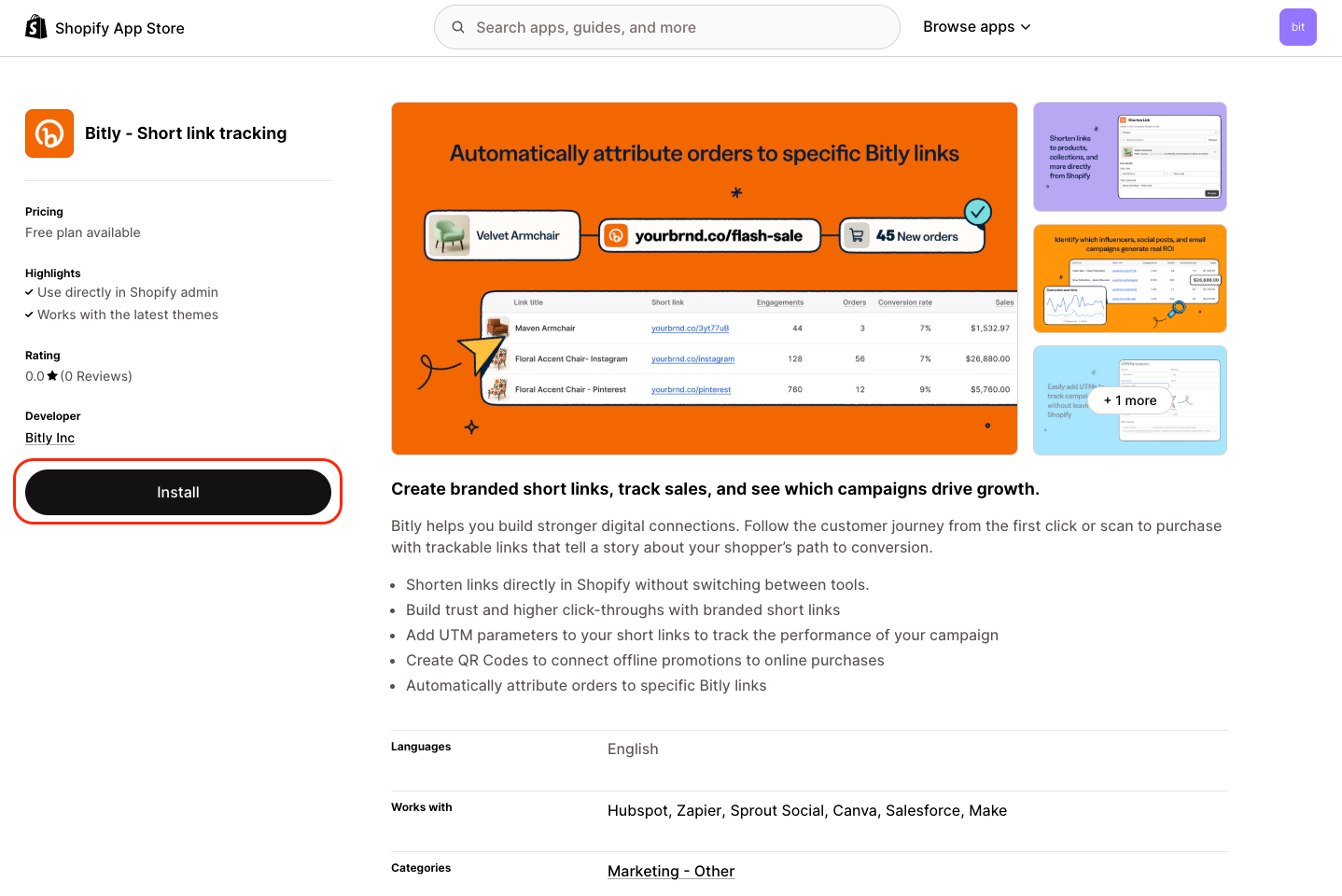
From your Shopify dashboard, start by installing the Bitly app. You’ll go through a short setup process to connect your existing Bitly account and enable tracking.
Step 2: Build your branded Bitly Links
Once the integration is set up on your account, you can visit the Bitly app in Shopify to start creating branded Bitly Links in Shopify. Choose from a dropdown list of your Shopify products, then complete link details like selecting your domain, defining a custom back-half, adding a title for the link, and adding UTMs.
Alternatively, you can visit Bitly to create links to your Shopify products or collections—both platforms will automatically detect these Shopify URLs and begin collecting the relevant purchase and conversion analytics data.
Step 3: Track every Bitly Link
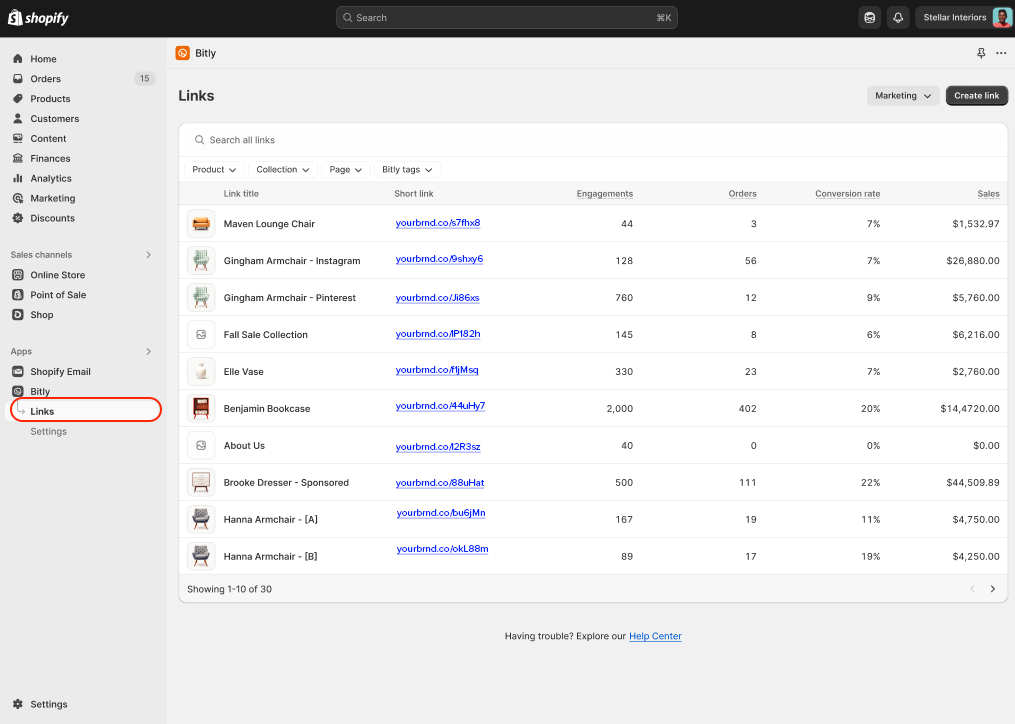
Now, you’re ready to share these links via your channel of choice. The Bitly and Shopify links page will populate with purchases, revenue, and conversion analytics (depending on your paid plan) for every Bitly Link to your products or collections.
Review these details in real time, learn which campaigns are winning the day, and make more informed marketing decisions that lead directly to sales.
More to explore from Bitly and Shopify
The Bitly and Shopify integration is just the beginning—we’re excited to continue developing even more features that help you engage shoppers and connect your marketing efforts directly to your sales results. In the future, users will enjoy even more advanced reporting features, more flexible dashboards, and easier link creation at scale, all to support a simpler and more data-driven experience across Bitly and Shopify.
Make marketing for your ecommerce business even more trackable, and build data-driven, high-performing campaigns with the insights you capture. Start using the Bitly and Shopify integration, and let the integration power simpler workflows, more impactful links, and campaigns that drive sales. Install the Bitly app in your Shopify account to get started today.





