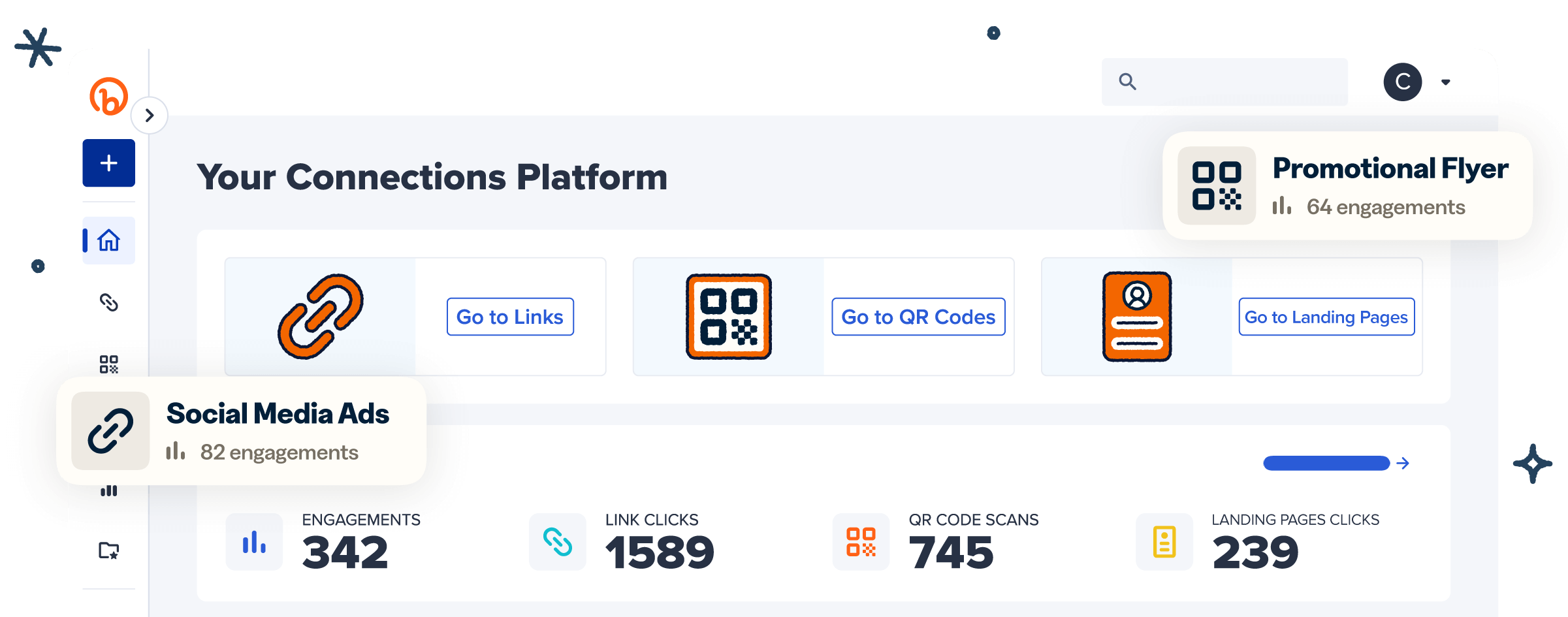
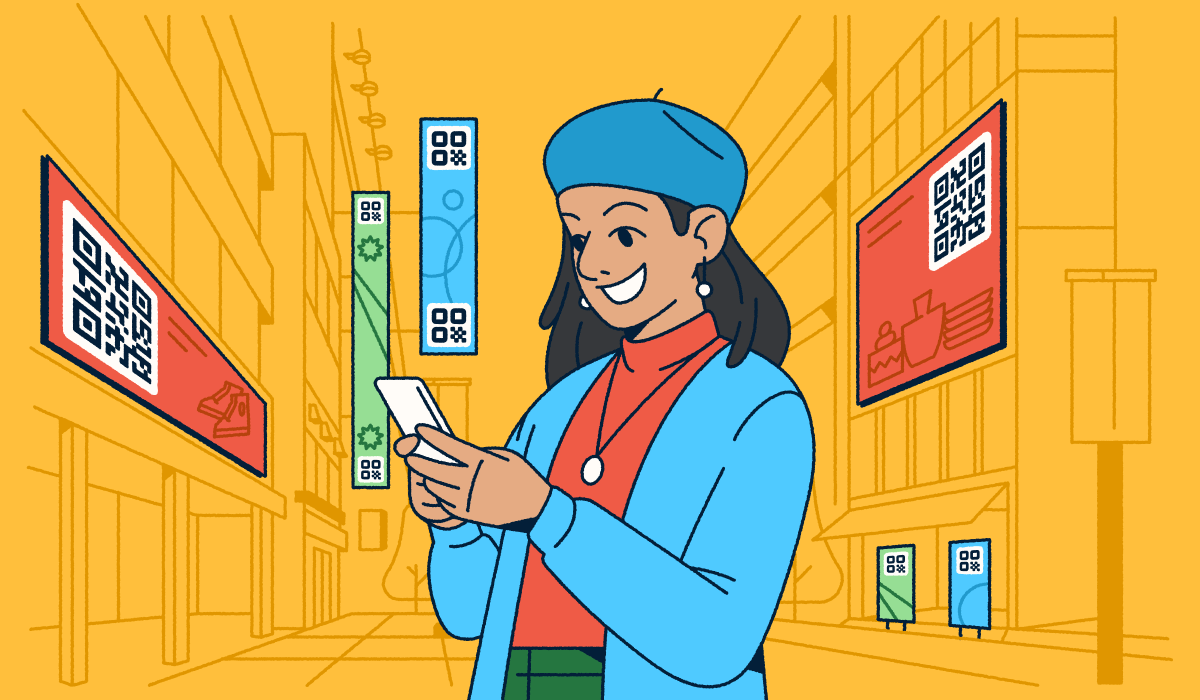
QR Code branding is the practice of customizing a QR Code with your logo, brand colors, and distinct frame so audiences instantly recognize it as yours. It turns a plain black-and-white square into a branded asset that builds trust the moment someone points a camera at it. That trust pays off: Customized QR Codes can earn considerably more scans than plain ones, and every scan becomes a measurable connection between your brand and your audience.
In 2026, a branded QR Code is one of the simplest ways to link your physical and digital experiences while keeping your identity front and center. Done well, it does double duty: It reinforces recognition on the outside and gives you scan data on the inside, so you learn what’s working and keep improving.
Key Takeaways
- Brand every QR Code so it carries your logo, colors, and frame, letting audiences recognize it instantly.
- Customized QR Codes can earn considerably more scans than plain black-and-white codes, so branding drives measurable engagement.
- Protect scannability first by keeping high contrast, a clear quiet zone, and a logo that covers only the center of the code.
- Choose Dynamic QR Codes with Bitly Codes so you can edit the destination anytime and track every scan.
- Test each code on multiple phones and at real scanning distance before you print or publish.
What is a branded QR Code?
A branded QR Code is a customized code that reflects a brand’s established identity instead of a generic black-and-white pattern. It carries the same visual signals people already associate with your business, so a scan feels like a natural extension of your brand rather than a leap of faith. The underlying technology stays the same; what changes is the design layer that makes the code recognizably yours. You customize three core elements to get there: Your colors, your logo, and a frame with a short call to action. Bitly Codes let you adjust all three and keep the code fully scannable.
How QR Codes and brand identity are closely connected
A branded QR Code works because it triggers brand recall at the exact moment someone decides whether to scan. When your colors, logo, and style show up consistently across every touchpoint, people recognize your company faster and trust it more. Think about how quickly you spot Duolingo’s green, LEGO’s red and yellow, or IKEA’s blue and yellow. That instant recognition comes from repetition and consistency across every visual element, and it lowers the hesitation that keeps people from scanning a code they don’t recognize.
Your QR Code should carry those same cues. A code that matches your core visual identity elements of logo, color, and shape reinforces your brand messaging instead of interrupting it. When the code looks like the rest of your campaign, it feels like a trusted next step rather than a mystery link, which is exactly the confidence you want.
Consistency across channels is one of the strongest drivers of recognition, and a branded QR Code extends that consistency into the physical world. A poster, a package, and a landing page that all share the same look tell one clear story about who you are. To go deeper on the fundamentals, read our guide on ways to increase brand awareness.
Essential QR Code branding assets
Three must-have elements turn a plain code into a branded one: Your color palette, your brand logo, and the form and shape of the code itself. Get these right and your QR Code looks unmistakably yours while staying easy to scan. Treat each one as an extension of your existing style guide rather than a new design decision, so every code matches the rest of your brand.
- Color palette: Use your exact brand hex codes for the code, and keep the background light so the pattern stays high in contrast.
- Brand logo: Place your logo in the center to build recognition and trust, and lean on Bitly Codes QR Code customization features to add it cleanly.
- Form and shape: Adjust the patterns and inner and outer corners to match your brand style, with some flexibility to keep the code readable.
Bitly Codes give you control over each of these elements in one place, so your branding stays consistent every time you create a code.
Use cases that incorporate QR Code branding elements
Branded QR Codes fit anywhere your audience meets your brand, online or off. They shine most in moments where you want to move someone from looking to acting, and where a recognizable code makes that next step feel safe. A few high-impact placements stand out.
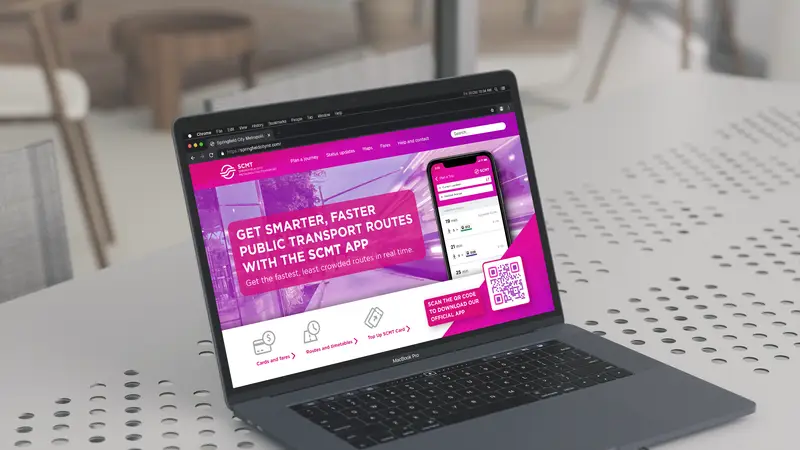
- Websites: Add a branded code so visitors can move from desktop to mobile or save an offer without retyping a link. It’s a simple way to carry a session across devices while keeping your brand visible.
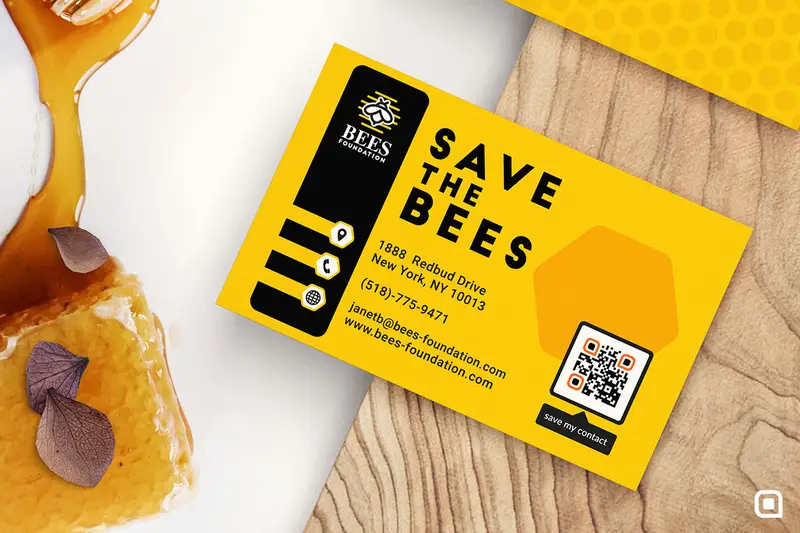
- Business cards: Link to your portfolio, booking page, or digital business cards so a quick scan shares everything at once and updates whenever your details change.
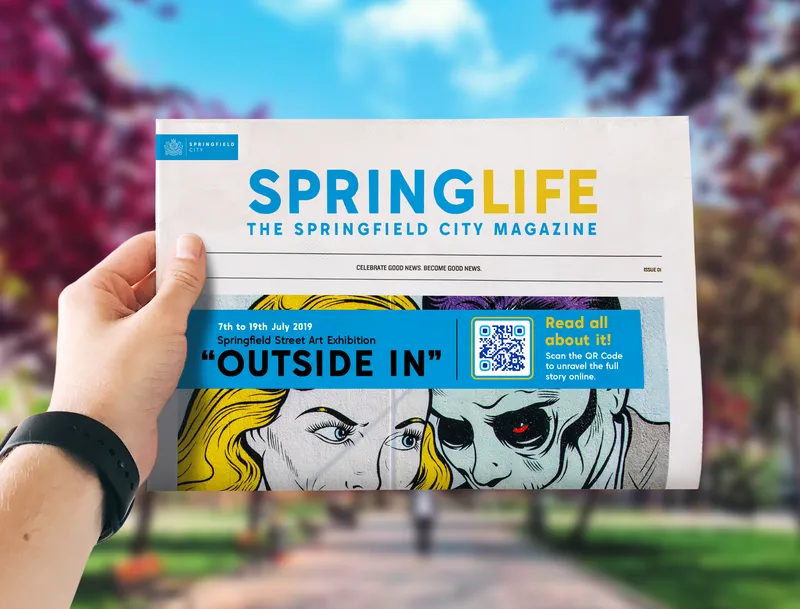
- Print advertising: Put a branded code on posters and flyers to connect print to a trackable landing page, so you finally see which placements drive action. Our guide on how to add a QR Code to a flyer walks through it.
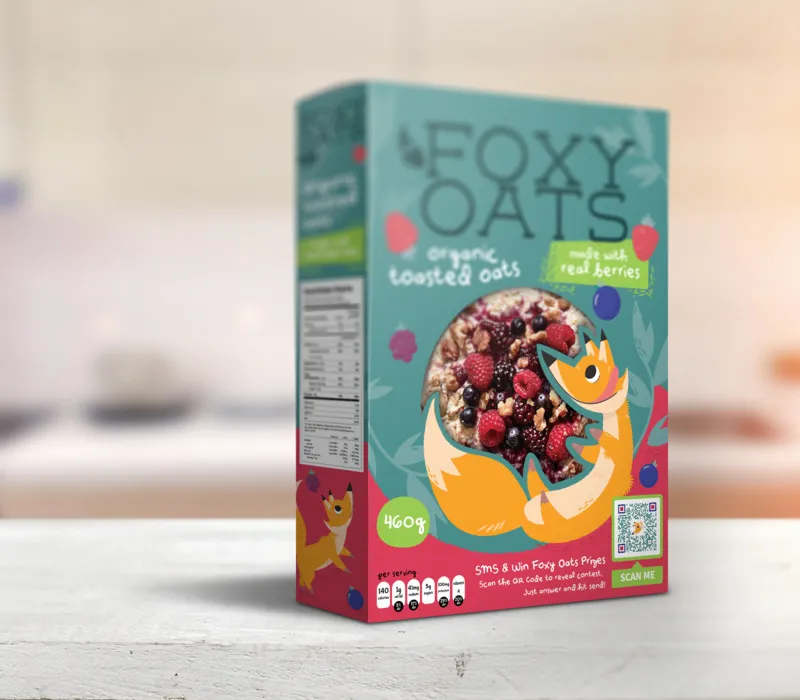
- Product packaging: Turn the box into a channel with a branded code that opens tutorials, reviews, or reorder pages, and keeps customers engaged after the sale. See QR Codes on product packaging for examples.
Branded codes on print and packaging drive real results. Baldoyle Blinds added branded Bitly QR Codes to its emails and leaflets and grew its Google reviews from 100 to over 500 while lifting its rating from 4.2 to 4.8. Dylan Arthurs, Sales Director, credits that engagement as a contributor to a 25% increase in annual turnover.
How to create a branded QR Code with Bitly
You can create a branded QR Code with Bitly in a few minutes by following a short, guided flow. Each step lets you shape how the code looks while keeping it scannable, and you can preview your changes as you go. Here’s the process from start to finish.
- Set your destination. Enter the URL you want the code to open, whether that’s a landing page, product page, or promotion.
- Choose your design. Open the customization options to start styling the code.
- Adjust patterns and corners. Change the pattern and the inner and outer corner shapes to match your brand style.
- Apply your colors. Add your brand hex codes to the code and keep the background light for contrast.
- Add your logo. Drop your logo into the center to reinforce recognition.
- Pick a frame with CTA text. Wrap the code in a frame and add a short prompt like «Scan to shop.»
- Create the code. Generate your branded QR Code and preview it.
- Download and share. Export a print-ready file and add it wherever your audience will scan it.
For a full walkthrough, see how to create a Bitly QR Code, and if you design in Canva, follow our Bitly and Canva integration best practices.
Keep your branded QR Code scannable
Branding only works if the code still scans, so protect readability as you customize. A beautiful code that fails to scan costs you the connection you were trying to make. Keep these best practices in mind.
- Contrast: Keep a dark code on a light background so cameras read it fast.
- Quiet zone: Leave a clear margin around the code, and keep other design elements out of it.
- Logo size: Keep the logo in the center and small enough that it doesn’t cover too much of the pattern.
- Dynamic vs. static: Choose a Dynamic QR Code so you can edit the destination and track scans without reprinting.
- Test before you print: Scan the final code on more than one phone and from a real distance.
For a deeper dive, read our guide on how to design branded QR Codes that get scanned.
Choose branding that gets your QR Codes scanned
Branded QR Codes build recognition, earn more scans, and become measurable brand assets when you keep them scannable and track every scan. When your colors, logo, and frame show up consistently, people trust the code and act on it, and each scan gives you data you can use to do more of what works.
The brands that win treat every code as part of one connected experience, not a throwaway square. Bitly Codes make it simple to customize your colors, logo, and frames, and to see how every code performs in one place, so your branding and your results stay connected.
Get started for free and build branded QR Codes your audience recognizes and scans.
Frequently Asked Questions
Can you brand a QR Code?
Yes. You can brand a QR Code by adding your logo, applying your brand colors to the pattern and background, adjusting the corner and pattern shapes, and wrapping it in a frame with call-to-action text. With Bitly Codes, you customize all of these elements in a few clicks while the code stays scannable.
What is the best way to brand a QR Code?
The best way to brand a QR Code is to apply your visual identity while protecting scannability. Add your logo in the center, use your brand colors with strong contrast against a light background, keep the quiet zone clear, and add a frame with a short CTA like «Scan to shop.» Test the finished code on more than one phone before you print it.
Do branded QR Codes get more scans than plain ones?
Yes. Customized QR Codes earn 3.8 times more scans than plain black-and-white codes, because a recognizable, branded code looks trustworthy and invites people to scan. A clear call to action in the frame lifts scans further.
How do I add a logo to a QR Code without breaking it?
Place the logo in the center and keep it small enough that it covers only a limited part of the code pattern. Use a clean, high-contrast logo, keep the background light, and scan the result on a couple of devices to confirm it reads. Bitly Codes let you drop in your logo and preview the code before you download it.
Should I use a static or Dynamic QR Code for branding?
Use a Dynamic QR Code for most branded campaigns. A Dynamic QR Code lets you edit the destination after printing and track scans by time, location, and device, so you can fix links and measure results without reprinting. Static codes lock the destination once created.
Is a branded QR Code free?
You can create a branded QR Code on Bitly’s Free plan with limited customization, and unlock advanced options like a custom logo, colors, frames, and scan analytics on paid plans. See the Bitly pricing page for what each plan includes.