Localize every link
Send every visitor to the content that’s right for where they are
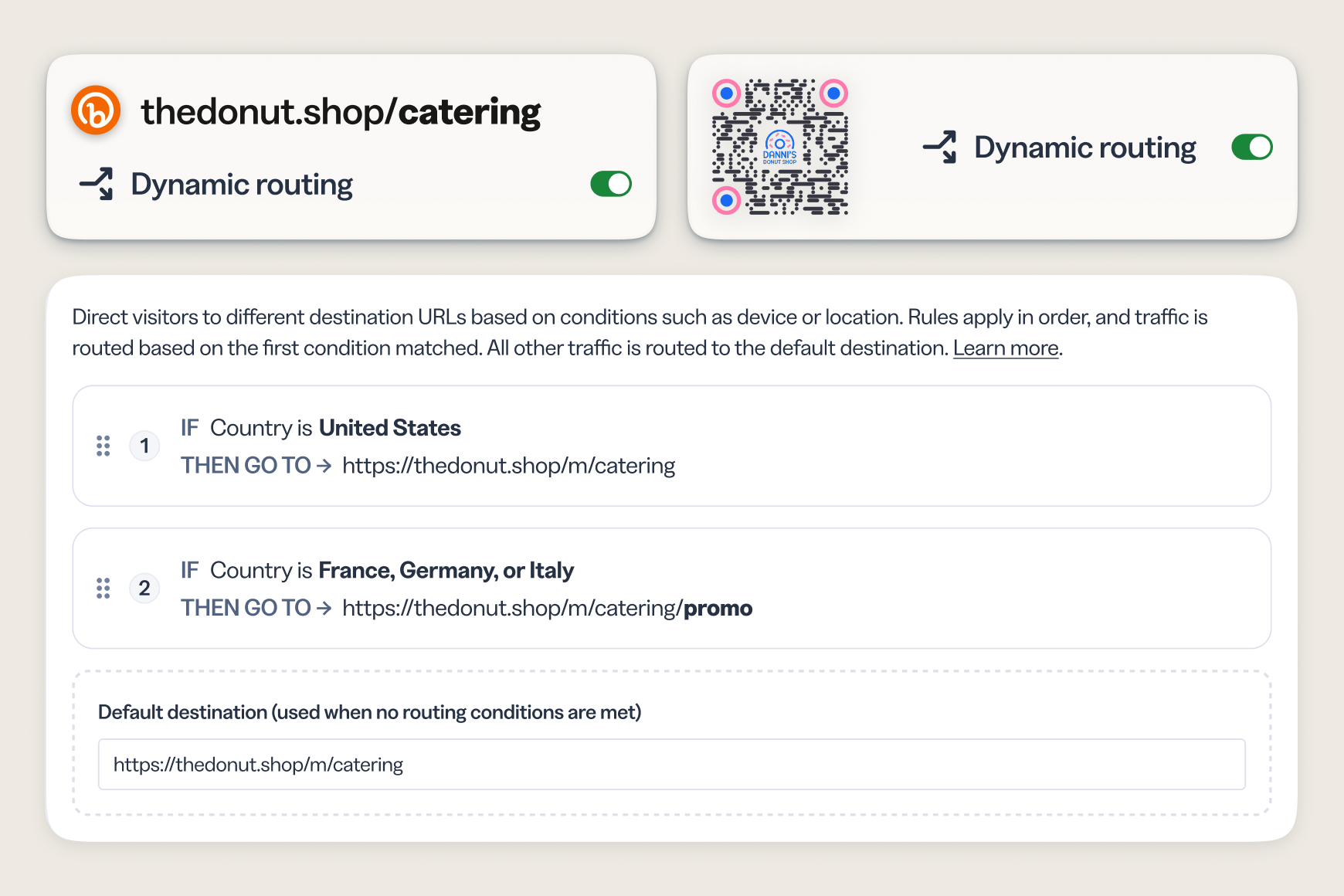
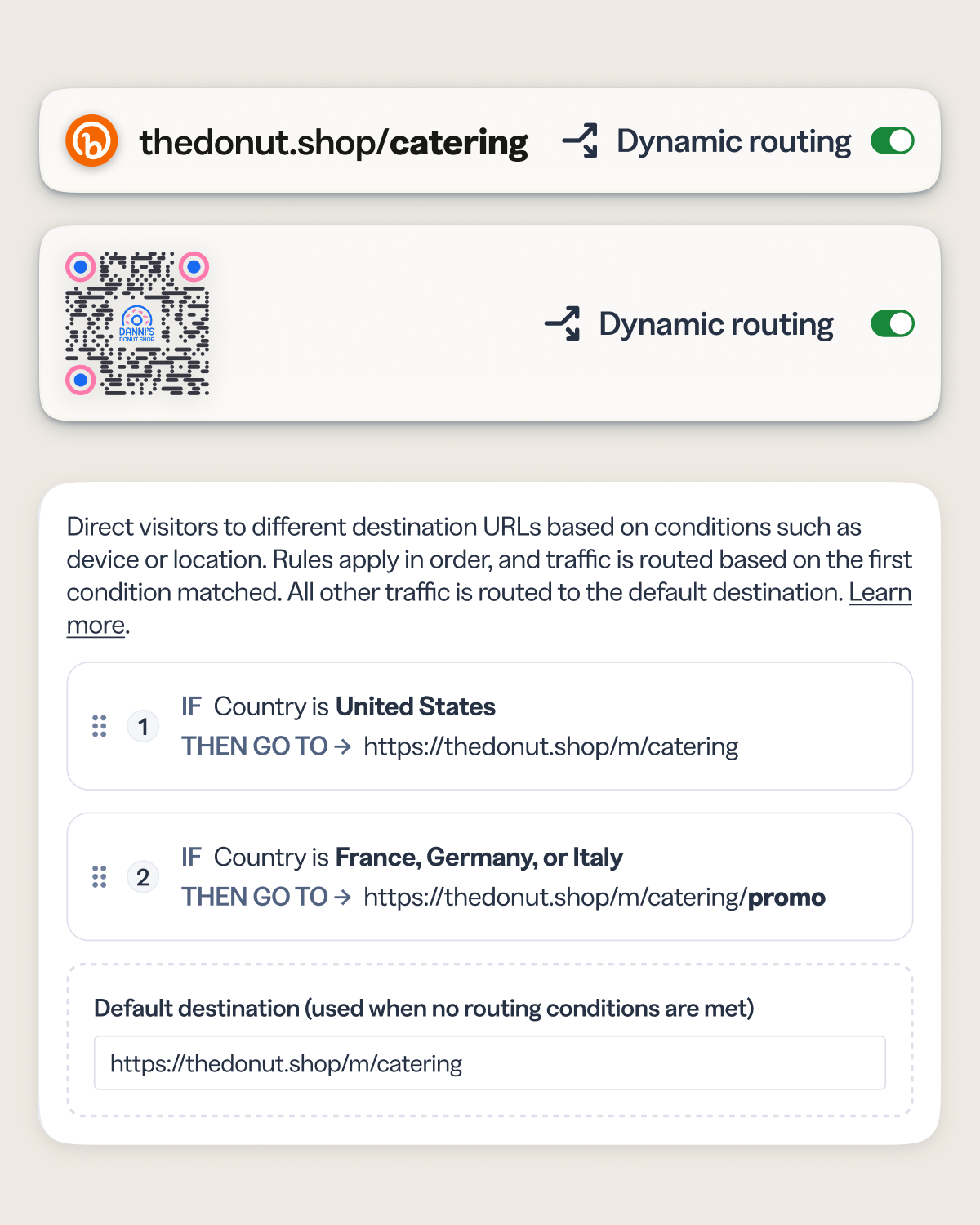
Target by country or region and deliver localized landing pages, local language experiences, and market-specific offers—all from a single short link or QR Code.
- Route by country and route by region for even more granular control over your audience’s experience.
- Create one campaign link for global distribution—no need to manage multiple localized URLs.
- See engagement broken down by geo rule so you know which markets are performing best.
- Works for both Bitly Links and QR Codes, including those already created, in market on print and packaging.
Device targeting
Serve the right experience for any platform or device
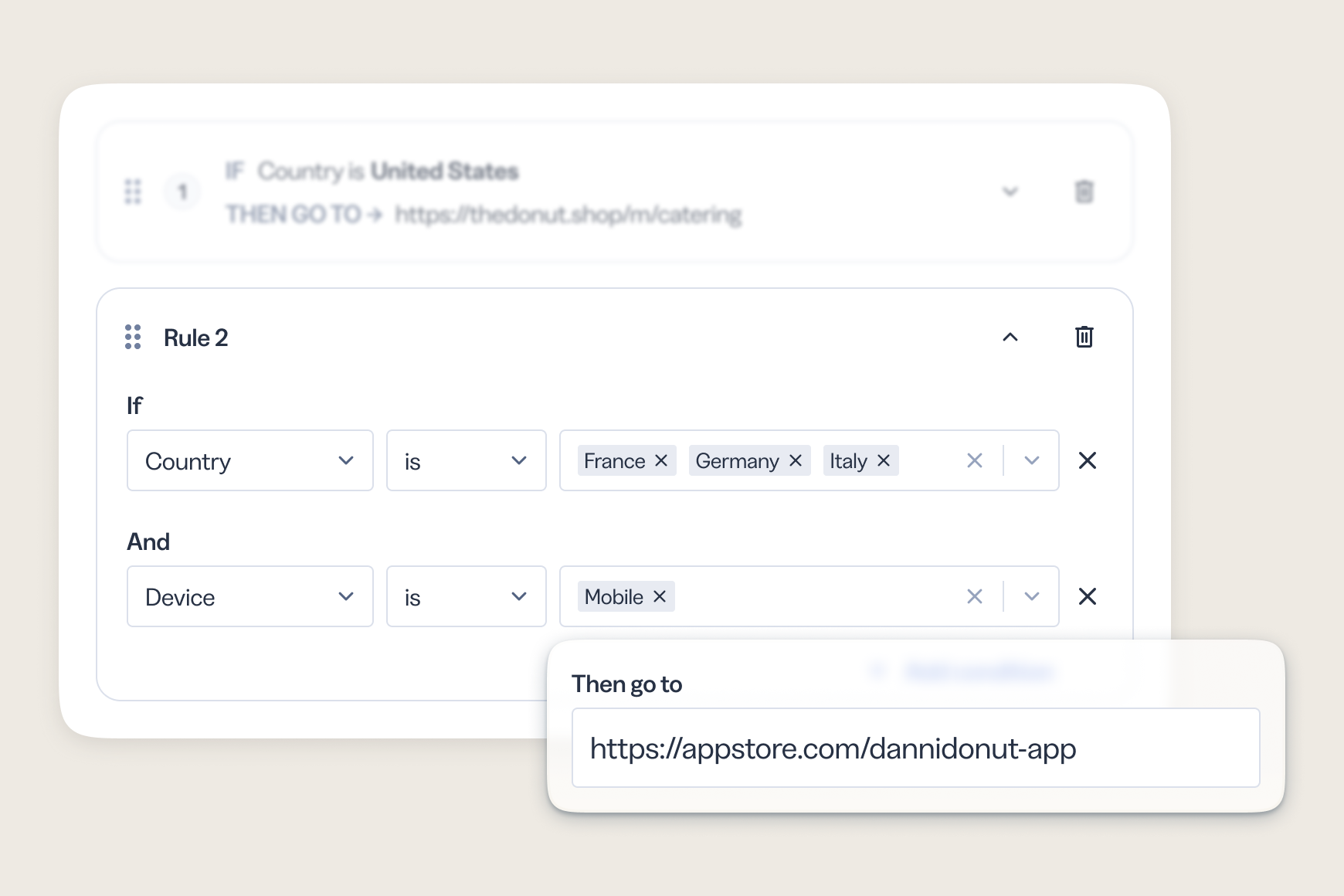
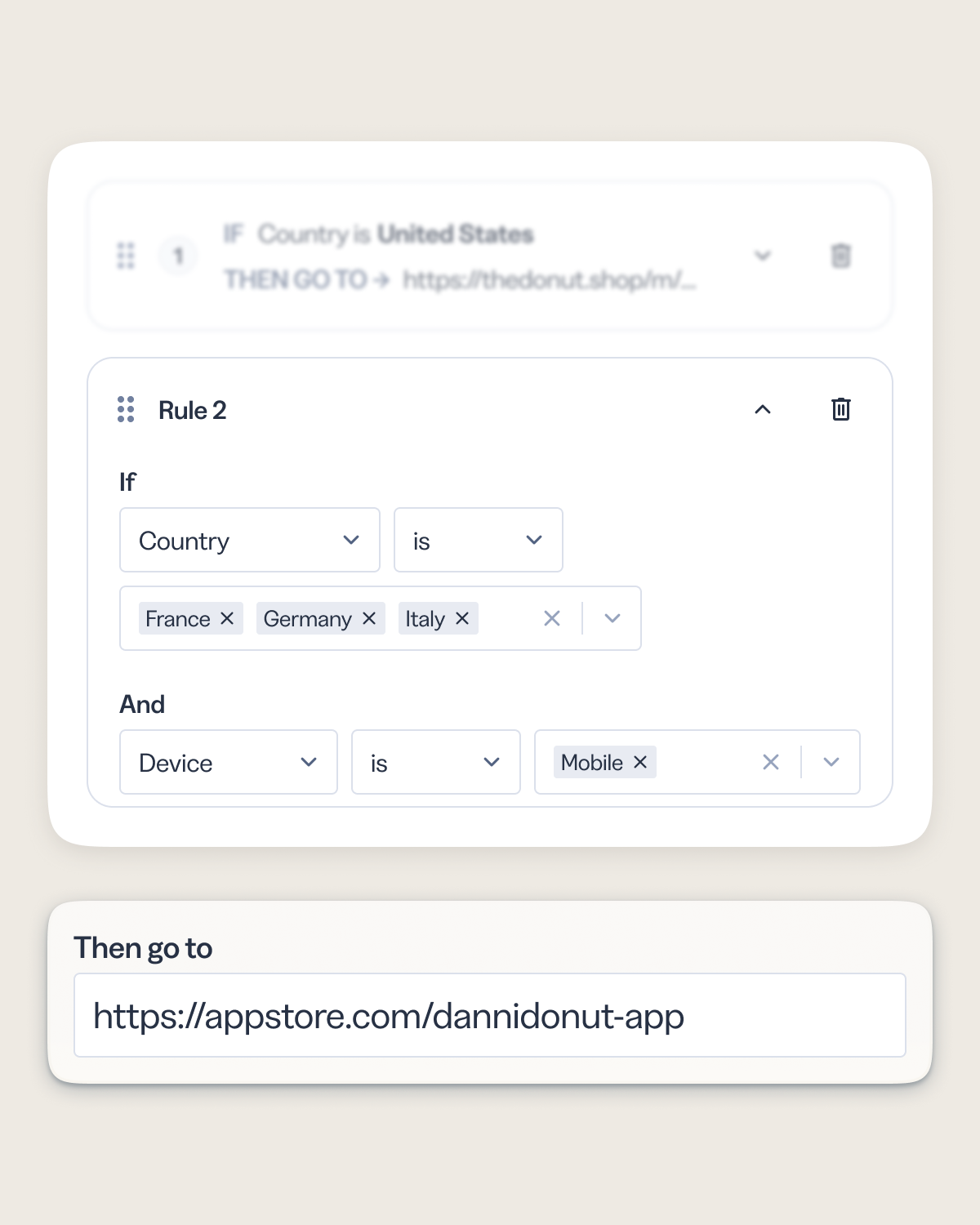
Your audience doesn’t browse from just one platform or device. Dynamic routing lets you match the destination to how someone is connecting—sending mobile users to the app store while desktop users land on your full web experience.
- Route by device type (mobile, tablet, or desktop) or platform (iOS or Android) without requiring separate campaigns.
- Send mobile QR Code scanners directly to a mobile-optimized page or app store listing.
- Improve conversion by eliminating the friction of landing on a page built for the wrong screen.
See what’s working
Know which destination is actually performing
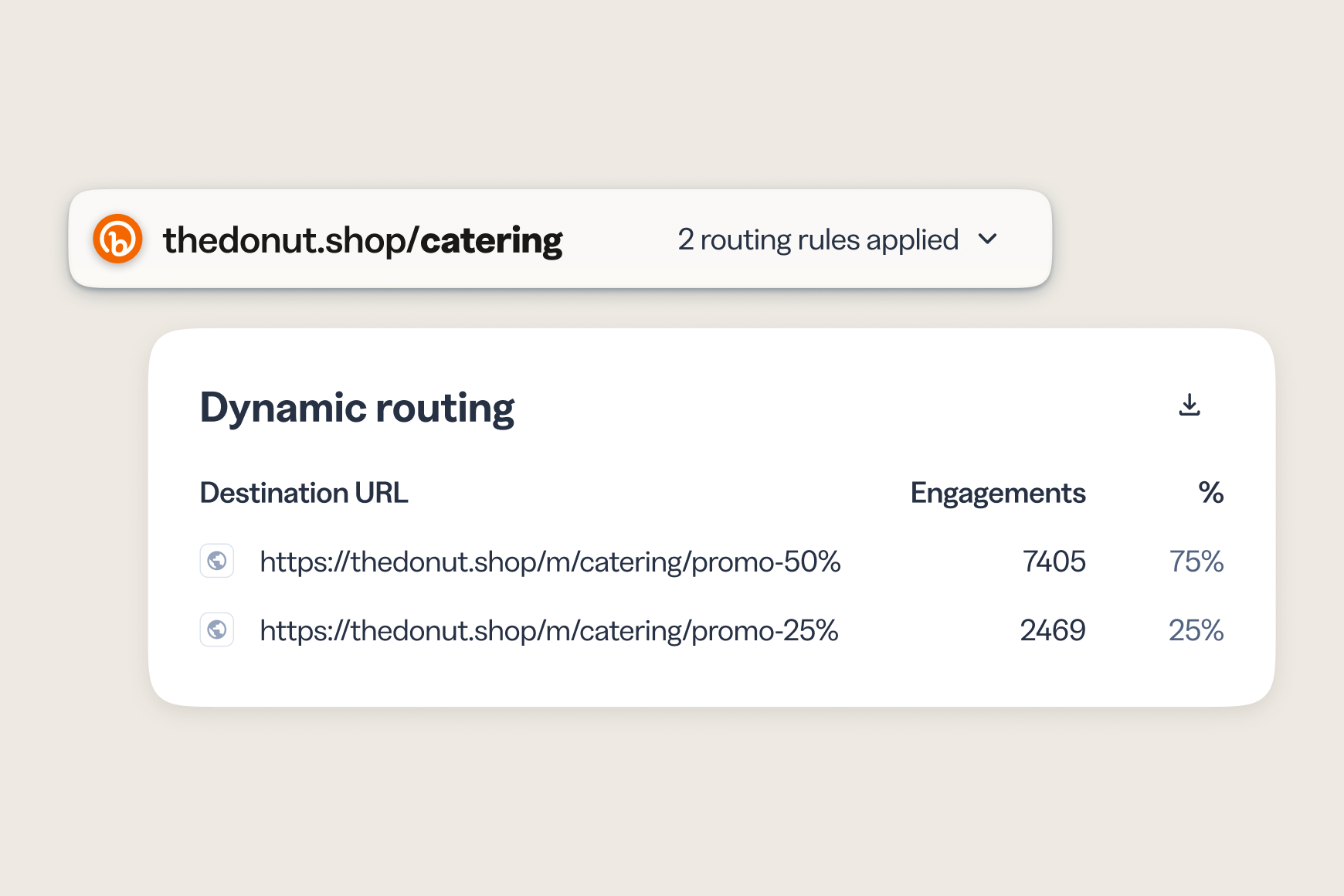
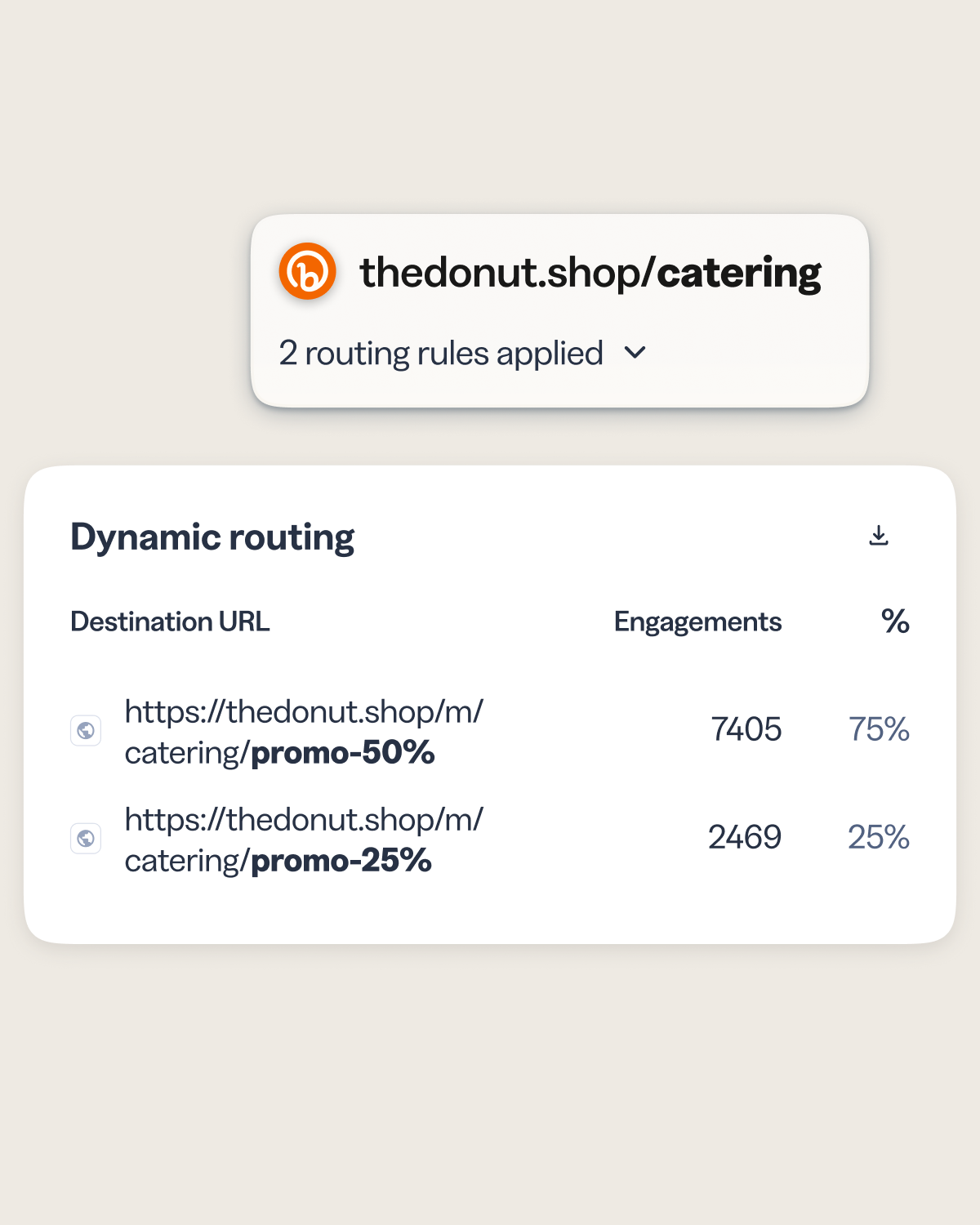
Every routing rule reports on its own, so you see clicks and scans broken down by destination and know which conditions drive engagement. It’s the same unified reporting you already use across your Bitly links and QR Codes, with no second tool and no separate report.
- Get per-destination analytics by rule.
- Filter your link and QR lists to just items with routing rules.
- Ask Bitly Assist about destination performance and trends in audience engagement, in plain language.