Localize every link
Send every visitor to the content that’s right for where they are
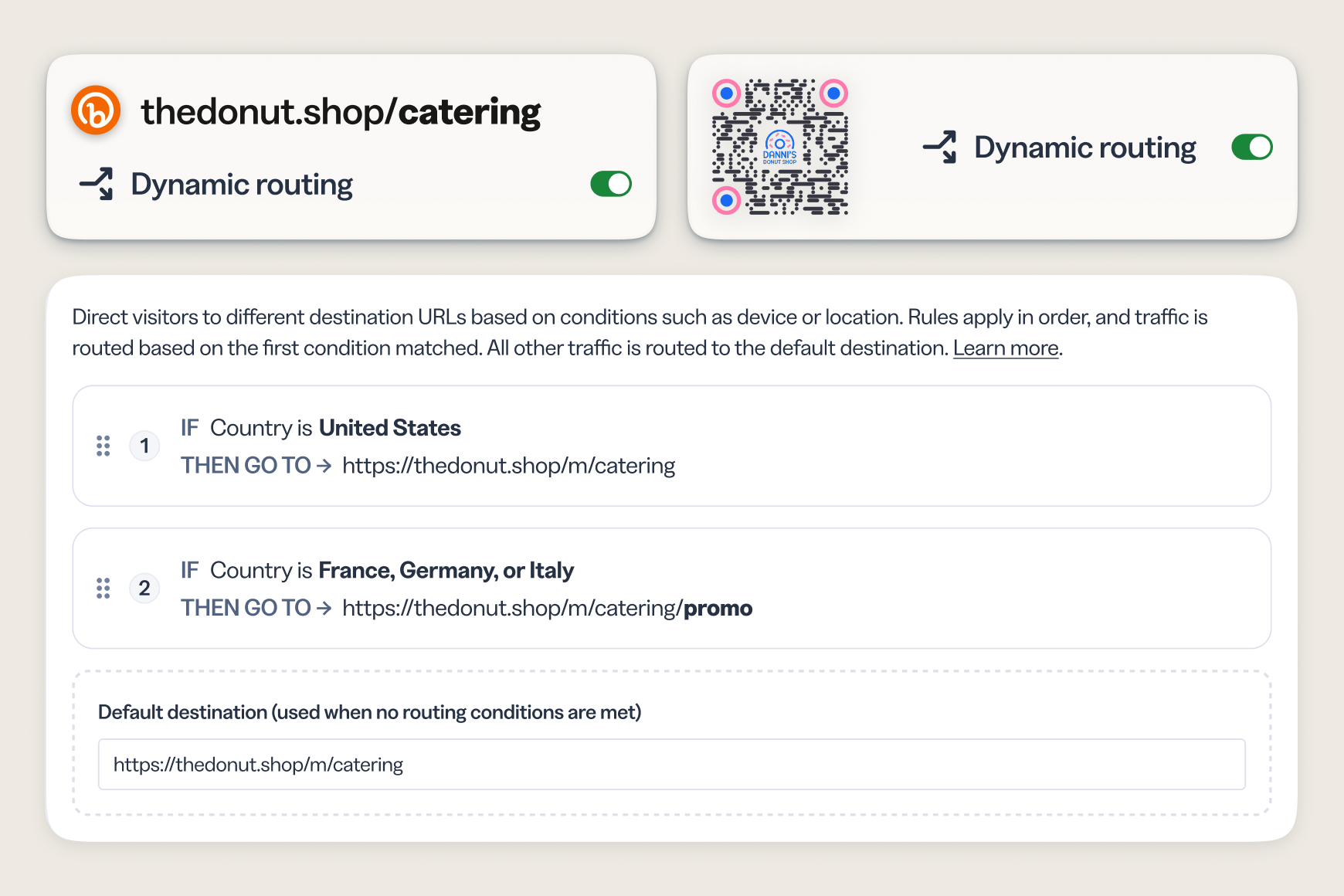
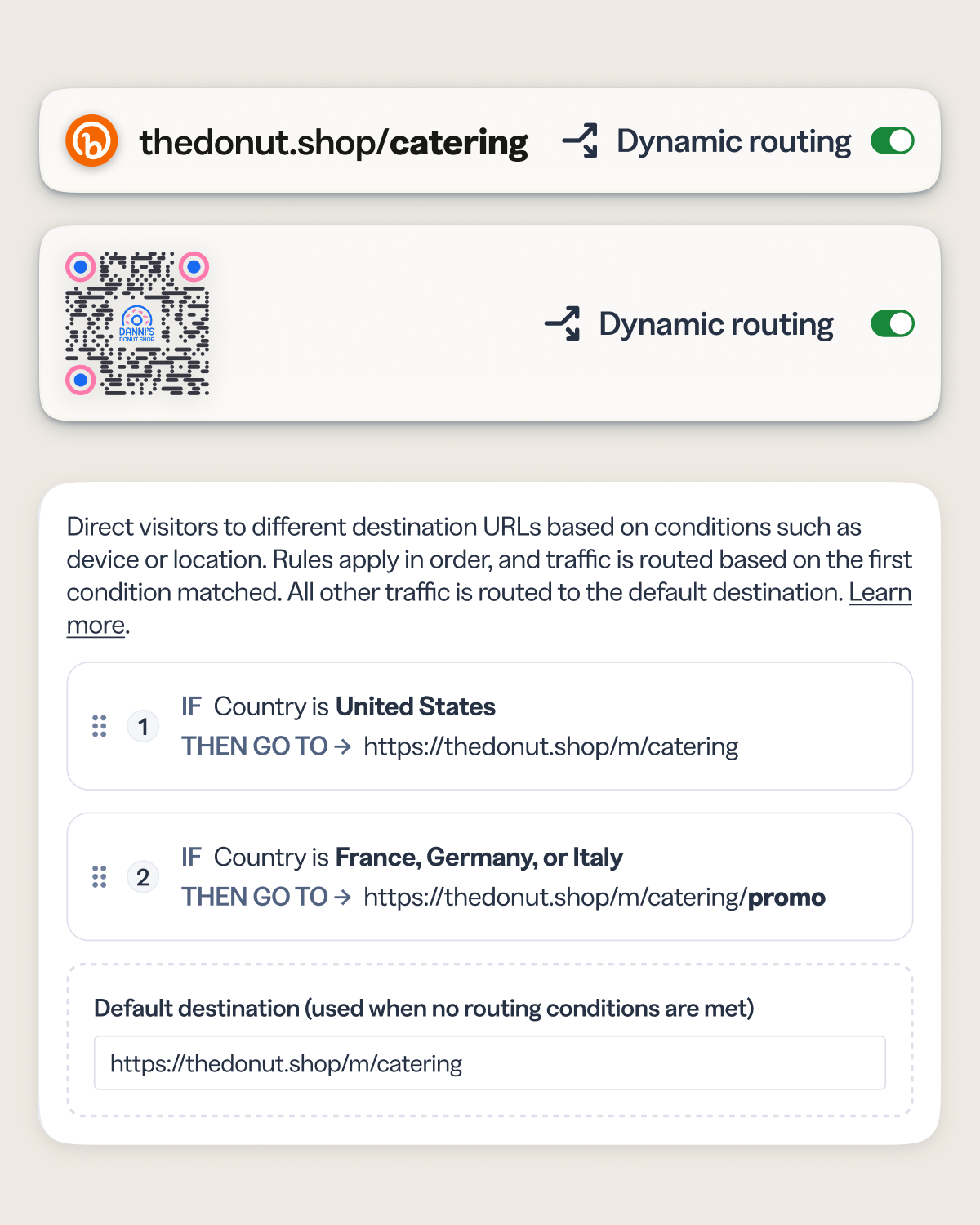
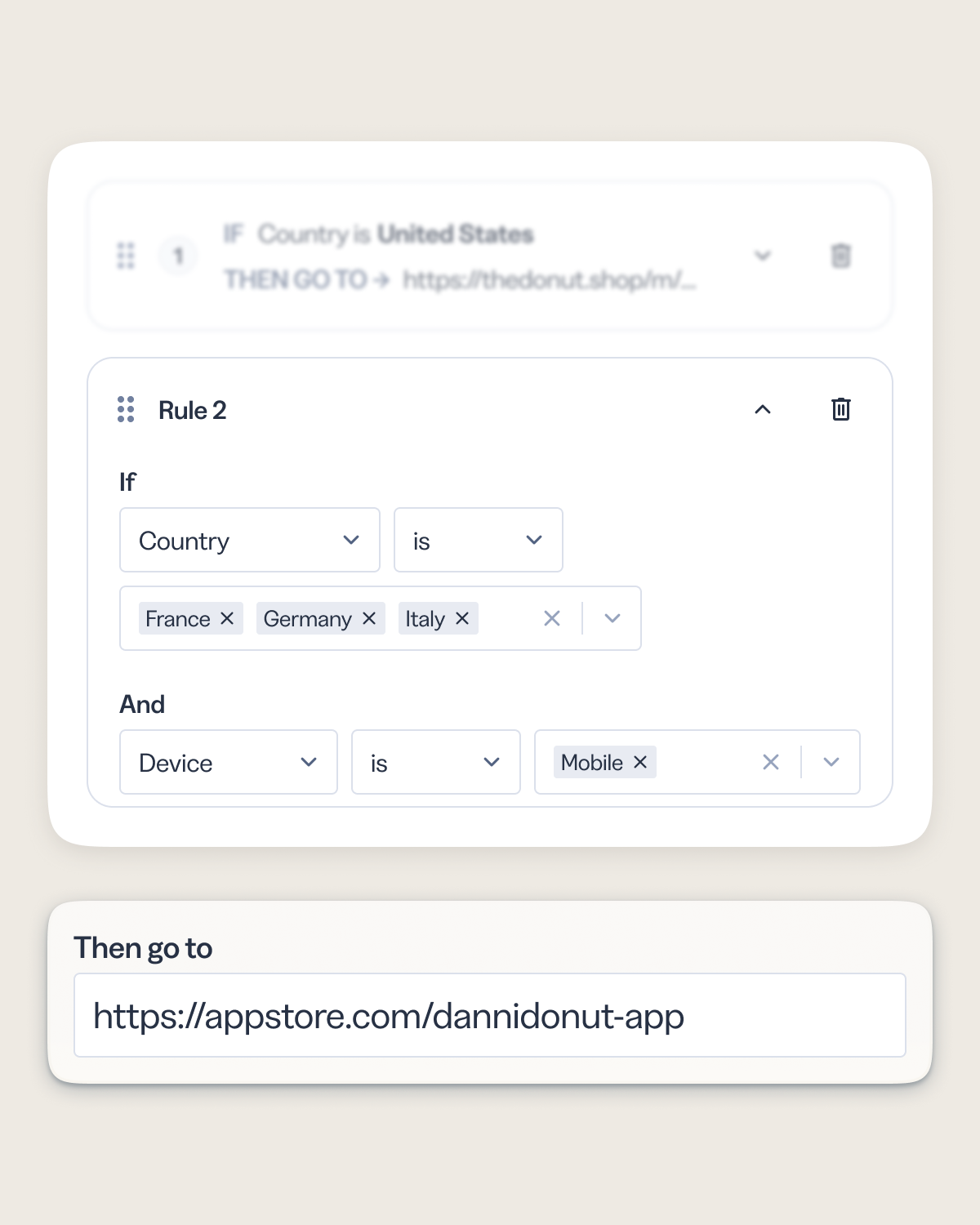
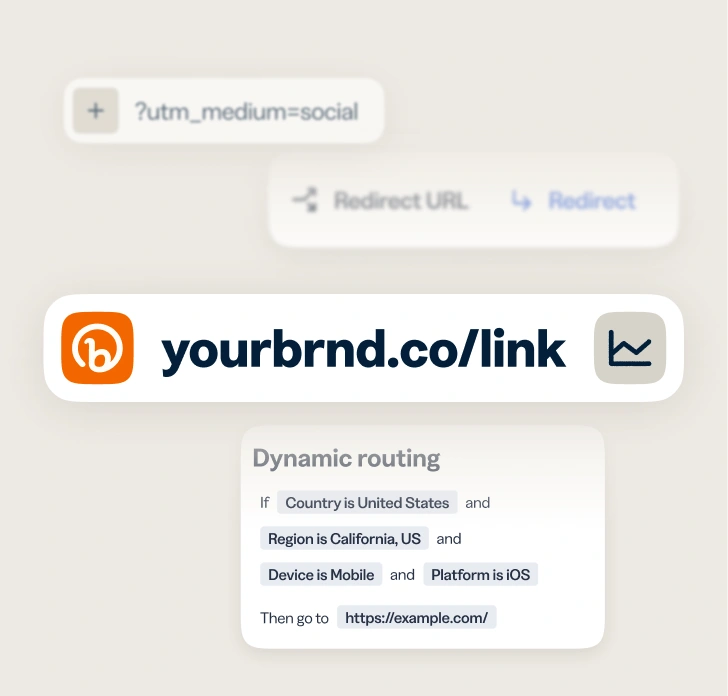
Target by country or region and deliver localized landing pages, local language experiences, and market-specific offers—all from a single short link or QR Code.
- Route by country and route by region for even more granular control over your audience’s experience.
- Create one campaign link for global distribution—no need to manage multiple localized URLs.
- See engagement broken down by geo rule so you know which markets are performing best.
- Works for both Bitly Links and QR Codes, including those already created, in market on print and packaging.
Device targeting
Serve the right experience for any platform or device
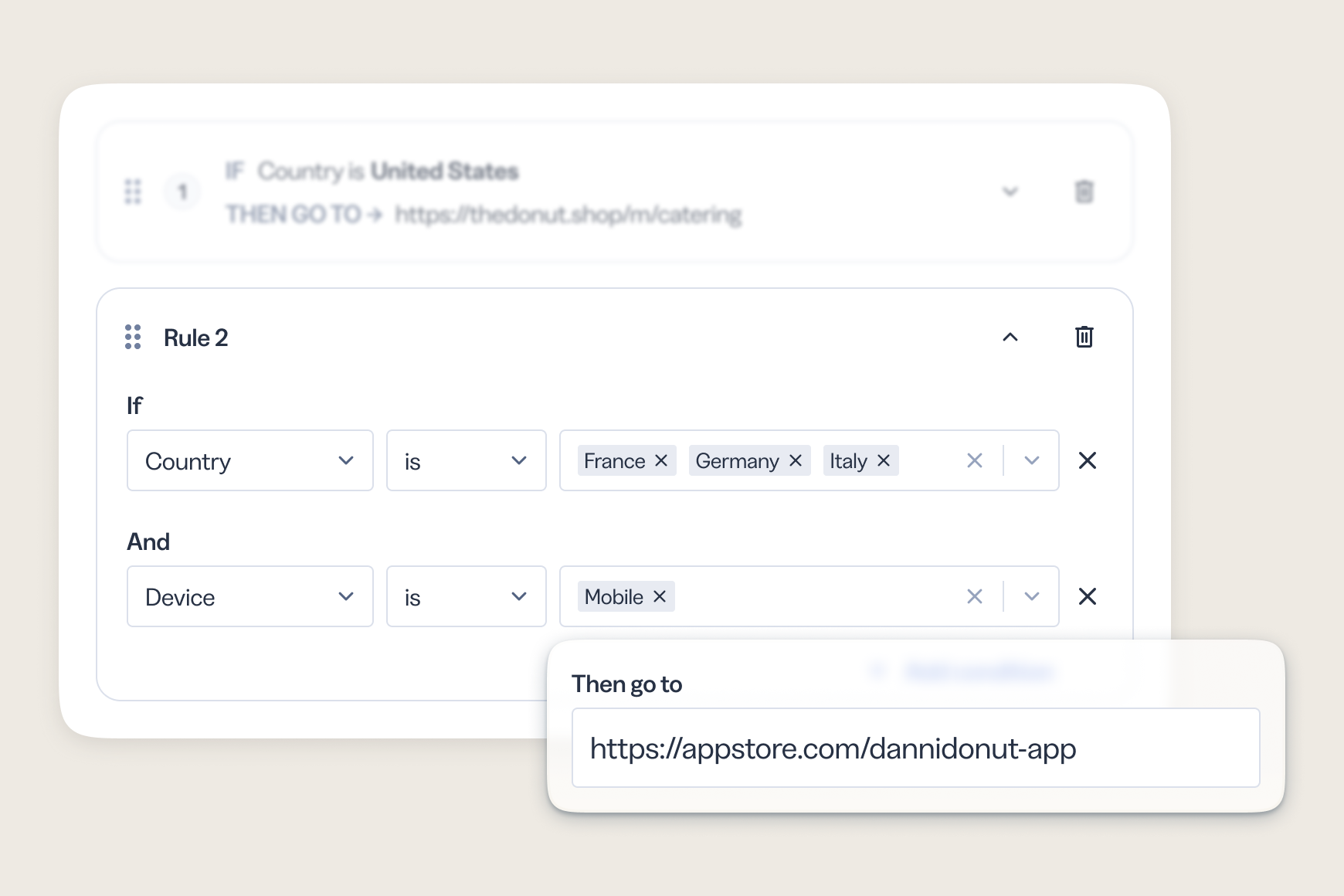
Your audience doesn’t browse from just one platform or device. Dynamic routing lets you match the destination to how someone is connecting—sending mobile users to the app store while desktop users land on your full web experience.
- Route by device type (mobile, tablet, or desktop) or platform (iOS or Android) without requiring separate campaigns.
- Send mobile QR Code scanners directly to a mobile-optimized page or app store listing.
- Improve conversion by eliminating the friction of landing on a page built for the wrong screen.
See what’s working
Know which destination is actually performing
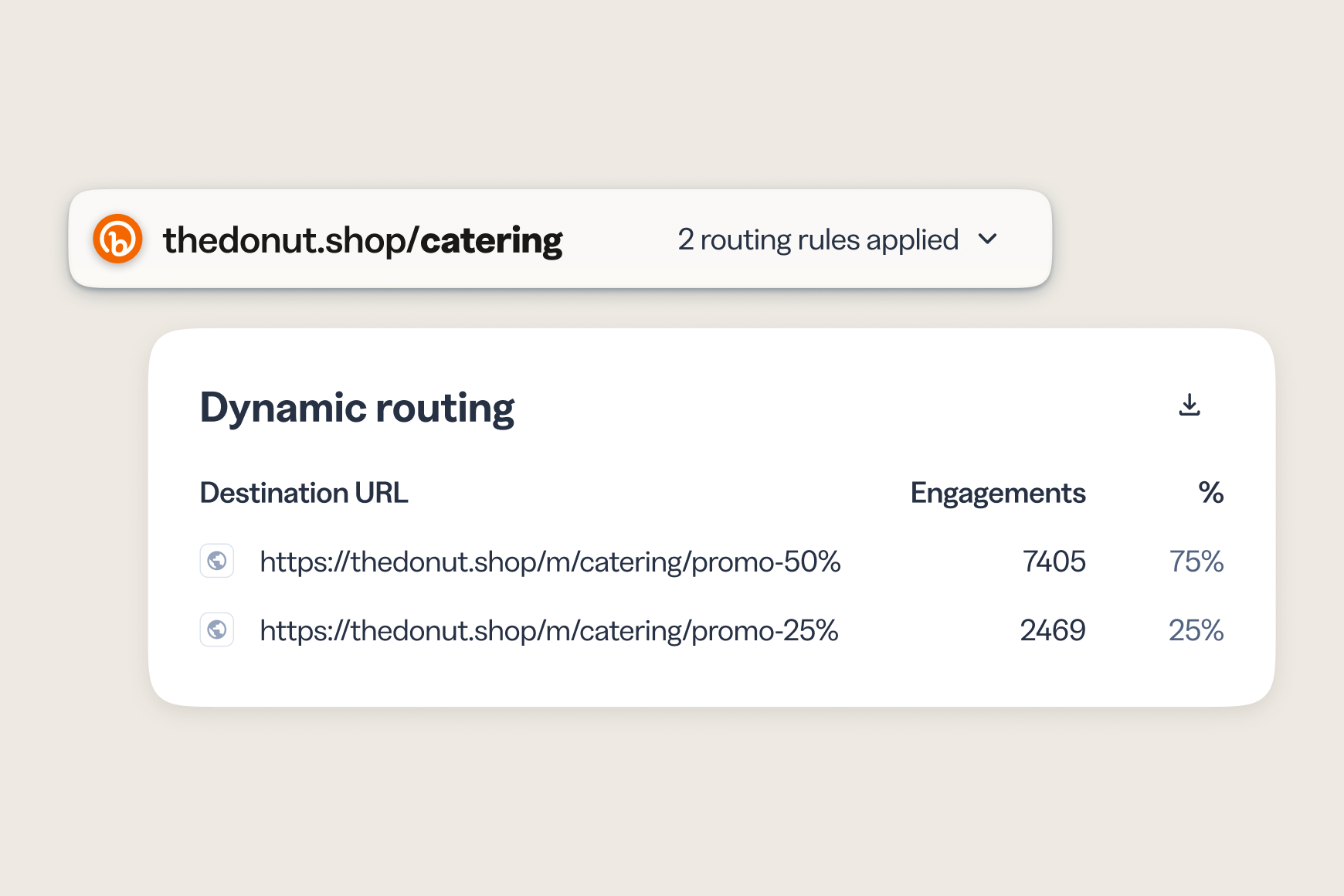
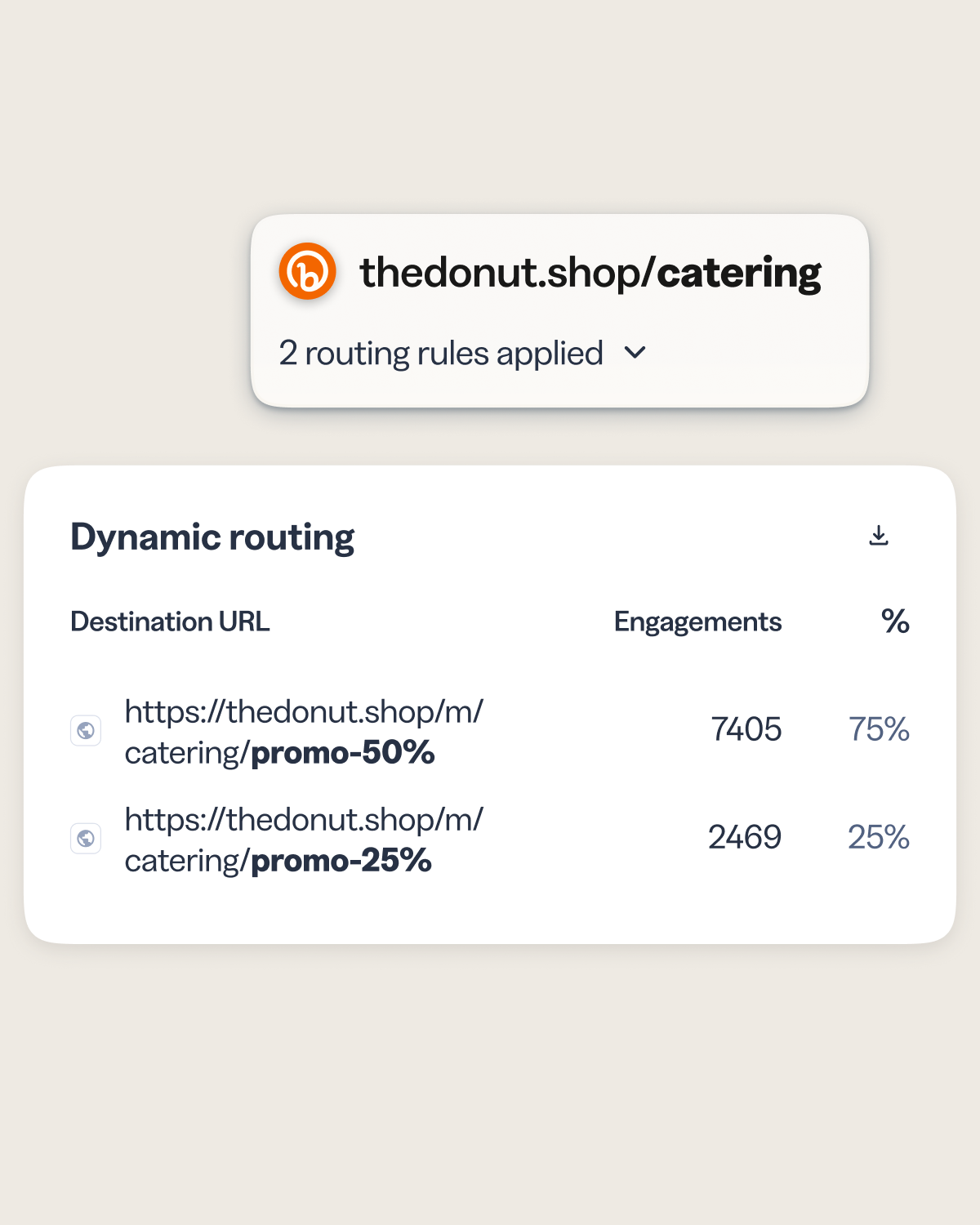
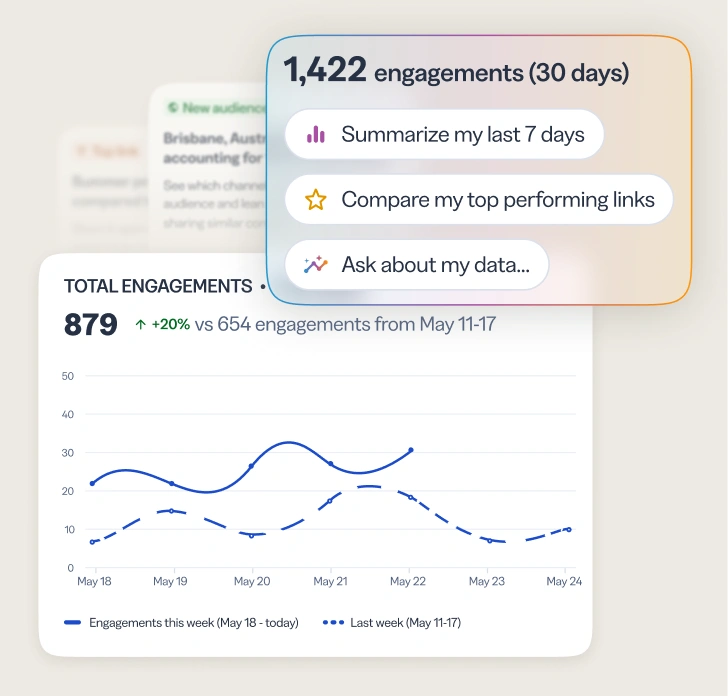
Every routing rule reports on its own, so you see clicks and scans broken down by destination and know which conditions drive engagement. It’s the same unified reporting you already use across your Bitly links and QR Codes, with no second tool and no separate report.
- Get per-destination analytics by rule.
- Filter your link and QR lists to just items with routing rules.
- Ask Bitly Assist about destination performance and trends in audience engagement, in plain language.
Link & QR Code Expiration
Set it, launch it, and let expiration handle the rest
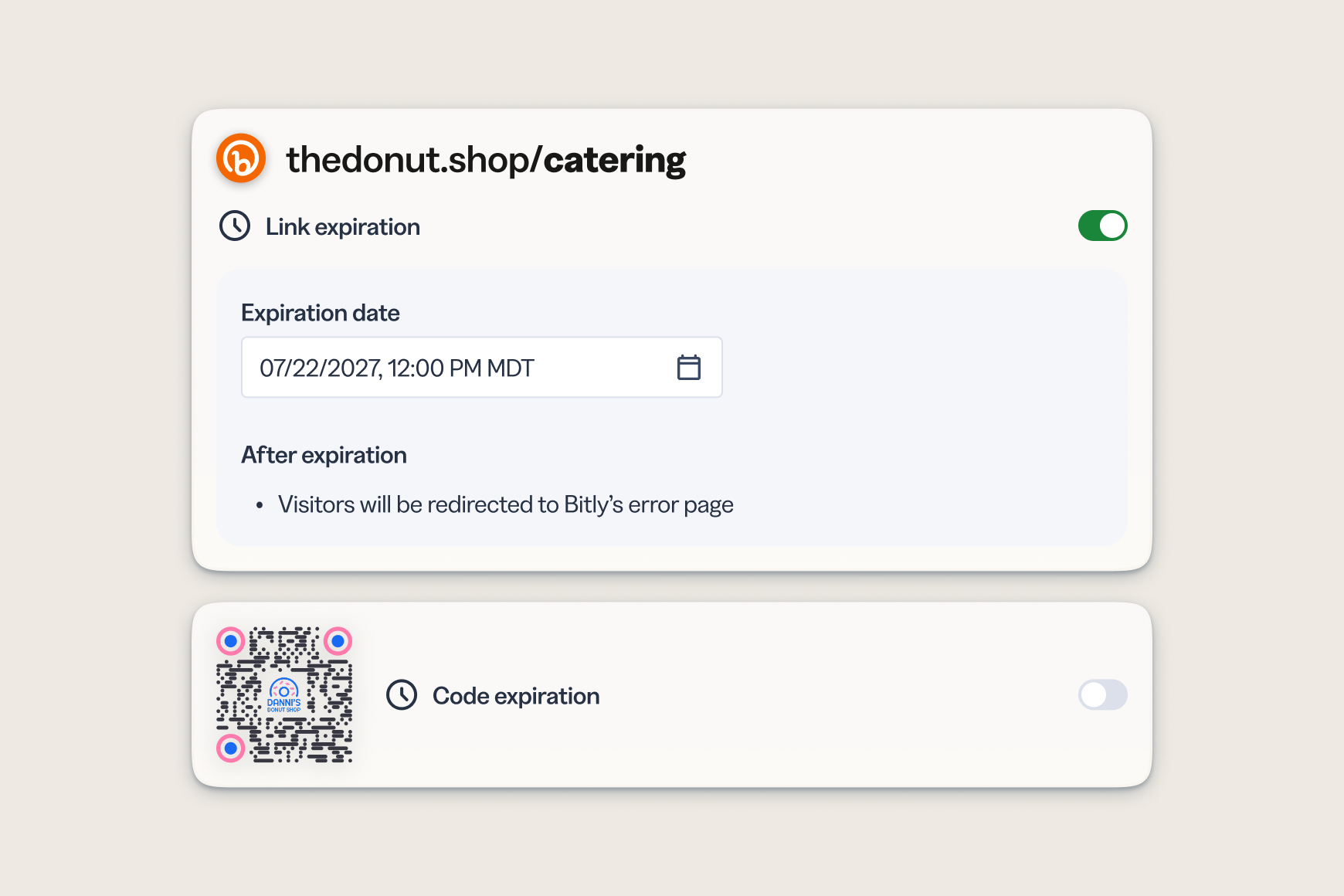
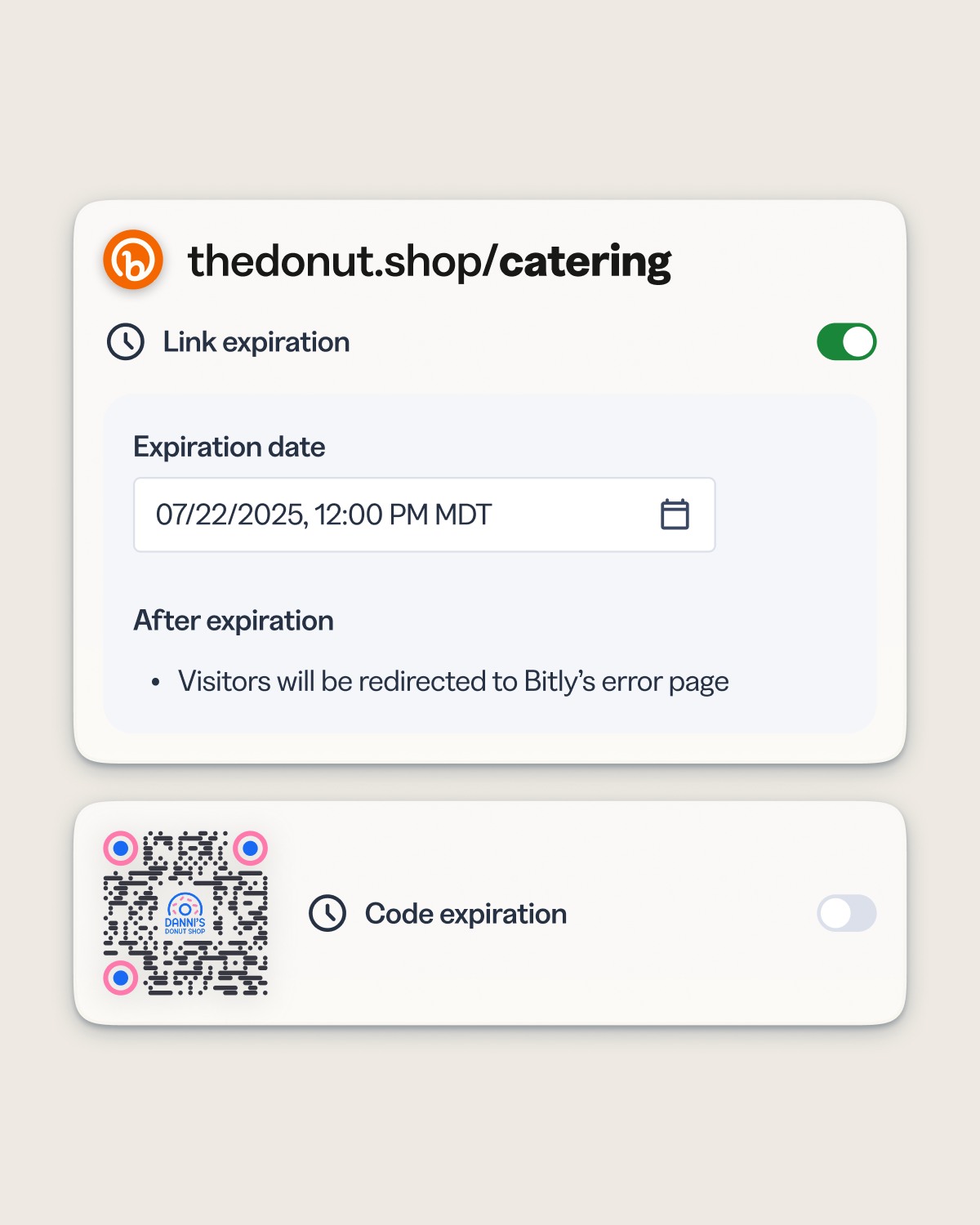
Time-limited campaigns shouldn’t require manual cleanup. Set an expiration date on any link or QR Code and automatically redirect traffic to a fallback page once the campaign window closes.
- Define an expiration date and fallback destination at the time of creation—no post-campaign intervention needed.
- Keep printed materials relevant longer: QR Codes on packaging automatically route to updated content after launch.
- Protect against broken experiences by ensuring expired links never land visitors on a dead page.
- Available starting on Growth plans and above for both links and QR Codes.
See what works
Link your marketing with Bitly
Bitly makes it easy to create, share, and track short links and QR Codes. Find what’s resonating and scale it into bigger reach, more clicks, and more sales.
 URL Shortener

- AI-powered link creation
- Custom domains and back-halves
- URL redirects
- Bulk link shortening
 QR Codes
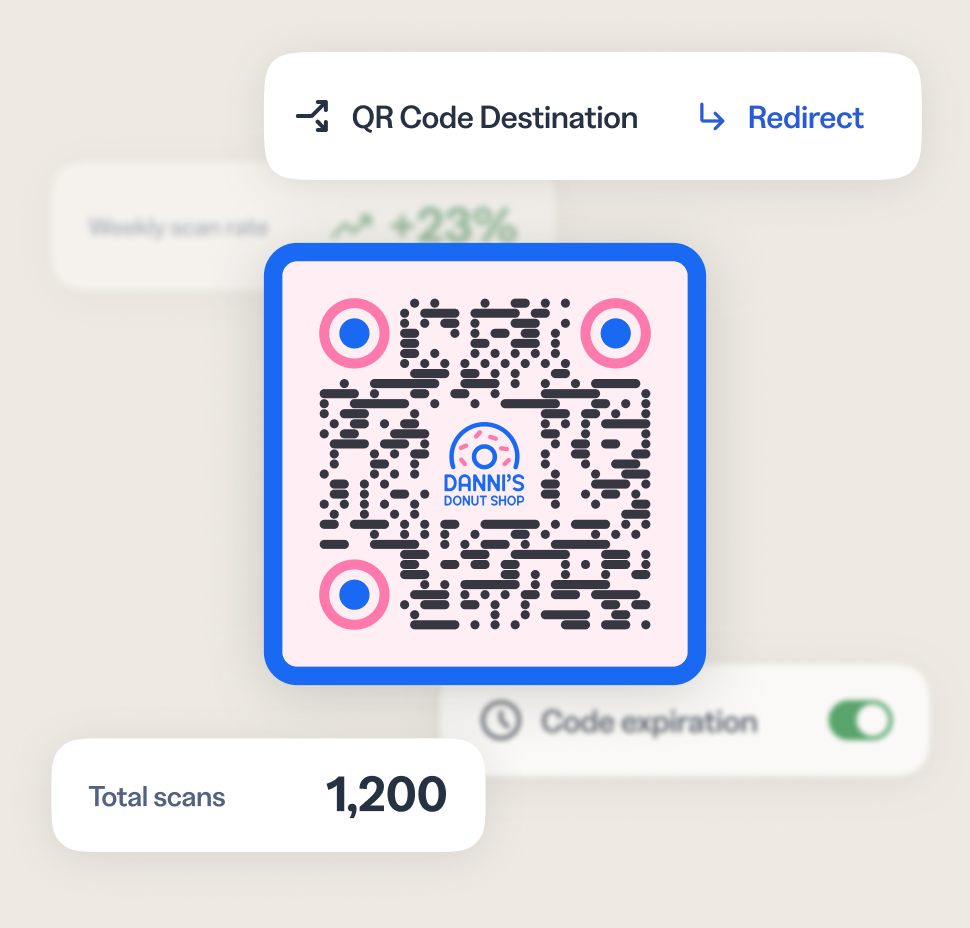
- Customizable colors, patterns, and logos
- Dynamic QR Codes
- PNG/JPEG/SVG downloads
- Bulk QR Code creation
 Analytics
- Geography, referrer, and device tracking
- Cross-channel analytics dashboards
- AI-powered analytics and insights
- Campaign performance and UTMs
Frequently asked questions (FAQs)
Dynamic routing is a Bitly feature that lets you set rules on a link or QR Code so that different visitors are automatically sent to different destinations—based on where they are, what device they’re using, which platform they arrived from, or when a campaign has ended. Instead of managing multiple URLs for different audiences, you create one link and let the routing rules handle the rest.
Yes. Dynamic routing is available for both Bitly Links and QR Codes, including both coupled QR Codes (linked to a short link) and decoupled QR Codes (standalone). This makes it especially useful for physical-world use cases like product packaging, print advertising, and event signage, where the QR Code is printed once but the destination may need to change over time.
- Event planning: routing users to different sites for global and/or country-specific events for registration and ticketing; ie, a book tour
- Ecommerce & Retail: geo routing for regional offers, compliance, and mobile-first experiences
- Real estate: region-specific listings and exclusive content access
Hospitality & travel: Geo-route to local property pages, regional pricing, or currency-specific booking flows; Platform-route to airline/hotel apps vs. mobile web for bookings - Media & Publishing: Geo-route to localized editorial content
- Financial services: Route users to country-specific regulatory disclosures (critical for compliance)
Yes, you can add up to ten rules per link or QR Code. Bitly evaluates them in order, routing each visitor to the most relevant destination based on what you’ve set up.
Yes. dynamic routing rules, including link expiration, are accessible via the Bitly API and the Bitly MCP, which makes it possible to set or update rules programmatically at scale or through your AI workflow of choice. For more, see the Bitly API documentation.

More than a link shortener
Knowing how your clicks and scans are performing should be as easy as making them. Track, analyze, and optimize all your connections in one place.