
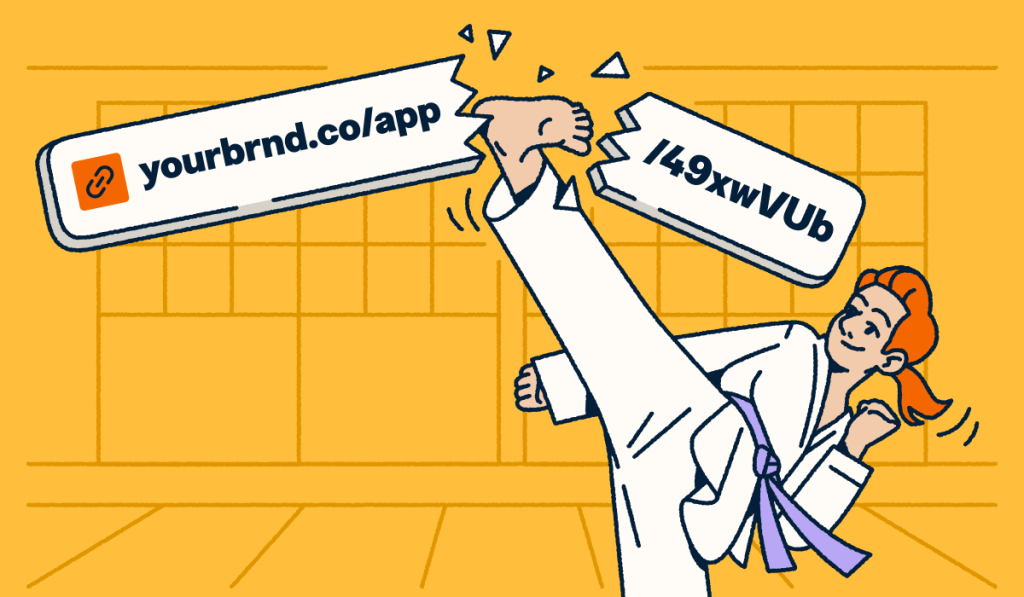
Thirty-eight percent of webpages that existed in 2013 no longer work a decade later. Pew Research Center found that digital decay touches everything from news coverage to Wikipedia references, which means the web loses working paths to information every day.
For marketers, link rot creates more than a technical nuisance. A broken link breaks a promise to a visitor, cuts off SEO value, and can wipe out UTM tracking attribution for campaigns that still circulate in inboxes, posts, QR Codes, or printed materials. Bitly handles billions of redirects each month, so we see a simple truth play out in real time: The choices you make when you publish a link shape whether your audience reaches the right destination later or hits a dead end instead.
Note: The brands and examples discussed below were found during our online research for this article.
What is link rot?
Link rot happens when a hyperlink stops sending people to the resource it originally pointed to. At the single-link level, marketers usually call the same issue a broken link, dead link, or broken hyperlink. The result looks familiar: Someone clicks, the page fails, and the browser returns an error such as 404 Not Found.
This problem reaches far beyond old hobby sites. Journalists cite links that later fail. Courts cite sources that later vanish. Harvard Law Review researchers found that about half of the URLs in U.S. Supreme Court opinions no longer led readers to the originally cited material.
Link rot vs. content drift: What’s the difference?
Link rot means the URL fails. Content drift means the URL still loads, but the page no longer matches the source that the original author meant to cite. Both weaken trust, but link rot creates more visible breaks for users and crawlers.
Key Takeaways
- Link rot is the phenomenon by which hyperlinks gradually stop pointing to their intended destinations over time, producing dead links that return “404 Not Found” errors.
- According to Pew Research Center, 38% of webpages that existed in 2013 were no longer accessible a decade later, and 54% of Wikipedia articles contain at least one dead reference link.
- At least 66.5% of links pointing to sampled websites have rotted since January 2013, according to a large-scale Ahrefs study.
- Broken links harm SEO by wasting crawl budget, severing link equity, and increasing bounce rates—all of which can suppress search rankings over time.
- QR Codes printed on physical materials are especially vulnerable to link rot because the destination URL cannot be changed after printing unless the underlying link is dynamic.
- Dynamic short links with editable redirect destinations allow you to update where a URL points without breaking or replacing the link itself—the most effective proactive defense against link rot for marketing use cases.
What causes link rot?
Some causes sit within your control. Others do not. That distinction matters because it shows where prevention starts.
- Website restructuring or CMS migration: Teams change page paths during redesigns or platform moves, so older links point to the wrong location.
- Domain expiration: When a team lets a domain lapse, every URL on that domain dies at once.
- Content deletion: Teams may remove landing pages, web-based products, PDFs, or resources, which cuts off every link tied to them.
- Platform shutdowns: Websites and content platforms go dark, and every hosted URL disappears with them.
- Paywall migration: Publishers can move free content behind a subscription wall, which blocks many visitors from the information they expected.
- Human error: Typos can kill a link before the first visitor ever clicks it.
You can mitigate the first three causes with stronger link governance. The rest require better monitoring and smarter choices when you point people to third-party content.
How widespread is link rot?
Thirty-eight percent of webpages from 2013 no longer exist today, according to the Pew Research Center’s 2024 analysis.
Ahrefs found that at least 66.5% of links pointing to more than 2 million sampled websites have rotted since January 2013.
The supporting numbers look just as dire: Pew found that 23% of news webpages contain at least one broken link. The same analysis found that 54% of Wikipedia pages contain at least one dead reference link. And, as mentioned, about 50% of URLs in U.S. Supreme Court opinions no longer led readers to the originally cited material.
Furthermore, this process happens quickly. Research suggests the half-life of a typical web link is roughly two years, meaning half of all links on a given site may fail before the site’s second anniversary.
Link rot does not lurk on the fringe of the web. It cuts across media, reference content, legal citations, and branded products. Every marketer needs a plan for it.
Why link rot matters for your brand
Link rot hurts brands in three places that marketers watch closely: Search visibility, user trust, and campaign measurement. The damage often starts quietly, then compounds over time.
The SEO impact of broken links
Broken links waste crawl activity. Search engines spend time on dead pages that offer no value, which leaves less room for pages that you want them to discover and index. Broken destinations also cut off link equity. If another site links to a page you later delete, that authority cannot help your current content unless you set a relevant redirect. Broken links also create poor user signals when visitors hit a 404 and leave. These indirect costs add up over time.
User experience and trust
Every dead link tells visitors that your brand did not maintain the path you invited them to follow. That trust hit grows in high-stakes moments, such as support content, compliance pages, pricing resources, or product documentation. You also carry responsibility in both directions: Links on your own site need maintenance, and outbound links that you share need maintenance too.
Lost campaign data and attribution
Broken links can destroy the reporting chain long after a campaign launches. When a campaign URL fails, the visitor no longer reaches the tracked destination, which breaks the path between click, session, and conversion.
Picture a retail brand that prints 200,000 packages with a QR Code that points to a seasonal promotion. The campaign ends. Someone archives the landing page. From that moment on, every future scan leads to a dead end and the loss of important engagement signals unless the team builds the experience on a dynamic redirect that they can update later. This setup means lost data, lost conversions, and lost opportunity.
How to detect broken links on your website
You need proactive audits and reactive monitoring. A scheduled crawl can find obvious failures before they spread. Real-time analytics help you catch sudden breaks on links that once performed well.
Start with Google Search Console if you need a free baseline. Coverage reporting helps you spot URLs that return 4xx errors on your own site. Then add a crawler such as Screaming Frog, Ahrefs Site Audit, or Semrush Site Audit to map status codes across your content. On larger sites, run those checks at least monthly. Manual review still matters for high-stakes pages because automated systems can miss soft 404s that return a normal status code while showing an error page to visitors.
If you manage branded links, watch your analytics closely. A sudden drop in clicks on a link that usually performs well can signal that the destination has broken or changed. Prioritize top-traffic pages, top-converting pages, and links that appear in active campaigns.
How to prevent link rot before it starts
Most link rot advice is reactive, encouraging you to find broken links and repair them. Better architecture helps more. Tim Berners-Lee captured the principle years ago in a line that still holds up: “A cool URI is one which does not change.”
Use dynamic links with editable destinations
Dynamic short links give you a stronger defense because the link you publish stays the same while you update the destination behind it. Instead of tying permanence to one fragile landing page, you tie permanence to a managed redirect that you can update at any time via a management dashboard. This is a fundamentally different approach from static links; instead of the destination being baked into the URL at creation time, it remains editable indefinitely.
Say your team sends a campaign email to 50,000 subscribers. Six months later, your web team restructures the destination page. A static link leaves every archived email broken. A dynamic link lets you update the destination once and keep every past send working. Bitly Links generated with our URL Shortener support that kind of update without forcing you to replace the published URL everywhere it appears.
Centralize your link management
When teams create links across channels without a shared system, those links spread fast and then disappear from view. A central platform lets you audit active links, find stale destinations, and update old assets without digging through every email, ad, deck, and social post by hand. If your team works at scale, API access makes that process easier and is just one of the productivity boosts we recommend in our complete guide to URL shortening.
Choose branded domains you control
Free shorteners add another point of failure. If the service you used shuts down or changes support policies, every campaign that depends on that domain inherits the risk. A branded short domain supports short URL best practices because the health of the link depends on a domain you own and maintain yourself. Additionally, short link psychology suggests that these links help build user trust because audiences see your brand name instead of a generic shortening placeholder.
Don’t forget QR Code link rot
QR Codes raise the stakes because printed assets lock the code in place. If you print menus, packaging, posters, business cards, or in-store signage with a Static QR Code, you cannot swap the destination later without replacing the physical material itself. That makes QR Code link rot one of the most expensive forms of digital decay for marketers to correct.
Dynamic QR Codes solve that problem. The code stays the same, but you can update the destination behind it whenever the campaign, menu, offer, or product page changes. A restaurant chain can print one tabletop QR Code, then update the linked menu file whenever seasonal items change. Bitly Codes follow that model by keeping the QR Code constant while leaving the destination editable.
How to fix broken links and keep your digital connections alive
Static, unmanaged URLs will decay over time. But the links you create do not have to fail permanently if you build them with flexibility in mind.
Start with an audit. Find broken pages and set 301 redirects to the closest current resource. Then replace fragile campaign URLs with dynamic short links that you can control after launch. Finally, treat printed QR Codes like long-term infrastructure, not one-off assets. If you switch those experiences to Dynamic QR Codes now, you give your team room to adapt later without reprinting materials or losing scan tracking data.
That is the real lesson behind link rot: You cannot stop every page on the internet from changing, but you can control how your brand creates, manages, and preserves the connections you ask customers to follow.
Bitly brings link management, QR Code creation, and real-time analytics into one place, which helps you keep more of those connections alive and measurable over time. Get started for free.
Frequently Asked Questions about link rot
How often should I check for broken links?
For most websites, a monthly automated audit using Google Search Console or a crawl tool is a practical baseline; high-traffic or high-conversion pages should be checked more frequently, and any time a major site migration or content deletion occurs, an immediate audit is essential.
Can link rot affect my Google rankings?
Yes—broken links harm SEO by wasting crawl budget on pages that return no indexable content, severing the link equity that flows from backlinks to dead pages, and generating elevated bounce rates that send negative engagement signals to search engines.
What’s the difference between a broken link and link rot?
A broken link refers to a single dead hyperlink at a specific point in time, while link rot describes the broader, systemic process by which hyperlinks decay and fail across a website or across the web over time—link rot is the condition; a broken link is a symptom of it.
Do shortened URLs cause link rot?
Free or anonymous URL shorteners can cause link rot if the service shuts down, discontinues free tiers, or stops supporting existing links; branded managed short links—such as those created through Bitly on a custom domain you own—avoid this risk because the link’s persistence is tied to your domain registration, not a third-party service’s continued operation.
How do I prevent QR Code link rot?
Use Dynamic QR Codes that route through an editable redirect URL, so you can update the destination at any time, even after the code is printed. Bitly Codes are dynamic by default, meaning the printed code never changes, but the destination it points to remains fully editable from your dashboard.
More Articles

More than a link shortener
Knowing how your clicks and scans are performing should be as easy as making them. Track, analyze, and optimize all your connections in one place.