Quick response codes (QR Codes) help businesses connect print, packaging, signage, and in-person moments to digital destinations customers can open with a phone camera. Used well, they streamline operations, deepen engagement, and make offline marketing measurable. An EMARKETER forecast from 2023 projected that US consumers using smartphone QR scanners would reach 102.6 million by 2026, as more people than ever already know how to scan a code with their phones.
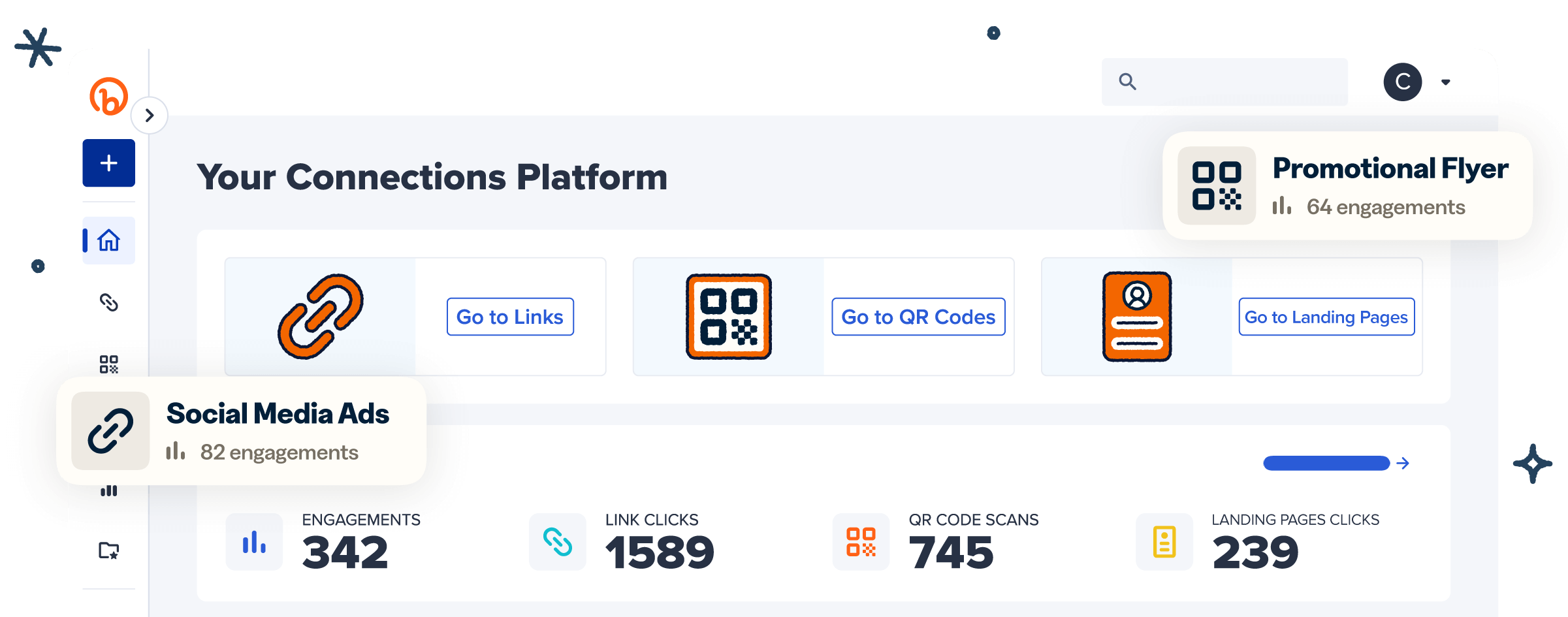
Customer touchpoints still span links, QR Codes, social, print, and ads, making it hard to see what’s working. Bitly powers more than 100 billion clicks and scans annually across links and QR Codes worldwide. Our platform is designed to help you link your marketing so teams can connect the dots and do more of what works. This article looks at how QR Codes fit into that picture.
Key Takeaways
- QR Codes streamline operations by instantly connecting physical assets, such as inventory, documents, and training materials, to digital systems.
- Customer engagement improves when you add QR Codes to packaging, signage, and receipts that link to product info, personalized offers, or feedback forms.
- Marketing campaigns become measurable because dynamic QR Codes let you track scans, compare channels, and optimize in real time.
- Dynamic QR Codes offer flexibility because you can update the destination URL at any time without reprinting materials.
- Create a QR Code in minutes with a QR Code generator, then customize, download, and track it from one place.
Where QR Codes fit in business today
QR Codes are now a mainstream business tool for bridging physical materials and digital experiences. Teams use them to open menus, share product details, route staff to internal resources, and measure which offline placements drive action. More brands treat QR Codes as standard infrastructure as consumers scan with less hesitation.
You’ll find practical QR Code use across industries, including:
- Hospitality: Restaurants and hotels use QR Codes for menus, room services, and checkouts.
- Healthcare: Providers share digital prescriptions and patient resources that pharmacies and patients can open on demand.
- Education: Schools link QR Codes to schedules, learning platforms, and campus resources.
- Retail: Stores put QR Codes on packaging, shelf tags, and receipts to open product pages, loyalty offers, and support content.
- Government: Agencies collect feedback and publish public information through scannable codes on notices and forms.
Major retailers and consumer packaged goods (CPG) brands are also standardizing QR Codes on packaging. Industry leaders plan to adopt GS1-powered QR Codes by the end of 2027 as a replacement for UPC codes. GS1 sets global standards for product identification. That shift points to longer-term investment in scannable packaging and supply-chain visibility.
With Bitly Codes, you can create branded, trackable QR Codes that fit your everyday business workflows and work with the GS1 standard.
How to create a QR Code for your business
You can create a QR Code for your business in a few minutes with a QR Code generator. Follow a clear workflow so the code scans cleanly, matches your brand, and stays useful after you print it.
- Choose the destination. Pick the page or file people should open after a scan, like a website, landing page, digital business card, menu, or form.
- Paste the URL into a QR Code generator and create the code. Bitly Codes are dynamic by default, so you can edit the destination URL later without regenerating or reprinting the code itself.
- Customize the design. Add brand colors, your logo, and a frame so the code looks intentional next to your other materials.
- Test across devices. Scan on multiple phones and cameras before you commit to print or packaging runs.
- Download and place the code. Use PNG for digital placements and SVG for print, then put the code where your audience will see and scan it.
For a deeper walkthrough of setup choices and placement tips, read how to get a QR Code for your business.
Which type of QR Code is best for business
Dynamic QR Codes work best for most business use cases because you can edit the destination after printing and track every scan. Static QR Codes embed a fixed destination URL in the image, so any change usually requires reprinting. Dynamic QR Codes let you keep the printed image the same while you update the linked URL behind the scenes.
Use a Static QR Code when the destination will never change, and you don’t need scan analytics. Use a Dynamic QR Code when campaigns evolve, offers expire, or you need to track code performance data. Bitly Codes are dynamic by default, which keeps business materials flexible from day one.
For a deeper comparison, read our guide to Static vs. Dynamic QR Codes and our in-depth primer on Dynamic QR Codes.
| Static QR Codes | Dynamic QR Codes | |
|---|---|---|
| Destination | Fixed after creation | Editable anytime without reprinting |
| Scan tracking | No native tracking | Full scan analytics |
| Best for | Permanent links that never change | Campaigns, packaging, signage, and ongoing programs |
| Business fit | One-time or unchanging use cases | Most marketing and operations use cases |
| Bitly Codes | Available when you need a fixed code | Dynamic by default |
Streamline and speed up business operations
QR Codes streamline operations by turning physical items into gateways to the right digital record, file, or workflow. That assistance cuts manual lookups, reduces back-and-forth, and keeps teams aligned on the latest information.
Inventory and asset management
QR Codes for inventory tracking connect each physical item to product data, location history, and status updates. Unlike one-dimensional barcodes, QR Codes store a lot of data in a compact space. That capacity helps you share more detailed product information with partners across the supply chain. Staff can also scan from multiple angles using technology they already own, speeding up warehouse checks.
Dynamic QR Codes add another layer: You can track scan volume and location as products move. In a warehouse, you can label each item with a QR Code that opens the item name, serial number, and manufacture date. When inventory arrives or leaves, employees scan with a phone or dedicated reader for check-in and check-out. That process improves accuracy and gives you clearer location data.
Explore more asset management tactics in our guide to QR Codes for inventory tracking.
Document sharing and access
QR Codes for document management give stakeholders a single scannable link to the current file instead of endless email attachments. Link Google Docs, Sheets, PDFs, and Word files so teams can always open the right version on demand.
Dynamic QR Codes work especially well here. When a policy, brief, or spreadsheet changes, update the destination once. Everyone who scans sees the latest version without a new file blast. That saves time, reduces version confusion, and keeps project communication cleaner.
Our article on QR Codes for documents offers more insight into this handy use case.
Employee training and onboarding
Hiring and training teams use QR Codes to make role details, videos, and manuals accessible with just a scan. On a job posting, a QR Code can open a page that covers company values and role responsibilities. After you hire, include QR Codes in training packets so new employees can access instructional videos and handbooks without hunting through their inboxes.
This approach shortens onboarding, standardizes access to resources, and helps managers keep materials up to date as processes change.
Boost customer engagement
QR Codes boost customer engagement by turning packaging, signage, and receipts into interactive brand moments. In a 2025 GS1 US consumer survey, 79% of consumers said they are more likely to buy products with a scannable QR Code. QR Codes can provide more than just product information. Every scan is a chance to deliver useful advice, personal value, or a feedback path.
Interactive product information
Product QR Codes deliver deeper information without crowding packaging design. Customers scan for how-to videos, ingredient details, setup guides, or social channels that show the product in use. You keep packaging clean while shoppers get the context they need to buy with confidence.
That demand shows up in the same 2025 GS1 US consumer survey: Some 77% of consumers say product information is important when they buy, and 62% are willing to spend more on a product that offers detailed product information. Link codes to a mobile-friendly landing page where people can watch demos, compare options, or share their experience. That extra layer supports informed decisions and keeps your brand present after the shelf moment ends.
Personalized customer experience
QR Codes help you deliver personalized offers and recommendations at the right physical moment. Tie a code to an exclusive discount, a loyalty reward, or complementary product suggestions based on buying history. When customers scan at checkout, on packaging, or on a receipt, they unlock something relevant to them.
Personalization improves the shopping experience and encourages repeat visits when the brand responds to individual behavior rather than sending a one-size-fits-all message.
Customer feedback
QR Codes put feedback one scan away, so more customers can complete it. Place a code on receipts, table tents, packaging, or service counters that opens a short survey or review form. Ask what to improve, keep, or remove, then use those answers to refine products and services.
Because the form sits one scan away, more customers finish it. Over time, scan-driven feedback becomes a steady input for product and experience decisions.
Optimize marketing campaigns
Dynamic QR Codes make marketing campaigns measurable by connecting offline placements to trackable digital destinations. You can see which flyer, booth, package, or poster drives scans, then adjust creative, offers, and budget with clearer evidence.
Campaign tracking
Campaign QR Codes show scan counts, locations, devices used, and date information so you can judge performance in real time. Create a unique dynamic code for each channel or creative variant, then compare results in Bitly Analytics. That view helps you double down on placements that convert and fix the ones that lag.
Because destinations stay editable, you can refresh landing pages, swap expired offers, or retarget follow-up content without reprinting the campaign asset.
Event marketing
Event QR Codes give attendees one scan for schedules, registration, updates, and follow-up offers. Place codes on print ads, badges, booth graphics, and emails so people can open:
- Venue details
- Speaker lists
- Booking pages
- Social updates
- Promos and raffles
- Post-event surveys
Scan data shows which event touchpoints drew attention. That helps you improve the next show. You share information on the spot and leave with clearer engagement metrics.
Personalized promotions
Promotion QR Codes deliver loyalty offers and coupons at the moments customers are ready to act. Display codes at checkout, in packaging inserts, or on campaign mailers with a clear reason to scan. Route each audience segment to the offer that matches its history or location.
QR Codes also support commerce beyond classic couponing. Juniper Research projected in February 2025 that QR Code payment value would exceed $8 trillion by 2029. That growth shows how familiar scannable checkout and offer flows are for customers worldwide.
Real-world teams already run this model at scale. Can Aydın, Manager at İGA İstanbul Airport, deploys dynamic QR Codes across hundreds of touchpoints throughout the airport. He updates destinations in real time without reprinting. He reports a campaign turnaround that is about 40% faster.
Use QR Codes on business cards and for networking
A QR Code on a business card lets contacts save your details or open your profile with one scan. Link the code to a digital business card, LinkedIn profile, portfolio, or booking page. Networking follow-up happens immediately, rather than through manual data entry.
- Place the code on the back of the card or in a corner so that your name and contact block remain readable.
- Match colors and logo treatment to the rest of the card so the code feels branded, not bolted on.
- Test the scan before you print a full run.
For layout ideas and design tips, see our guide to QR Codes on business cards.
Best practices for QR Codes in your business
QR Codes perform best when you plan placement, branding, content updates, education, and calls to action as carefully as any other campaign asset. These practices help small teams and larger organizations get consistent scans. If you build your first program, start with QR Codes for small businesses.
Placement: Put codes where intent is high
Place QR Codes at the exact moments people need more information or a next step. Review warehouse workflows, packaging inserts, receipts, event signage, and service counters for friction you can remove with one scan. Create a unique code for each high-value touchpoint so analytics stay clean.
Design and branding: Make codes recognizable
Branded QR Codes earn more trust and more scans when they look like part of your visual system. Add brand colors, a logo, and a clear frame. Keep enough contrast for clean scanning on both iPhone and Android devices. Customized QR Codes see a 3.8x increase in scans compared to uncustomized codes.
Regular content updates: Keep destinations current
Update QR Code destinations on a schedule to keep offers, pages, and resources relevant. Use scan data and customer feedback to decide what to refresh. Dynamic QR Codes make this practical because you change the link without reprinting posters, packaging, or cards.
Educating your audience: Remove scan hesitation
Tell customers and employees what the code does and how to scan it. Add short instructions at each touchpoint. Train staff to answer questions and read basic scan reports. Comfort with the format raises adoption inside the building and out in the market.
Clear CTAs: Say what happens after the scan
Pair every QR Code with a short, verb-led call to action that sets expectations. Examples include “Scan for the menu,” “Scan to save my contact,” or “Scan for today’s offer.” Keep the CTA visible. Use one action at a time. Place it close enough to the code that the two read as one unit.
Start using QR Codes for business growth today
QR Codes give your business a direct line to customers across every touchpoint, from product packaging to event signage to digital campaigns. When you pair QR Codes with tracking and branding tools, you gain clear insights into what resonates with your audience. You also see where to invest next. The right QR Code strategy turns physical moments into measurable marketing opportunities.
Bitly is the marketing platform that helps businesses of all sizes see what’s working. Simply and clearly. Create branded Bitly Codes, track performance in one place, and connect the dots across the channels your customers already use.
Link your marketing. Get started with Bitly to create, customize, and track your business QR Codes.
Frequently Asked Questions
How do I get a QR Code for my business?
You can create a QR Code for your business in minutes using a QR Code generator like Bitly. Enter the URL you want to link to, customize the design to match your brand, and download the code. Bitly Codes are dynamic by default, so you can update the destination at any time without reprinting. Learn more in our guide on how to get a QR Code for your business.
Is a business QR Code free?
Many QR Code generators offer free options with basic features. Bitly provides a free tier that lets you create QR Codes and track basic scan data. Paid plans unlock advanced features such as custom branding, detailed analytics, and tools for managing multiple codes at scale.
Which type of QR Code is best for business?
Dynamic QR Codes work best for most business use cases because you can edit the destination URL after printing. The option to edit a dynamic QR Code’s destination saves time and money when campaigns change or links need to be updated. Static QR Codes are suitable for one-time uses where the destination never changes.
Read our full breakdown of Static vs. Dynamic QR Codes to choose the right type.
How do I create a QR Code for a Facebook business page?
Copy your Facebook business page URL and paste it into a QR Code generator like Bitly. Customize the design with your brand colors and logo, then download the code as a PNG or SVG. Place the QR Code on printed materials, signage, or packaging to drive customers directly to your Facebook page with a single scan.
Can I track QR Code scans for my business?
Yes, dynamic QR Codes let you track every scan in real time. With Bitly Analytics, you can see total scans, scan locations, device types, and time trends. Bitly Analytics data helps you measure campaign performance, compare channels, and optimize your strategy.
What are the best ways to use QR Codes on business cards?
Add a QR Code to your business card that links to a digital version, a LinkedIn profile, or portfolio page. Place the code on the back of the card or in a corner where it won’t crowd your contact details. Use a branded design that matches your card’s look and test the code before printing. Explore more tips in our guide to QR Codes on business cards.