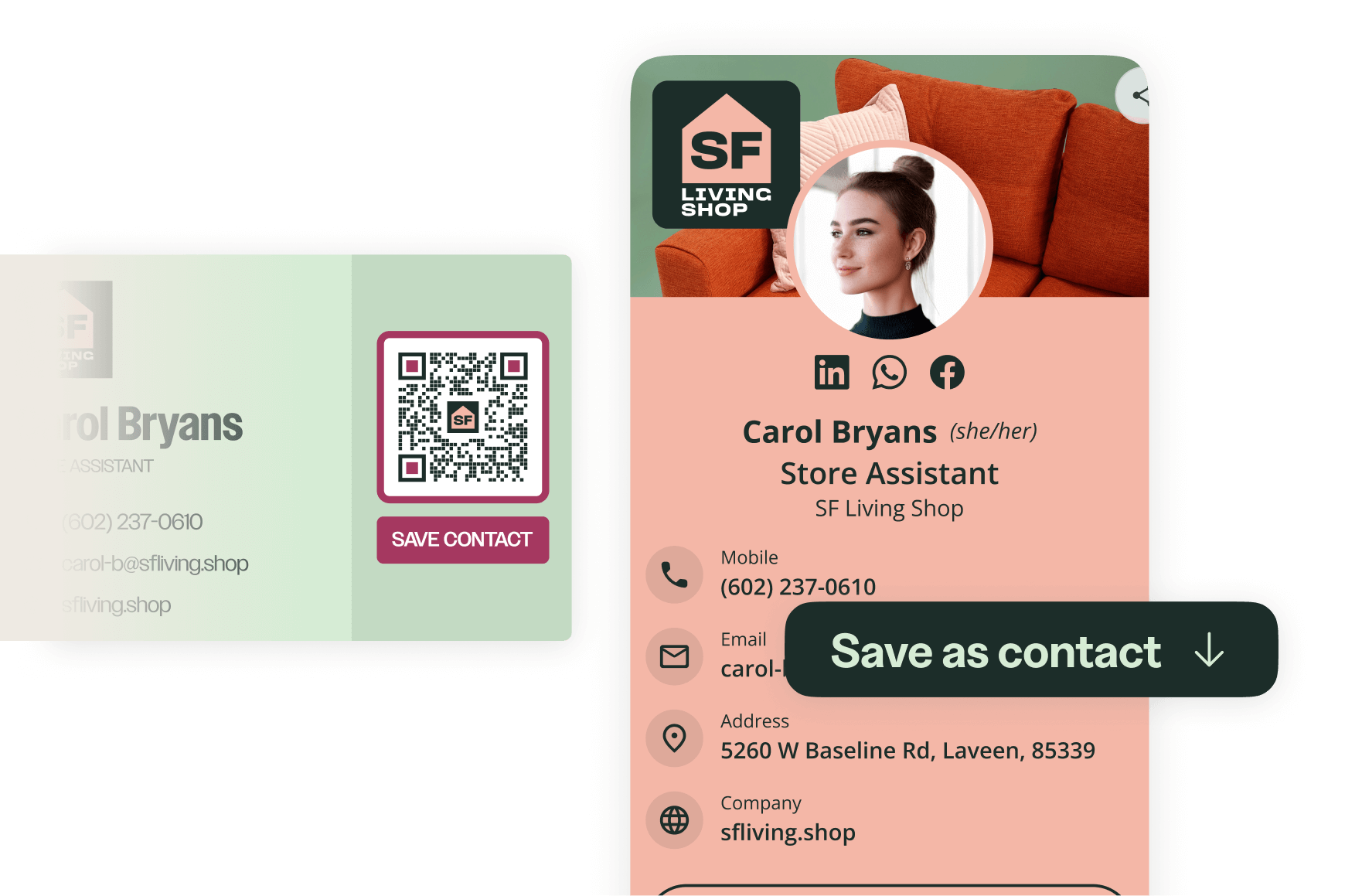
Share your contact info with a single tap
- Instantly share your card by QR Code or link, and let people save your details to their phone in a tap.
- Works on any mobile device, no app to download.
- Cut paper waste and reprint costs by keeping one card you update instead of reordering.
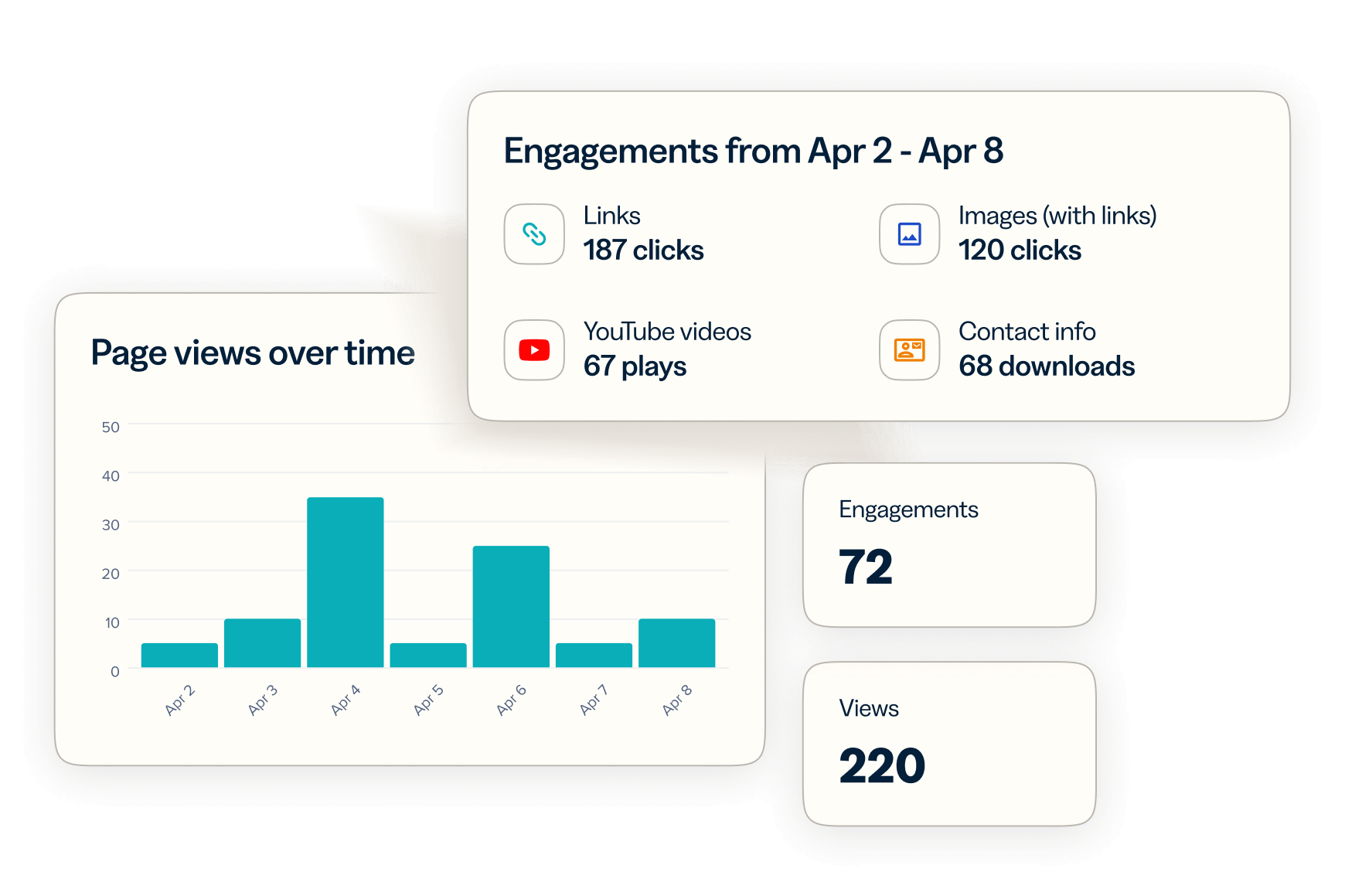
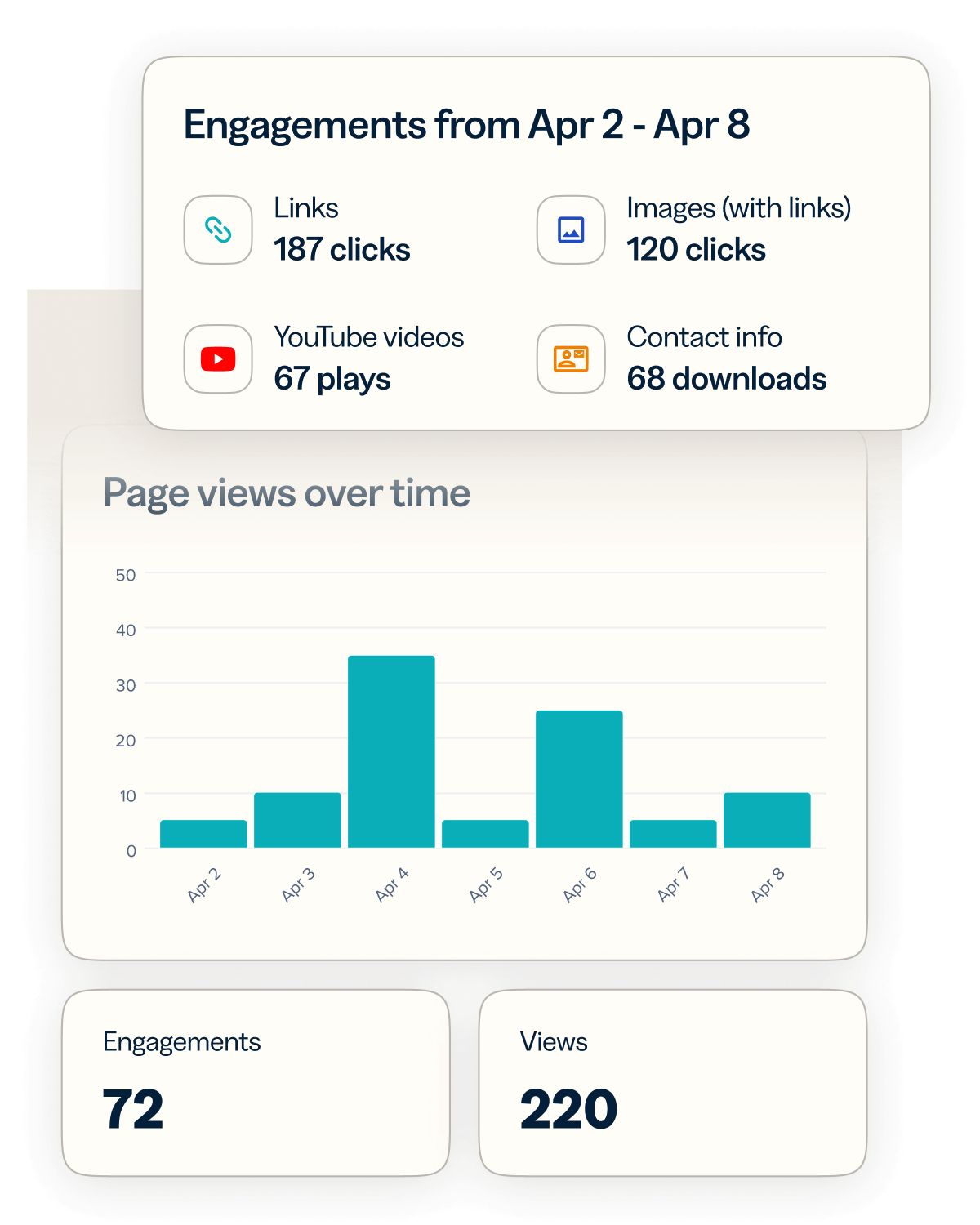
Track your networking impact in one dashboard
- View clicks, scans, downloads, and engagement trends in a single dashboard.
- Measure success with insights that include page views and digital business card downloads.
- Track your networking ROI over time and fine-tune your approach based on real data.
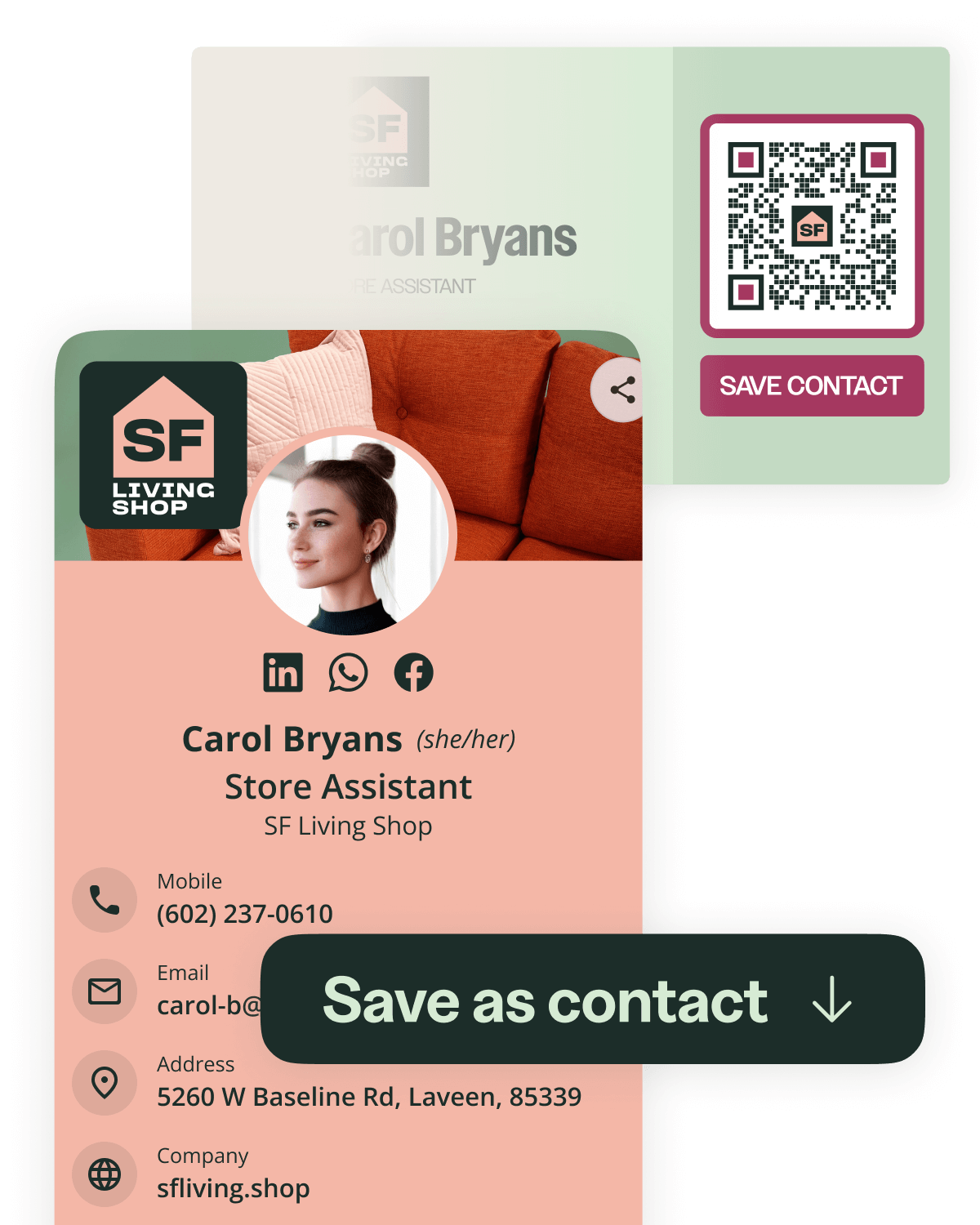
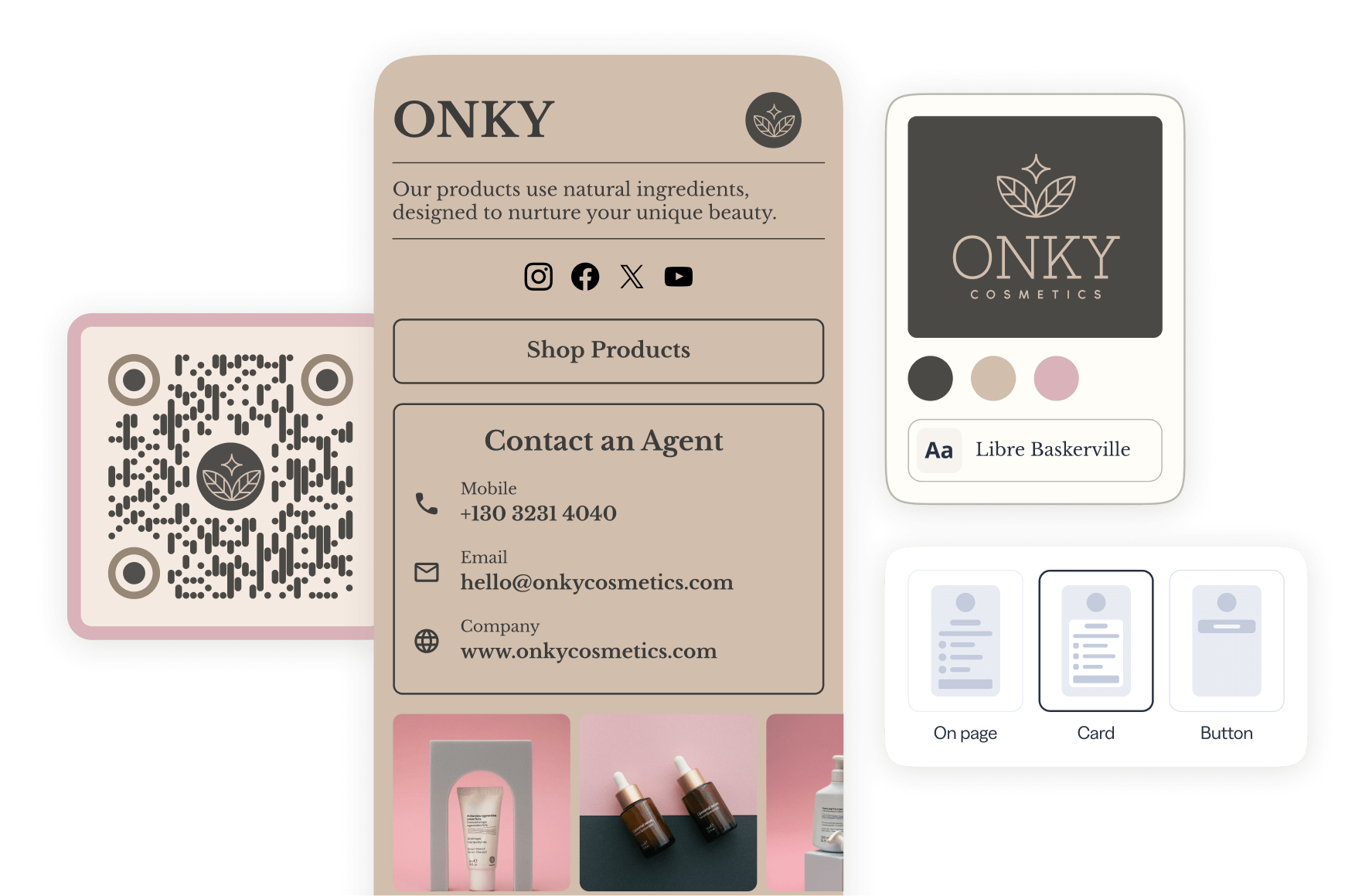
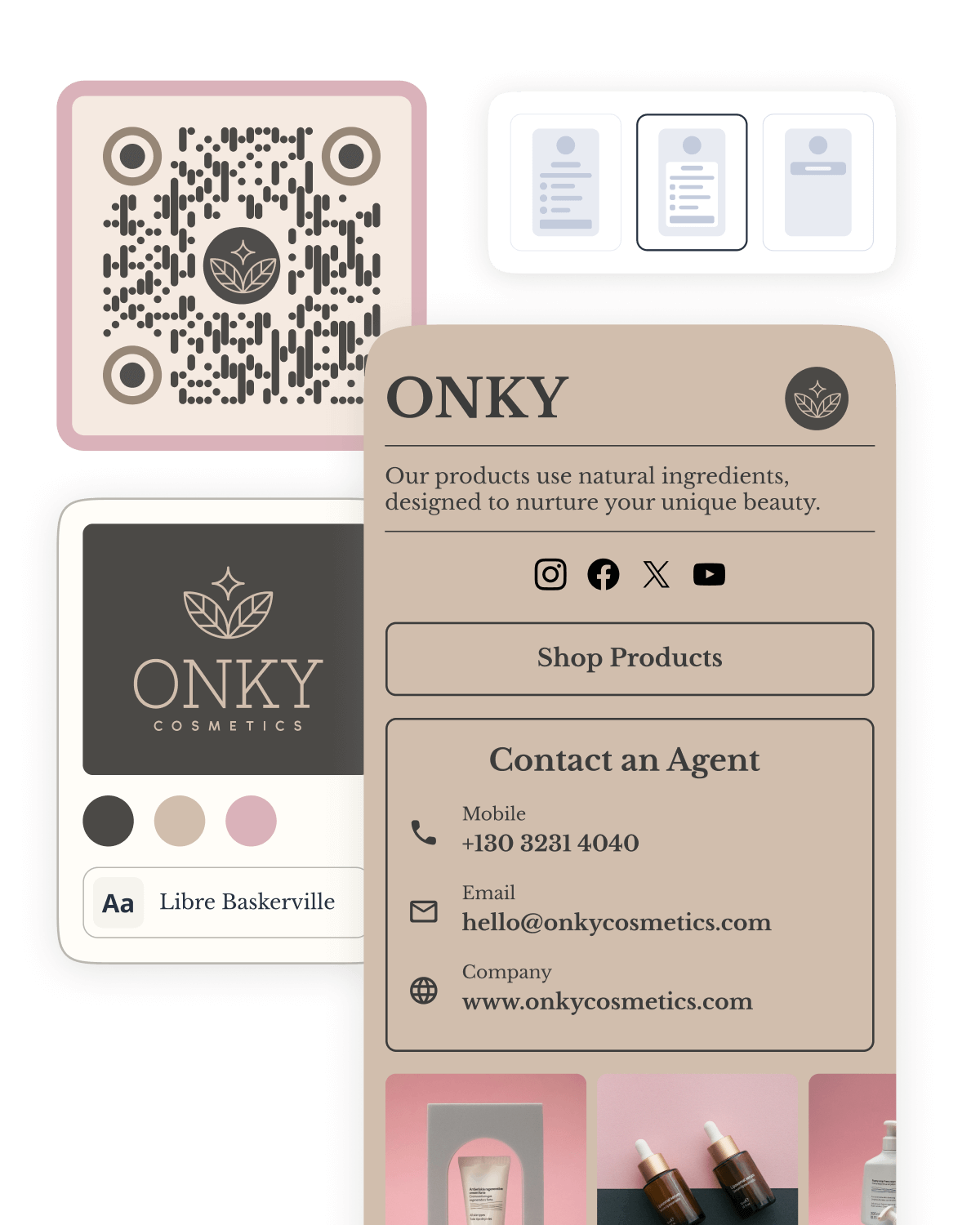
Put your brand on every digital business card
- Match your brand with custom logos, colors, and layouts across every card you share.
- Start from a ready-made digital business card template or build your own from scratch.
- Pair your card with a matching branded QR Code and link for one polished, consistent look.
Link your marketing with Bitly
Bitly makes it easy to create, share, and track short links and QR Codes. Find what’s resonating and scale it into bigger reach, more clicks, and more sales.
 URL Shortener

- AI-powered link creation
- Custom domains and back-halves
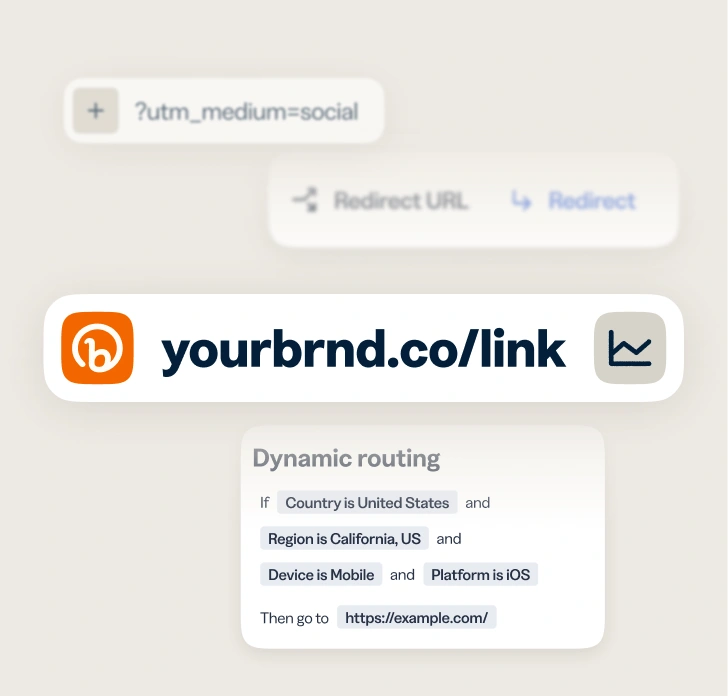
- URL redirects
- Bulk link shortening
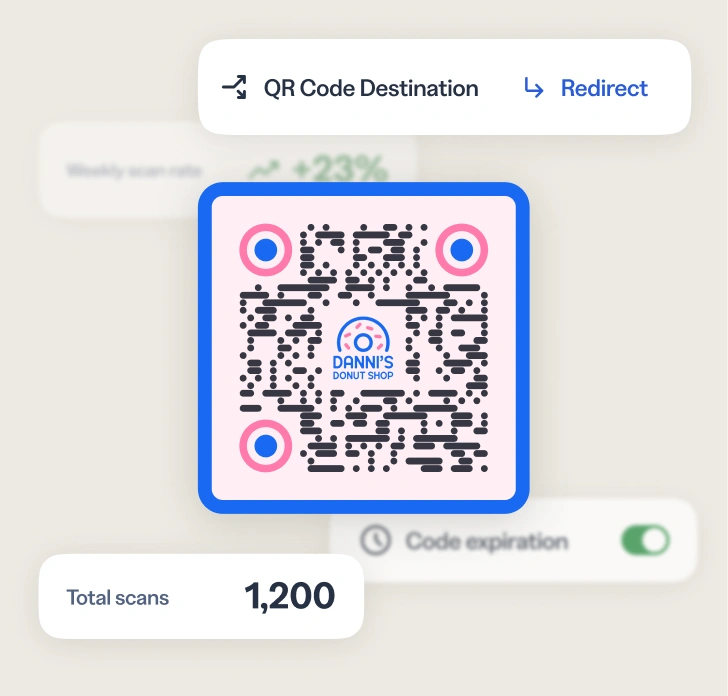
 QR Codes
- Customizable colors, patterns, and logos
- Dynamic QR Codes
- PNG/JPEG/SVG downloads
- Bulk QR Code creation
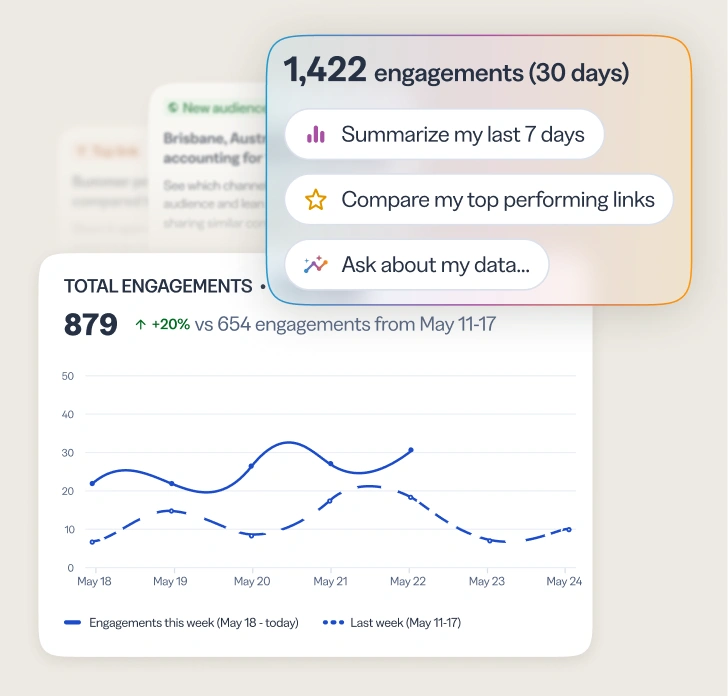
 Analytics
- Geography, referrer, and device tracking
- Cross-channel analytics dashboards
- AI-powered analytics and insights
- Campaign performance and UTMs
What our customers are saying


Melody Park
Marketing Lead at Smalls

Phil Gergen
Chief Information Officer at Koozie Group
Explore the endless possibilities with Bitly
Frequently asked questions (FAQs)
A digital business card is an online version of a traditional business card that can be shared instantly using a QR Code or link. It allows recipients to quickly access your contact information, company details, and more.
To save a digital business card, recipients simply click or tap the “Save as contact” button, prompting the download of a .vcf file to their device (available with paid plans). The .vcf file auto-populates as a new contact, which can be then edited or saved directly to their contact list.
Digital business cards will work on any mobile device, with no app needed. An internet connection is required to load the page containing the digital business card.
Creating a digital business card with Bitly is quick and simple. Follow these steps to get started today or head over to the Help Center for a more detailed walkthrough.
- Sign in to your Bitly account.
- Select Create new and choose Page.
- Select a Digital business card template or start from scratch.
- Fill in your contact information.
Want to add your digital business card to an existing Bitly Page? Here’s how you can turn any Page into a new contact opportunity.
- Sign in to your Bitly account.
- Navigate to Pages.
- Select the existing Bitly Page you’d like to edit.
- Under Build, select Add to open up the content menu.
- Select Contact info and add in your information.
- Choose Save contact info and drag your business card to the desired location within your existing Bitly Page.
Once your digital business card is ready to go, share it with others using your Bitly Page QR Code or Bitly Page link. When someone wants to save your contact information, they can simply tap “Save as contact,” and their device automatically saves your details. No manual entry required!
Depending on your Bitly plan, you can create up to 20 Bitly Pages with digital business cards. Our Enterprise plan provides customized options for businesses that need a higher volume of digital business cards.
Absolutely! With Bitly, you can edit your card details at any time. Changes are applied instantly once published, so your audiences always have access to your most up-to-date contact information.
Yes! Bitly provides detailed analytics so you can track clicks, scans, and card downloads over time to understand how your card is being used. Metrics such as digital business card downloads are available with a paid Bitly plan.
Bitly’s digital business cards help you stand out, make connections easier, and provide analytics to optimize your networking efforts. They’re customizable, eco-friendly, and perfect for professionals who want to leave a lasting impression.
You can create up to 2 Bitly Pages with digital business cards at no cost with Bitly’s free plan. With a paid Bitly plan, you can create up to 20. For businesses needing hundreds of digital business cards, our custom Enterprise plan is ideal.

Get closer to your audience
and customers today
Knowing how your clicks and scans are performing should be as easy as making them. Track, analyze, and optimize all your connections in one place.