
You can track a referral link by adding identifiers, typically UTM parameters or a unique branded link. Then you analyze the clicks, traffic, and conversions it drives in an analytics dashboard. Those identifiers turn a shared link into a measurable asset.
This setup allows you to see which promoters, channels, or campaigns bring people in. You no longer have to watch all traffic channels go into a single pile labeled «direct.»
You can measure every share with clear source data, so you know what drives results. Bitly powers more than 100 billion clicks and scans a year, so measuring link performance is core to what we do.
Key takeaways
- You track a referral link by tagging it with UTM parameters or a unique branded link. Then you read its clicks and conversions in an analytics dashboard.
- UTM parameters attach source, medium, and campaign data to a link. That way, referral clicks appear under the correct channel rather than as direct traffic.
- A branded short link gives each promoter or channel its own trackable URL, so you can compare performance by source.
- The core referral link metrics are total clicks, click source or referrer, conversion rate, and breakdowns by location and device.
- Free methods like spreadsheets and Google Analytics only work at low volume. Dedicated link management or referral software scales tracking once volume grows.
What is referral link tracking?
Referral link tracking measures how a shared link performs. You attach identifiers to the link and monitor the clicks it generates.
A plain shortened link and a tracked referral link are not the same thing. A basic link shortener only trims a long URL into something tidy. A tracked referral link carries source data, such as a UTM tag, a referral code, or a unique back-half. That data ties every click back to its source.
Referral tracking rests on two building blocks. You need unique identifiers (UTM parameters, referral codes, or one-of-a-kind links). You also need an analytics layer that reads those identifiers and reports on them.
Accurate tracking matters because referrals are a high-trust channel. Per Nielsen’s 2021 Trust in Advertising study, people trust recommendations from people they know. That trust ranks above every other advertising format.
How to track a referral link: 6 methods
You can track a referral link with UTM parameters, unique branded links, referral codes, Google Analytics, a spreadsheet, or dedicated referral software. Pick the method that matches your volume and budget. You don’t need to adopt all six at once. Here’s how each option works, and when it fits best.
Add UTM parameters to your link
UTM parameters are small tags added to the end of a link, such as utm_source, utm_medium, and utm_campaign. They tell analytics tools where a click came from. A tagged referral link looks like this:
https://yourstore.com/product?utm_source=newsletter&utm_medium=email&utm_campaign=spring_referral
Those tags fix a common tracking headache. Referral clicks no longer land in «direct» traffic while offering no clue as to their origin. With UTMs in place, each click reports its true source.
You don’t need a separate tool to apply them. Bitly’s built-in UTM tracking adds UTM parameters to your Bitly Links and QR Codes without needing a Google Analytics setup first. For more, see our guide to building UTM parameters in Bitly.
The payoff shows up in the numbers. As one Digital Marketing Manager at a mid-market IT company put it: «By using UTM parameters and shortened links, we have increased click-through rates by 12% and identified the most effective communication channels, leading to a 20% improvement in conversion rates.»
Create a unique branded link for each source
Give each promoter, channel, or campaign its own short link so you can tie every click to a specific source. When your top affiliate, your newsletter, and your Instagram bio each carry a different branded link, you can tell which one drives the most clicks.
Bitly makes this straightforward:
- We offer branded short links on a custom domain with custom back-halves. Each URL reflects your brand and the purpose of that specific link.
- You can create them one at a time, or in bulk when you need many source-specific links. Use a single comma-separated values (CSV) file, or our open application programming interface (API).
- Infinitely editable destinations. Every link continues to work seamlessly even if the target URL changes later.
Branding pays off in engagement, too; branded links earn 2.3x more clicks than unbranded ones. A recognizable referral link gets shared and clicked more often.
QR Codes carry the same tracking features for offline or print referral sharing. Drop a branded QR Code on packaging, an event banner, or a flyer. Every scan reports back just like a click. For more, read our overview of tracking-link setup and analytics.
Use referral codes
A referral code is a unique identifier a person enters at signup or checkout. It credits the referrer. Instead of clicking a link, the new customer types in something like FRIEND25. The system records who sent them.
Codes work best in situations where links are awkward to share, such as during offline word-of-mouth recommendations or app store installs. In practice, codes and links often work together, delivering whichever functionality suits the moment.
Note that dedicated referral software is required to handle code redemption and reward workflows, not a link tool.
Track referral traffic in Google Analytics
Google Analytics 4 (GA4) reports referral traffic by source and medium. It works best when your links include UTM parameters. Add the tags, and GA4 files each referral click under the matching source, medium, and campaign automatically.
For the official setup, follow Google Analytics Help on UTM and campaign data. Build your tagged URLs with the free Google Campaign URL Builder.
Bitly works alongside Google Analytics rather than replacing it. Our link-level Bitly Analytics show clicks the moment they happen. You get an immediate, link-by-link view while GA4 handles broader site reporting.
Log referrals in a spreadsheet
A spreadsheet is the free, low-volume starting point for referral tracking. Use a simple sheet that lists each referrer, their link or code, and their performance. It costs nothing and takes minutes to set up.
A useful referral tracking spreadsheet includes these columns:
- Referrer name
- Unique link or code
- Channel
- Clicks
- Signups or sales
- Conversion rate
- Reward status
The catch is upkeep. A spreadsheet relies on manual updates, so it becomes slow and unreliable as your referral volume grows. It’s a fine place to begin and a poor place to scale.
Use dedicated referral or affiliate software
Graduate to referral or affiliate software when you need automated reward payouts, referrer dashboards, and fraud checks. Manual methods and link tools don’t provide those. These platforms manage the program itself, from tracking who referred whom to issuing the reward.
Many teams pair two tools rather than choosing one. Use a link platform for trackable, branded links and click analytics, and referral software for reward management. If you’re just getting started, read our guide on how to get affiliate links.
How to create a trackable referral link with Bitly
You can build a trackable referral link in Bitly in six steps, from raw URL to real-time data.
- Paste your destination URL into Bitly to create a short link.
- Add UTM parameters with the UTM builder so the link reports its source, medium, and campaign.
- Customize the branded back half so the link is recognizable and clearly tied to a specific source.
- Share the link, or download it as a QR Code for offline use and printing for referrals.
- Open Bitly Analytics to watch clicks by source, location, and device in real time.
- Export the data as a CSV or pull it via the API for reporting.
Every step stays inside Bitly, and the platform tracks and reports on your referral links. It doesn’t distribute rewards or run a referrer portal. Pair it with referral software when you need those features.
Which method for tracking referral links is right for you?
The right method depends on your volume, your budget, and whether you need the system to handle rewards automatically. Use this table to match each method to the job it does best:
| Method | Best for | Cost | Tracks clicks and source | Scales |
|---|---|---|---|---|
| UTM parameters | Attributing clicks to a source in analytics | Free | Yes | Yes |
| Branded links (Bitly) | Giving each source its own trackable link | Free and paid plans | Yes | Yes |
| Referral codes | Offline sharing and manual credit at signup | Varies | Partial | Yes |
| Google Analytics | Site-wide traffic reporting by source | Free | Yes | Yes |
| Spreadsheet | Low-volume, manual tracking | Free | Manual | No |
| Dedicated referral software | Automated rewards and referrer dashboards | Paid | Yes | Yes |
For creating and tracking referral links, branded links plus UTM parameters give you a clear view of clicks and sources. Add dedicated referral software on top only when you need automated rewards and referrer management.
Referral link metrics that show what’s working
The core referral link metrics are total clicks, click source or referrer, conversion rate, and breakdowns by location and device. Track these four, and you’ll know whether a link is working and why. Here’s what each metric tells you, on its own:
- Total clicks: the number of times people opened the link.
- Click source or referrer: which channel or platform the click came from.
- Conversion rate: the share of clicks that became signups, purchases, or trials.
- Location and device: where and on what device people click. Use this data to tailor campaigns.
Teams running software-as-a-service (SaaS) referral programs watch two more metrics: referral conversion rate and revenue attribution. Those metrics tie referred users back to paying customers.
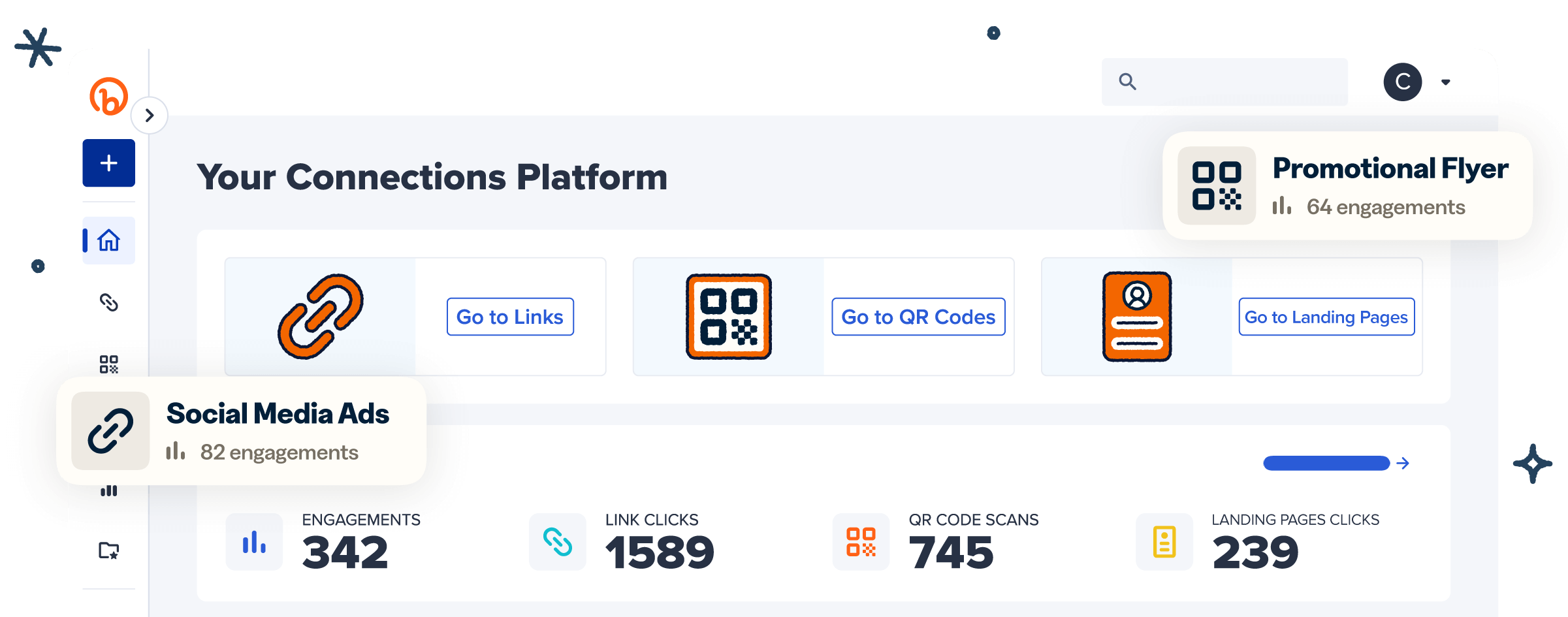
Bitly Analytics brings all of this into one view. You see clicks and scans together, filtered by date. You can break results down by referrer, location, and device, with real-time monitoring and data export. You can also review short link tracking and analytics for more detail on each report.
Clear attribution changes how teams make decisions. As Christophe Dutoit of Sublime Ton Talent shared: «Before using Bitly, it was difficult to clearly identify which marketing channels were generating traffic. With Bitly, we can now track link performance across campaigns and understand which sources drive the most engagement.»
Start tracking your referral links with confidence
Tracking a referral link means tagging it and reading the data. The method you choose should match your volume and your goals.
A clear next step is to create a branded, UTM-tagged link and monitor its performance in a single dashboard. You’ll see every click, source, and conversion in real time.
Get started for free and turn every share into data you can act on.
Frequently Asked Questions
How do I track a referral link for free?
You can track a referral link for free by adding UTM parameters and logging clicks in a spreadsheet or Google Analytics. Bitly’s free plan lets you create and monitor trackable short links at low volume.
How do I know if my referral link is working?
Open your link’s analytics to check its total clicks. Then compare clicks to signups or sales to see its conversion rate. A link that gets clicks but no conversions signals a landing page or offer problem, not a sharing problem.
Can I track a referral link in Google Analytics?
Yes. Add UTM parameters to the link. Google Analytics reports the clicks under the matching source, medium, and campaign. You can see referral traffic separately from direct traffic.
What is the difference between a referral link and a referral code?
A referral link is a clickable URL that credits the referrer automatically when someone clicks it. A referral code is a short identifier a person types in manually at signup or checkout. Many programs offer both, so people can share whichever fits the channel.
How do I track referral link performance across multiple channels?
Create a unique branded link for each channel and tag each one with UTM parameters. Then view all of them in a single analytics dashboard. Compare clicks and conversions side by side.